12
Basic Operation
Power on/off
1. Connect to the power.
2. -To turn on the TV
Press POWER
STANDBY
button on the
TV or remote control.
Press POWER
STANDBY
button on the TV or remote control.
-To turn off the TV
Input Source select
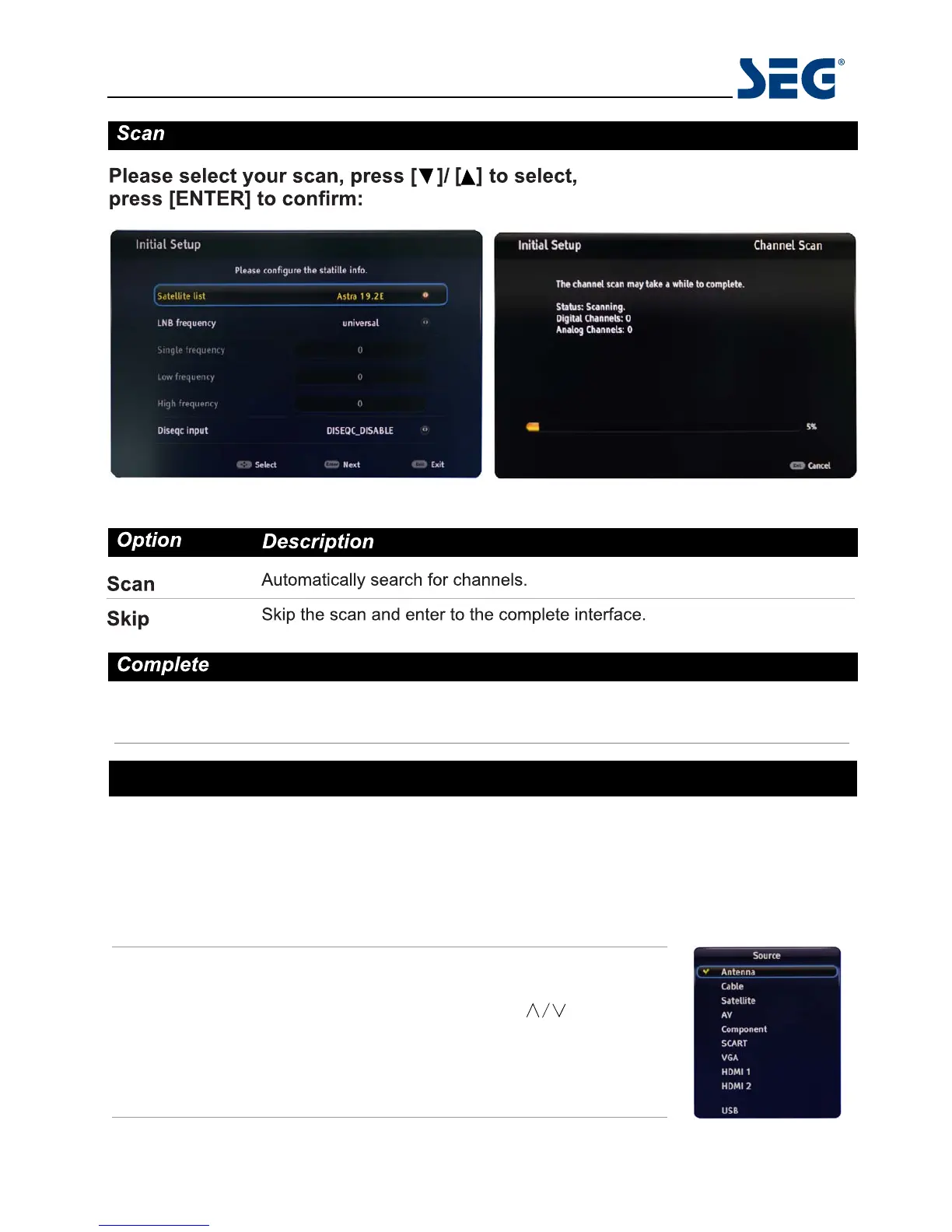
Press SOURCE button on the TV set or remote control to display input
source menu, and use CH+/- button on the TV set or
button
on remote control to select the input source, press OK button on the
remote control to enter.
Note: Before you select the input source, make sure the
connections are prepared.
80cm (31.5") LED BLU-TV Sydney
HDMI 3


 To Next Page