Enter
Return to
previous
screen/Cancel
Select/Deselect all
files corresponding
to the same game
(see page 21)
Icon selection
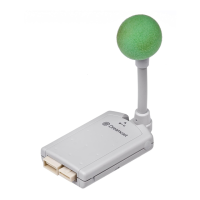
Memory card
(sold separately)
Dele ting files
You can delete selected files from a selected memory card.
1
On the file menu screen, select the file to be
deleted and press the A Button (Enter).
2
Select “Delete” and press the A Button (Enter).
3
After confirming the file, select “Yes” and
press the A Button (Enter).
A completion message is displayed.
Press the A Button to return to the file menu screen.



 To Next Page
 Loading...