9
15. Fine-Tuning
14. 3-D Flips
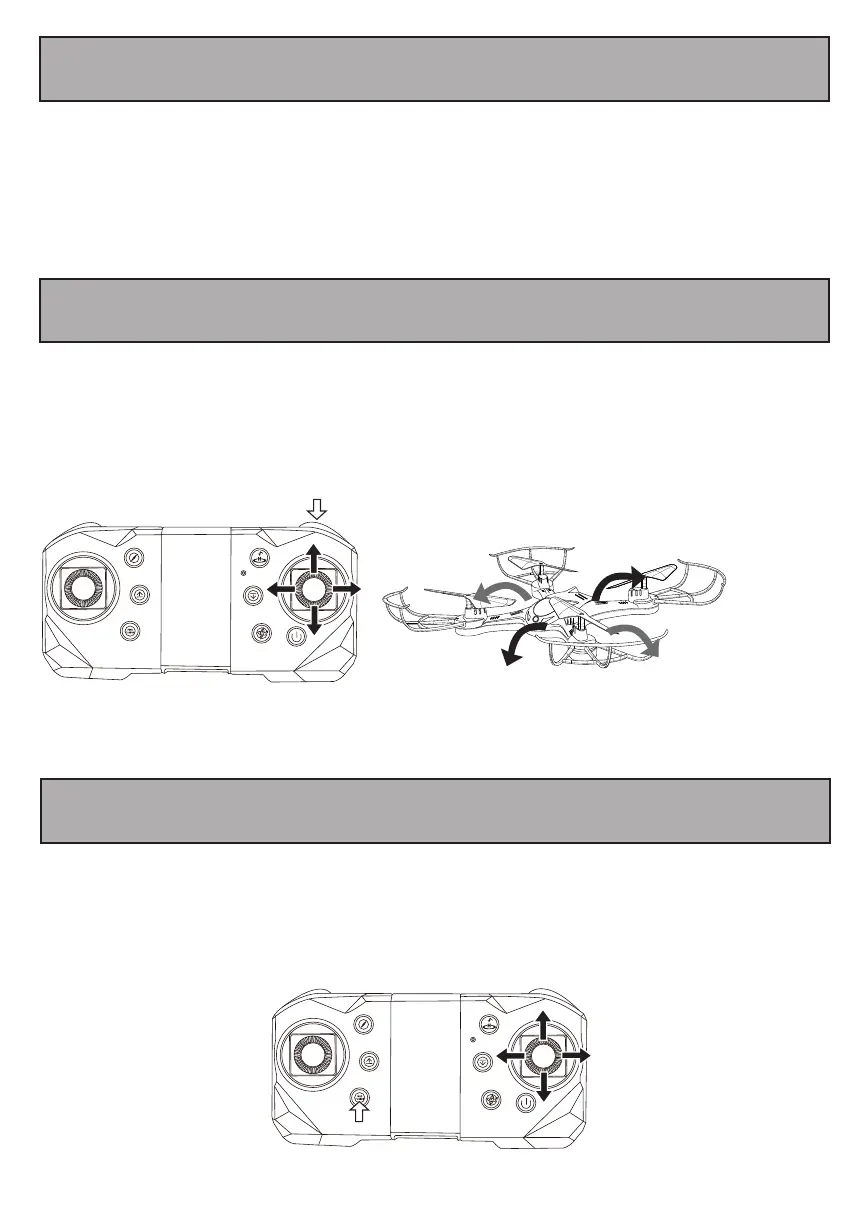
Your drone can perform 3-D flips using the flip button and the directional control stick.
To perform a flip, make sure your drone is at least 3 meters above ground, then press the flip button while
pushing the directional control stick i one direction. The drone will flip
13. Speed Adjustment
Your drone has three speed settings (Low, Medium, High). Press the Speed button on the top left side of your
remote control to adjust the speed at which your drone flies.
If your drone seems to be flying uncontrollably or in a disoriented way. Press and hold the Fine-Tuning button
until you hear a beep, then push the directional lever in the opposite direction that your drone is flying in until
the drone holds still. This will help calibrate the drone so that it will fly correctly.


 To Next Page