7
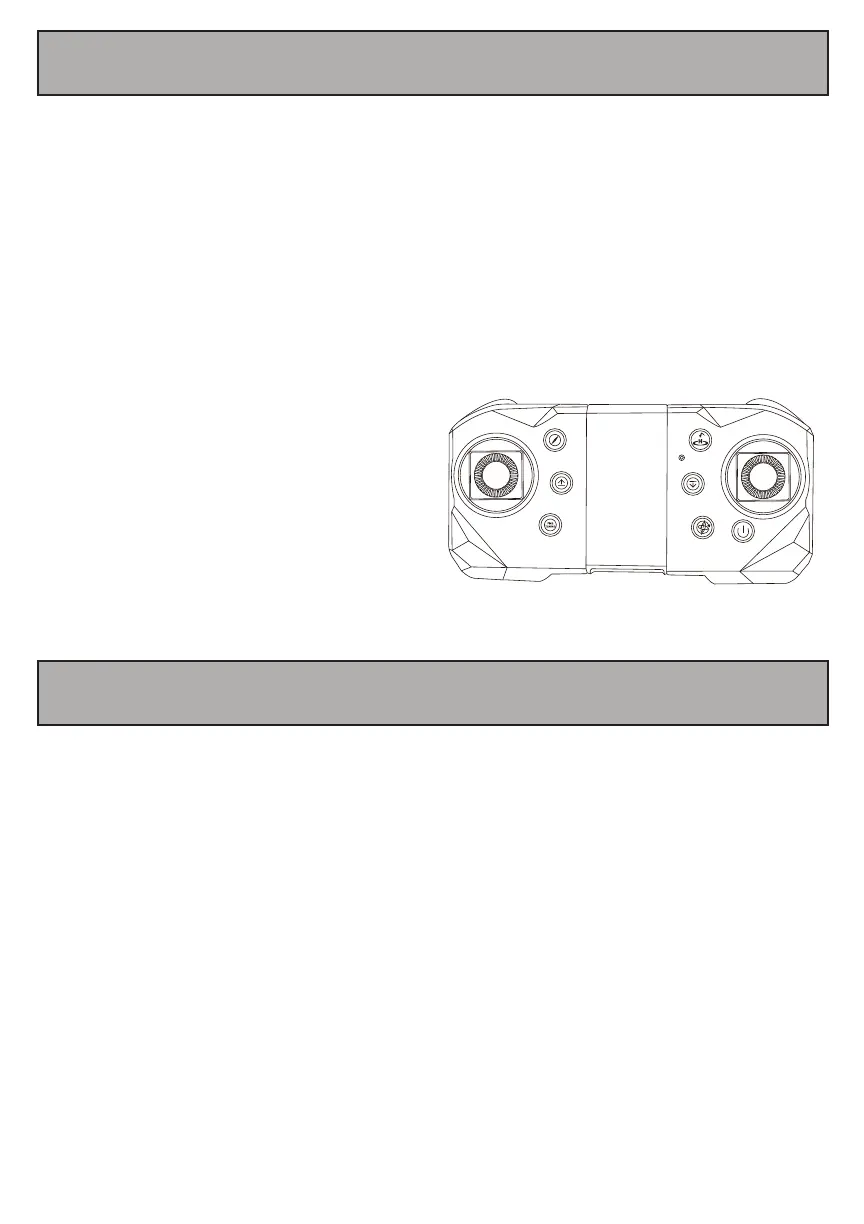
10. Synchronizing Your Remote and Drone
11. Connect your camera
To power on your drone, make sure that the battery is inserted and fully charged.
Slide the power switch located at the rear of the drone to the ’on’ position to turn your drone on.
Follow the steps below in order to synchronize your drone and remote control for flight.
Press the power button on your remote control, Push the throttle stick all the way up,
and then pull it all the way down, next, push the remote control stick to top again.
The indicator lights on your remote and drone will flash when powered
on and then stop flashing and shine steadily when both are synchronized.
App name: XXXX
Download the APP from Google store or App store by seach the name of APP
Find the wifi signal,( wifi name:xxxx) from your smart phone, connect it and click
“Start”on App homepage.
You can record video or take photo also by click the button on the APP or you can use
the Remote control to take photo or record video


 To Next Page