EasyManua.ls Logo

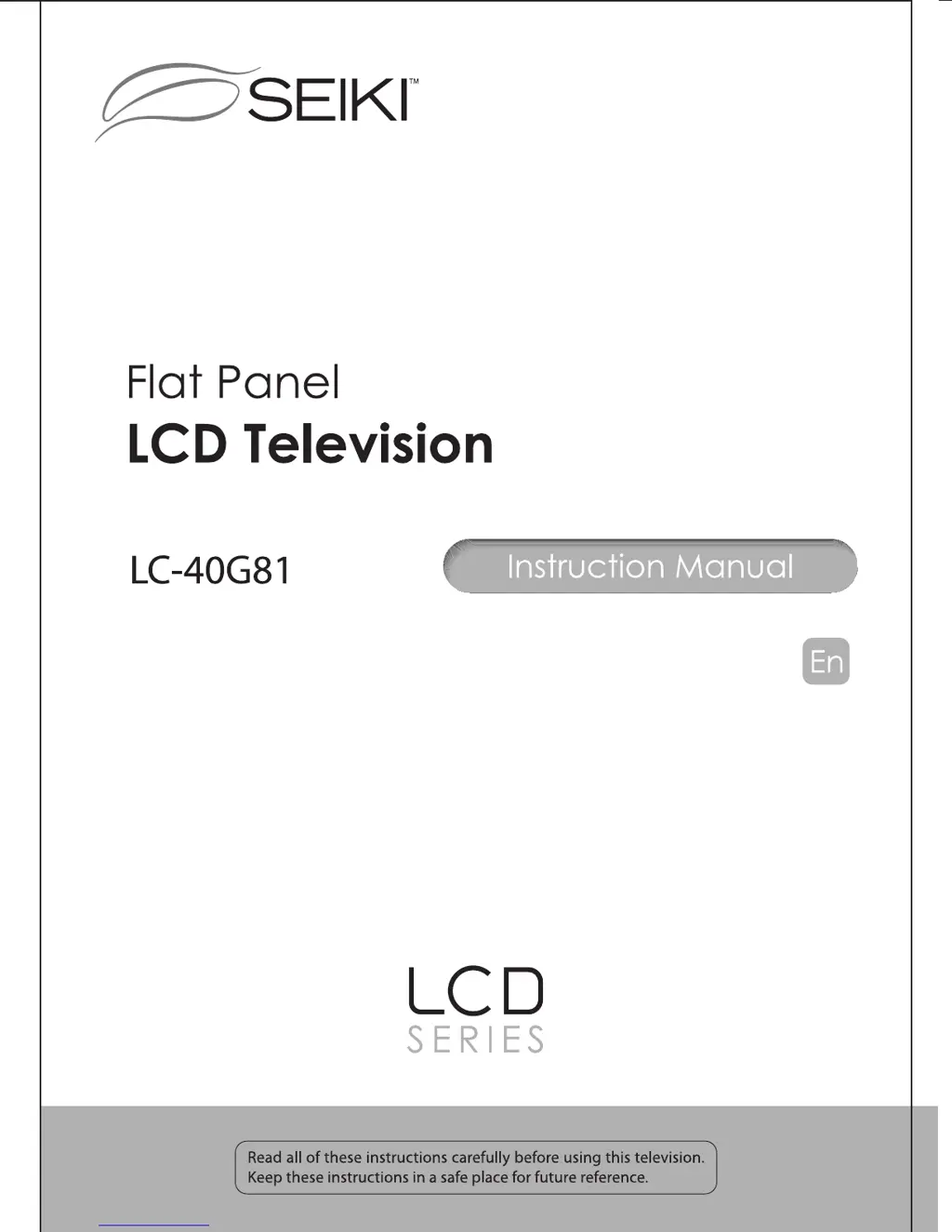
Seiki LC-40G81 - User Manual

Seiki LC-40G81
27 pages
Print Icon
To Next Page IconTo Next Page
Loading...

Other manuals for Seiki LC-40G81

Questions and Answers

  • J
    Joseph ChambersJul 31, 2025
    Why is there no sound on my Seiki LC-40G81 LCD TV?
    • C
      chelseagoldenAug 1, 2025
      If your Seiki LCD TV has no sound, first ensure that the sound is not muted. Also, verify the volume settings to ensure they are not set too low. If you are using external leads, check that all of them are properly connected.
  • S
    sherriwarnerAug 6, 2025
    What to do if my Seiki LCD TV shows a blue screen?
    • C
      Christopher HayesAug 7, 2025
      If your Seiki LCD TV displays a blue screen, the cause may be either no signal or an incorrect source being selected. Try pressing the INPUT button to choose the correct source.
  • S
    Stacy JuarezAug 12, 2025
    How to fix a noisy picture on Seiki LC-40G81?
    • R
      Richard GarciaAug 12, 2025
      If your Seiki LCD TV picture is noisy, snowy, or ghosting, it might be due to a poor antenna signal. If you're using an indoor antenna, try adjusting its position and check all antenna connections.
  • A
    Andrea MaxwellAug 18, 2025
    What to do if my Seiki LC-40G81 is dead and no LED is lit?
    • A
      Ann PhelpsAug 18, 2025
      If your Seiki LCD TV is completely dead and no LED is lit, the problem might be due to no power reaching the TV. Check all connections to the TV's AC socket.
  • A
    Austin RobinsonAug 25, 2025
    What to do if my Seiki LC-40G81 is dead, but the LED is lit orange?
    • S
      srossAug 26, 2025
      If your Seiki LCD TV appears dead but the LED is lit orange, it may be in standby mode. Try pressing either the Power button or the Standby button on the remote control.

Summary

Safety Information

Electrical Safety

Safety precautions related to electrical connections and usage.

Physical Safety

Safety precautions regarding the physical handling and placement of the TV.

Getting Started

Remote Control Functions

Remote Control Key Functions

Explains the purpose and operation of each button on the remote control.

Operating Your Television

Initial Setup and Basic Operations

Covers turning TV on/off, language selection, and volume adjustment.

Parental Menu Options

Troubleshooting and Maintenance

Common TV Problems

Lists common symptoms, causes, and remedies for TV issues.

Maintenance and Care

Guidance on cleaning the TV screen, cabinet, and protection during extended absence.

Seiki LC-40G81 Specifications

General IconGeneral
Screen Size40 inches
Display TypeLCD
HDMI Ports3
USB Ports1
Refresh Rate60 Hz
Backlight TypeLED
Aspect Ratio16:9
Sound Output10W x 2
Resolution1920 x 1080 (Full HD)
Viewing Angle178° (H)
Input PortsComponent, Composite

Related product manuals