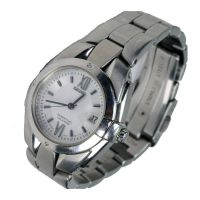
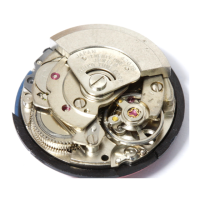
Mechanical watch characteristics (Hand-wound, auto-wound)
• This is a mechanical watch powered by a spring.
• To use it from a stopped state, turn the crown 20 turns by hand to wind up the spring before starting the
watch.
• Although the accuracy of quartz watches is measured in differences over months or years, in mechanical
watches it is measured in differences per day (i.e., the amount the watch speeds up or slows down in a
single day).
• Additionally, mechanical watches are subtly affected by the conditions in which they are used (e.g.,
duration worn, temperature, arm movement, the amount wound, etc.) ; thus, the amount of error is not
constant.
• When affected by a strong magnetism from outside, a mechanical watch may lose/gain time temporarily.
The parts of the watch may become magnetized depending on the extent of the effect. In such a case,
consult the retailer from whom the watch was purchased since the watch requires repair including
demagnetizing.
EN
8
1
HOW TO USE
Names of the parts and their functions
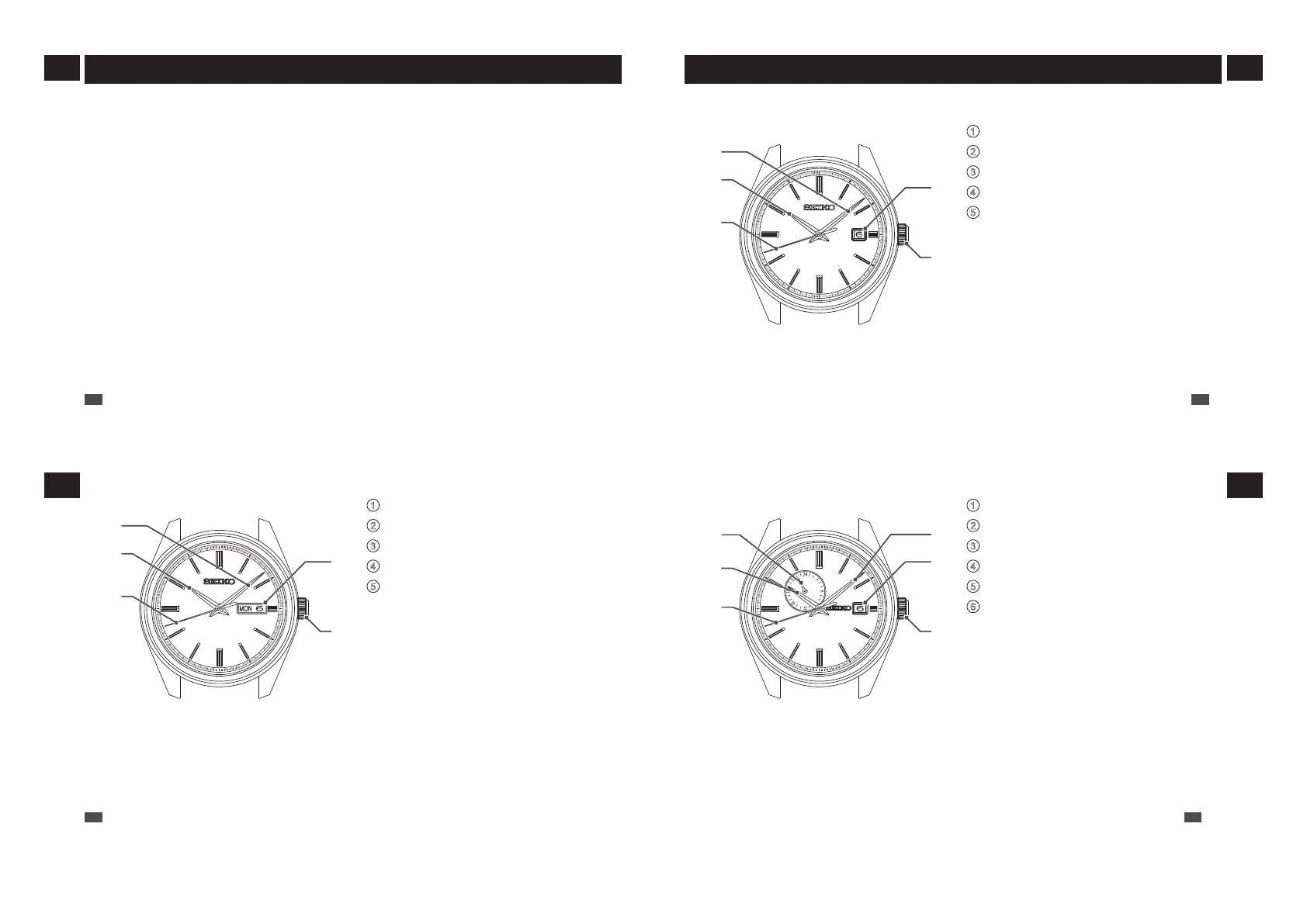
■ 4R35
1
Minute hand
2
Hour hand
3
Seconds hand
4
Date
5
Crown
• Normal position (not locked): Wind up the
watch (hand-wound)
• First click position: Date setting
• Second click position: Time setting
* The position and design of the display may vary depending on the model.
1
4
5
2
3
EN
9
1
HOW TO USE
■ 4R36
1
Minute hand
2
Hour hand
3
Seconds hand
4
Date and day of the week
5
Crown
• Normal position (not locked): Wind up the
watch (hand-wound)
• First click position: Date and day of the week
setting
• Second click position: Time setting
* The position and design of the display may vary depending on the model.
1
4
5
2
3
EN
10
1
HOW TO USE
■ 4R37
1
24-hour hand
2
Hour hand
3
Seconds hand
4
Minute hand
5
Date
6
Crown
• Normal position (not locked): Wind up the
watch (hand-wound)
• First click position: Date setting
• Second click position: Time setting
* The position and design of the display may vary depending on the model.
1
5
4
6
2
3
EN
11
1
HOW TO USE



 To Next Page