English
English
10 11
HOW TO SET THE TIME AND DATE, HOW TO
USE THE TIME DIFFERENCE ADJUSTMENT
FUNCTION
l
How to set the time
•
When setting the time, ensure that the watch is working: the second hand is
moving at one-second intervals.
•
In a case that the watch is completely stopped due to a shortage of stored elec-
trical energy, recharge the watch until the second hand resumes the normal
one-second interval movement, and then reset the time and calendar. (Refer to
"IF THE SECOND HAND STARTS MOVING AT TWO-SECOND INTERVALS" on
page 28.)
•
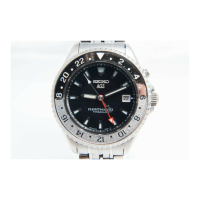
The 24-hour hand can be used in two ways. Since the time setting procedure
differs according to the usage, please choose the method before setting the
time.
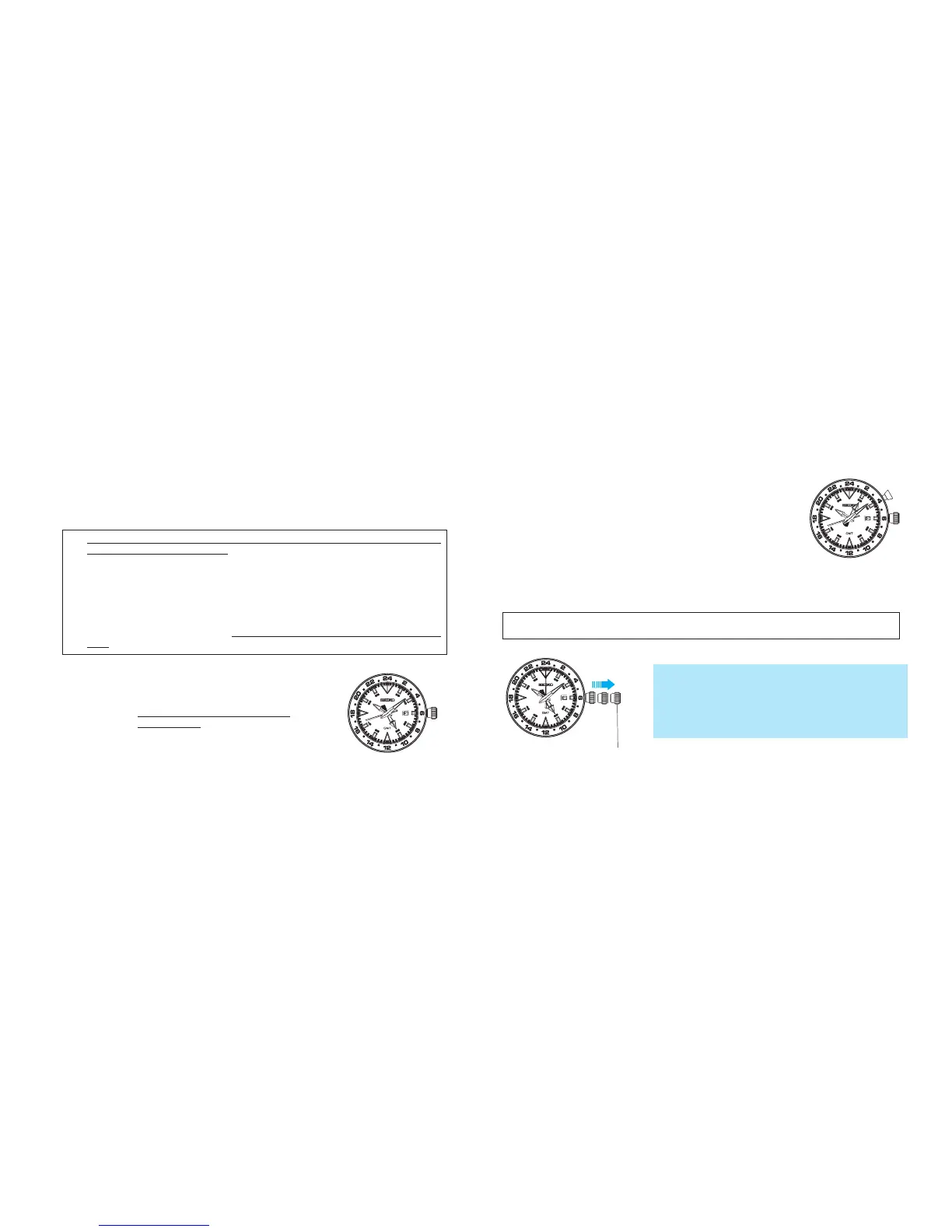
<Method 1> Simply using the 24-hour hand to show
the 24-hour time as an AM/PM indicator.
• This is the standard usage for the
24-hour hand.
<Method 2> Using the 24-hour hand to indicate the time
in a different time zone.
• For instance, by setting the 24-hour hand to
GMT while setting the hour and minute
hands to indicate the time in your area, you
can easily check GMT with the 24-hour hand
at any time.
How to set the 24-hour hand as a regular 24-hour indicator
<When method 1 usage is selected>
Second click position
1. Pull out the crown to the second click.
* Pull the crown out when the second hand is at the
12 o’clock position and the second hand will stop
on the spot.
* When setting the time, ensure that the watch is
working: the second hand is moving at one-second
intervals.



 To Next Page