14
English
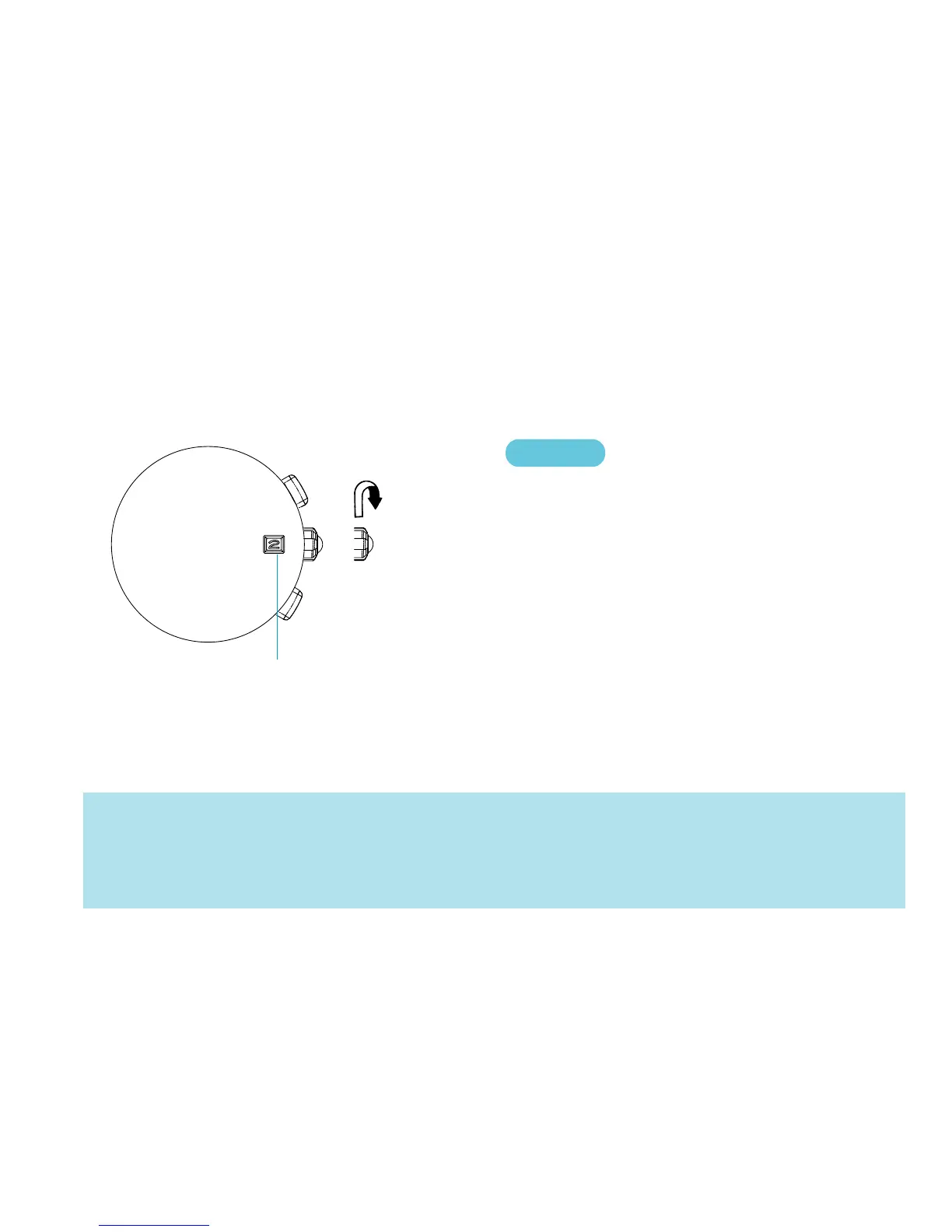
SETTING THE DATE
● Before setting the date, be sure to set the main time.
➠
➠
CROWN
Pull out to first click.
▼
Turn clockwise until the desired date
appears.
▼
Push back in to normal position.
Date
1. It is necessary to adjust the date on the first day after a 30-day month and February.
2. Do not set the date between 9:00 p.m. and 1:00 a.m. Otherwise, the date may not change properly.
3. Do not press button B when the crown is at the first click position, as this will move the ALARM hands.



 To Next Page