21
Cleaning the Printer
When Using the Cleaning Card
1. Remove label stock from the printer.
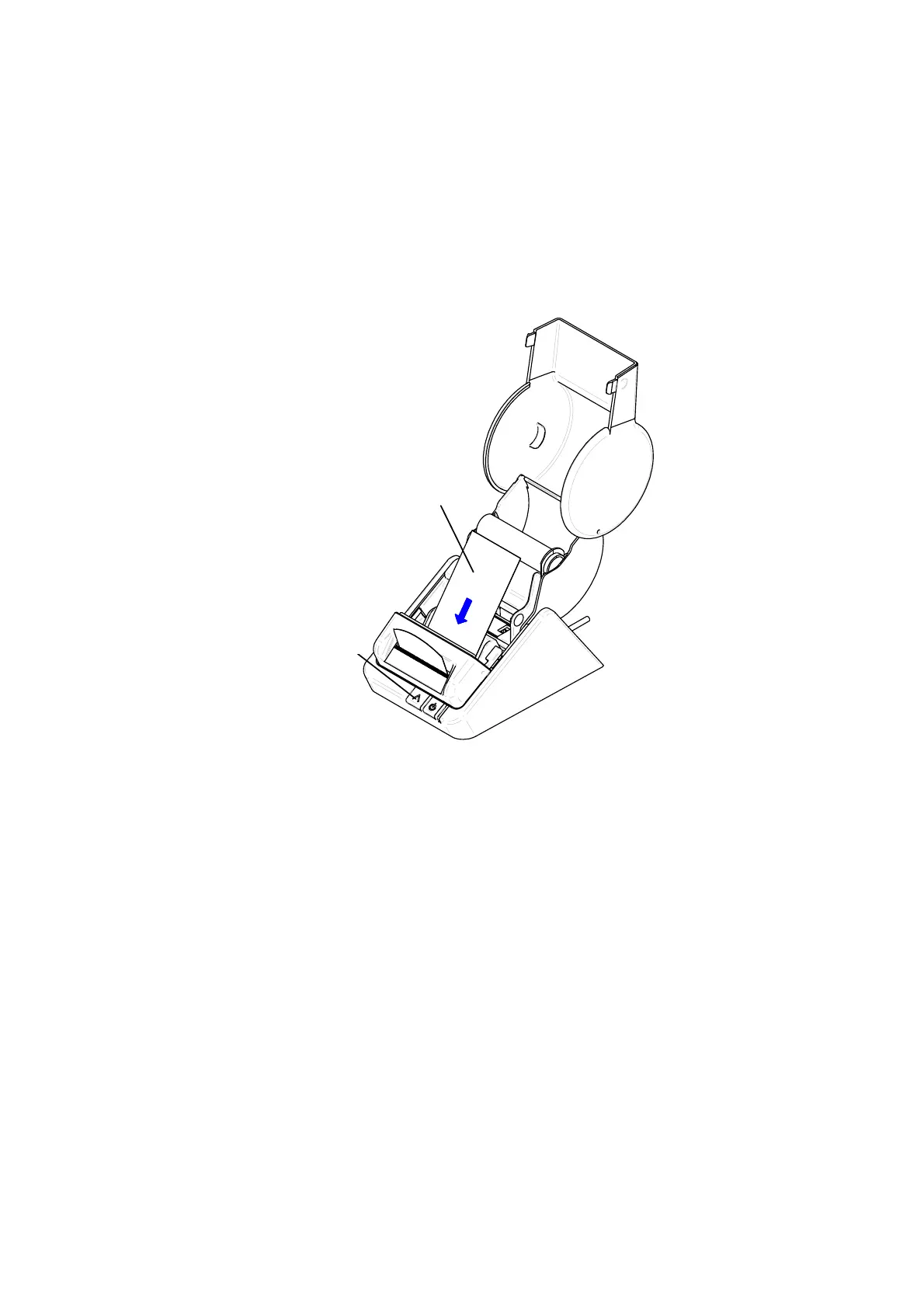
2. Insert the Seiko Smart Label Printer Cleaning Card (SLP-CLNCRD).
3. The Cleaning Card should feed automatically or you can press the Form Feed Button to manually
feed the card in a couple of times (you may also gently pull the card to guide it through the Platen).
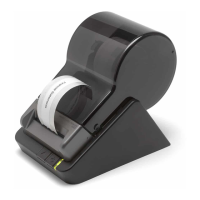
Cleaning Card
Form Feed button
4. Properly dispose of the used card.
Form Feed Button
Cleaning Card


 To Next Page