25
Spellchecker
● Selecting the Spellchecker level
1. If you want to reset the level, turn on the power by
pressing while holding down . The
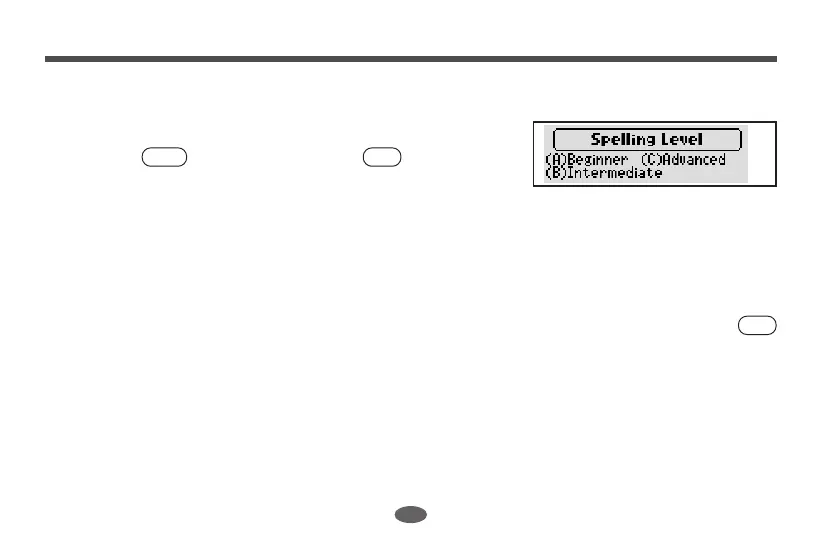
screen from which you can select the Spellchecker
level will appear. (See page 10.)
(A) Beginner: Approximately 63,000 words (student level)
(B) Intermediate: Approximately 128,000 words (general and business use)
(C) Advanced: Approximately 260,000 words (specialist use)
2. Select the level you require by pressing the corresponding key. For example, press
if you wish to select the “(A) Beginner” level.
* If the spelling of an input word tallies with that of a word in the full vocabulary list of
260,000 words, the message “Correct!” will appear regardless of the level you’ve
selected.
* Examples at the “Intermediate” level are used in the explanation.
A
ON/OFF
L



 To Next Page