7
English
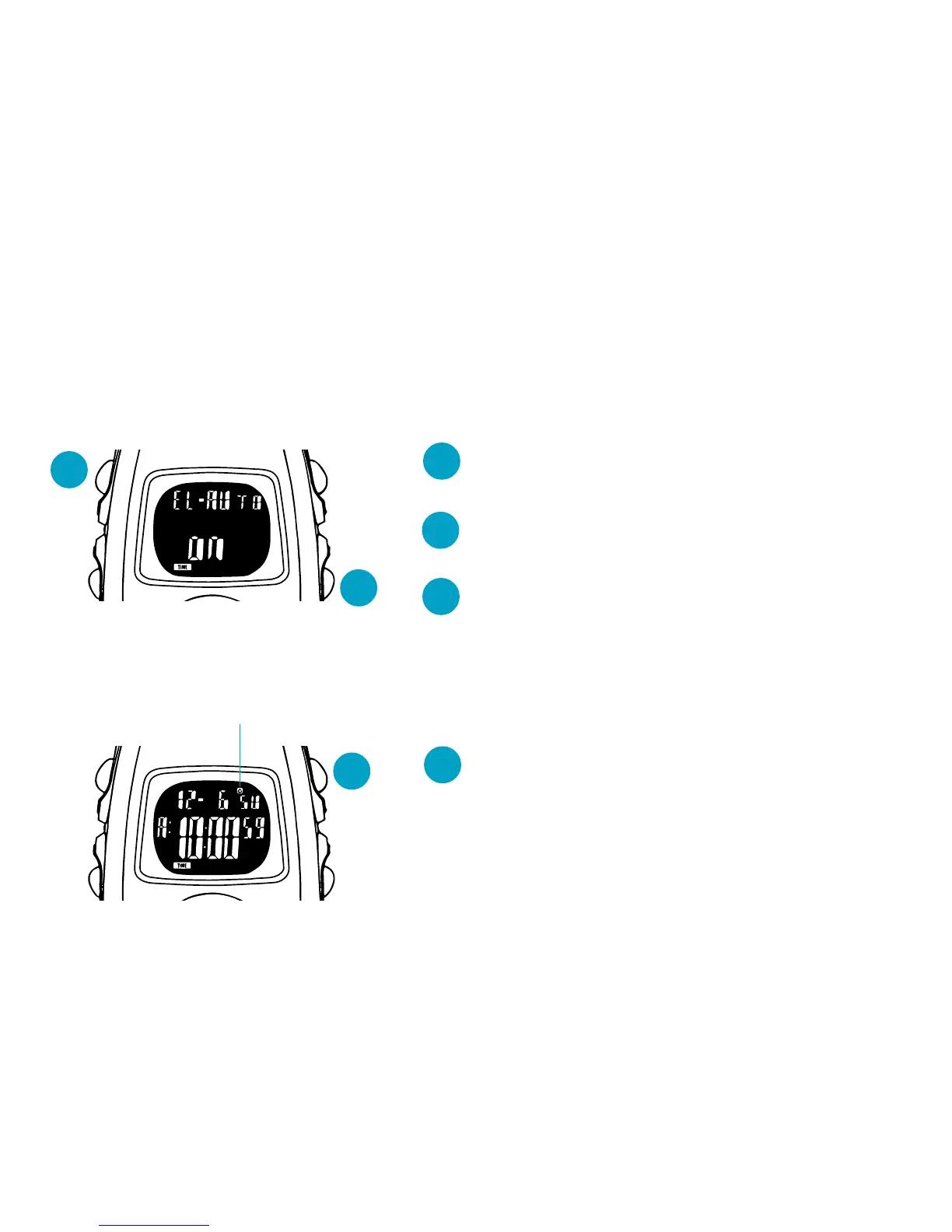
● TURNING ON/OFF OF THE AUTO ILLUMINATION
✩ The display is illuminated for 2 seconds with each press of any of the buttons.
✩ While the stopwatch or timer is counting, the display is illuminated for 2 seconds every
minute to signal the lapse of time.
D
B
B
Press and hold for 2 to 3 seconds in TIME/
CALENDAR mode.
▼
D
With each press, the auto illumination is
alternately turned on and off.
▼
B
Press to return to TIME/CALENDAR mode.
● TURNING ON/OFF OF THE HOURLY TIME SIGNAL AND BUTTON OPERATION
CONFIRMATION SOUND
C
C
With each press in TIME/CALENDAR
mode, the hourly time signal and button
operation confirmation sound are alter-
nately turned on and off.
Hourly time signal mark



 To Next Page