Instruction Manual Roundshot VR Drive - version 4.0 – January 2010 - © by Seitz Phototechnik AG / Switzerland www.roundshot.ch page 6
2.1 Setting up the VR Drive Panorama Set (continued)
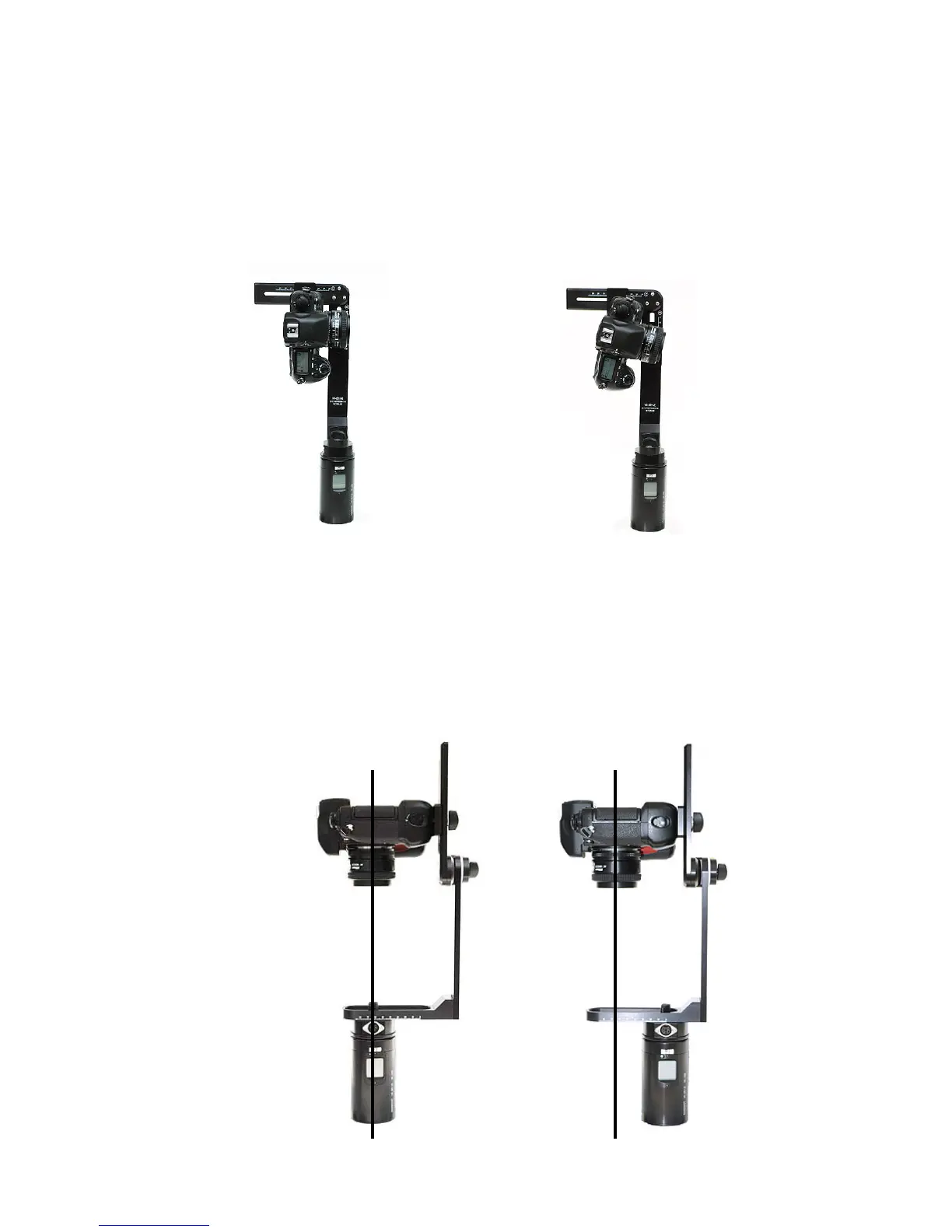
Step 4: Attach the camera in such a way that the camera is positioned in an exact 90°
angle to the horizon (y-axis). This can be checked with a separate spirit level.
Step 5: Center the camera in the x- and y axis (A+B)
Rotate camera with lens pointing downward using the rotation lever (D).
The camera viewfinder now points on the adjustment bar for x-axis (A). Center the
camera by shifting its position on the x-axis and y-axis (A+B). Rotate the camera back
in its original position (D).
Correct: Wrong:
Shifting along
the x-axis



 To Next Page