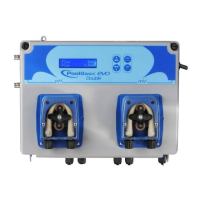
PoolDose | pH · ORP
0000138981 rev. 1.0 EN
5. SETUP INSTRUCTIONS POOLDOSE SYSTEM
Program Setup – Press for 5 seconds
At the entry of each menu item, the parameter can be directly modified using the arrow keys ( and ).
Confirmation of the current setting and switching to the next item is done by pressing the button.
The menu has a circular structure: once you arrive at last item, the confirmation of the parameter set by
pressing , determines the return to the first menu item.
1 Language – It is possible to select between 5 available languages: EN, FR, IT, DE, ES
2 Setpoint – 7.4pH (5-9pH) / 700mV (300-900mV)
3 Type_dosing – Acid (Acid/Alka) / Low (Low/High)
4 Time_on = 30seconds (range from 1 to 360 seconds)
5 Time_off = 60seconds (range from 1 to 360 seconds)
6 Advanced menu
4.1 Select Measure – (pH/ORP)
4.2 Circulation pump – (Enabled/disabled)
4.3 Temp. compensation – (Auto/Manual 25°C, range 15…45°C)
4.4 Temp. probe Calibration – Reference (PT100 sensor) or Disabled
4.5 OFA_OFF – (0-60min.)
4.6 Input Flowrate
§ Pulse/ liter 1:1
§ Unit measure m³, l.
4.7 Calibration
§ Two points
§ Single point
§ Referece
4.8 Peristaltic dosing type
§ On/Off
§ Timed
§ Prop
§ Off
4.9 Aux Relay (Off/On)
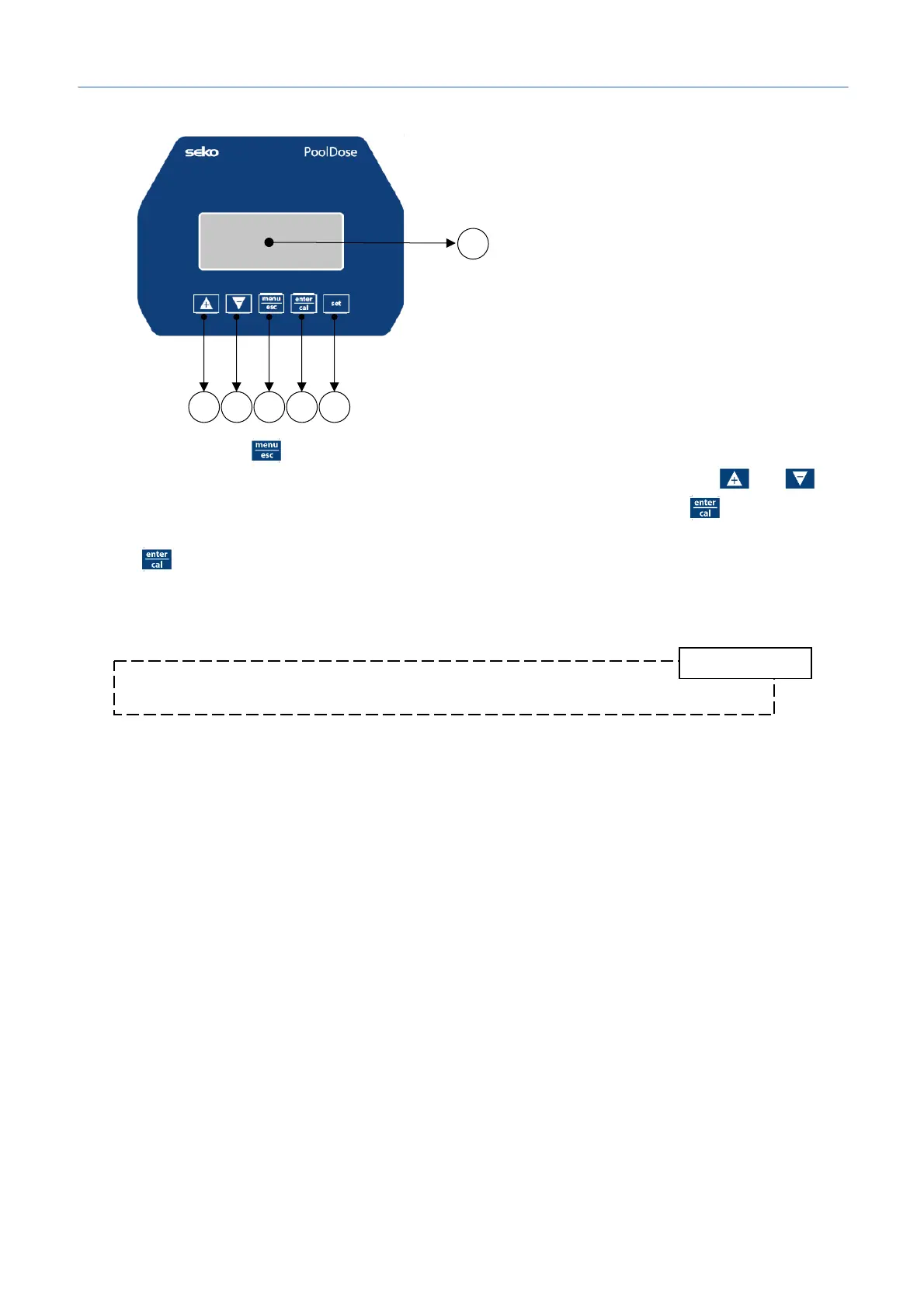
1) Button to increase the value
2) Button to decrease the value
3) Button Menu/Esc
4) Button Cal/OK
5) Button to set the setpoint
6) Digital display


 To Next Page