TEC Series v 3.2X
Page 22
MODEM COMMUNICATIONS continued
If another terminal communications program is used, interactive control of the TEC is possible, but
uploading and downloading of information is not possible Uploading and downloading requires Selcom
7 or Newer. Set the terminal communications parameters to 8, N,1 and Vt-100 emulation, then call the
phone number attached to the TEC. The required dial out prefix for most Hayes™ compatible
modems should be ATE1V1S7=180DT and the phone number. If your software supports terminal
emulation, set it to VT-100B emulation. If it does not, program the TEC terminal type in Pg. 52 from VT
-100B to "dumb" terminal mode. When the personal computer calls the TEC, it will answer after 3
rings (this assumes the factory default of three rings has not been changed). After the modems begin
communicating, the message CONNECT XXXX will appear on the screen. If the message CONNECT
appears without being followed by XXXX, then the modem has dropped down to 300 baud. Either the
phone line signals are noisy or your personal computer modem may be capable of only 300 baud.
Next, this prompt will appear on the CRT screen of your personal computer:
PASSWORD
You have 10 seconds to begin entering the password. If you wait more than 10 seconds before
entering the password the TEC will revert back to normal operation and you will have to call the TEC
again.
All TEC systems leave SES with a factory password of 777777. As the password is entered,
the screen will replace each character with an “*” to keep the password confidential. After the
password is entered, the main menu will be displayed. If more than 60 seconds elapse without a
keystroke, the TEC will disconnect. It will then be necessary to call the TEC again. In order to prevent
unauthorized persons from accessing the TEC through a phone line the TEC will disconnect if any
keys are entered before the PASSWORD appears on the screen. To exit from programming, press the
"Esc" (escape) key. Due to the large number of communications programs, it is not possible for SES
to support any terminal communications programs except Selcom 7 or newer.
COMPUTERS WITH OTHER TERMINAL PROGRAMS
INSTRUCTIO NS
PRESS # TO FIND NAME AND CODE
PRESS AND HOLD # FOR FAST FORWARD
PRESS AND HOLD * FOR FAST REVERSE
ENTER CODE ON KEYPAD TO PLACE CALL
PRESS # TO START OVER
PHONE
COMPANY
CENTRAL
OFFICE
TEC
MODEM
PERSONAL
COMPUTER
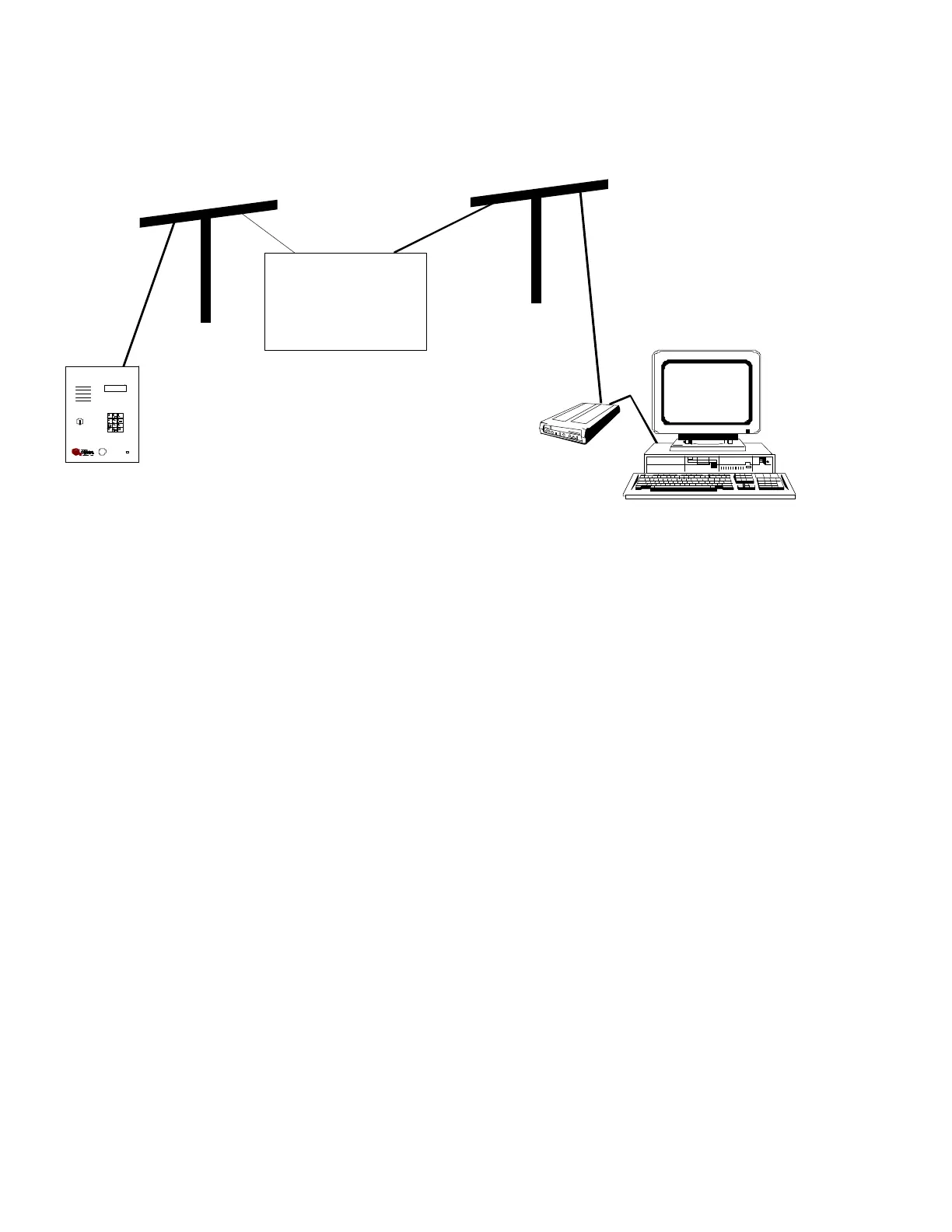
The TEC modem functions like any other modem. It can be called from a personal computer that has
it's own modem (either external or internal), and uses some form of terminal communications program,
or a CRT terminal connected to a modem.
For computers equipped with Windows, the optional Selcom 7 or newer may be used to control the
TEC series unit. This program has many features, including automatic upload (sending information to
the TEC unit) and automatic download (getting information from the TEC unit).
CAT
ACCESSORY INSTALLATION


 To Next Page
 Loading...