TEC Series v 3.2X
Page 54
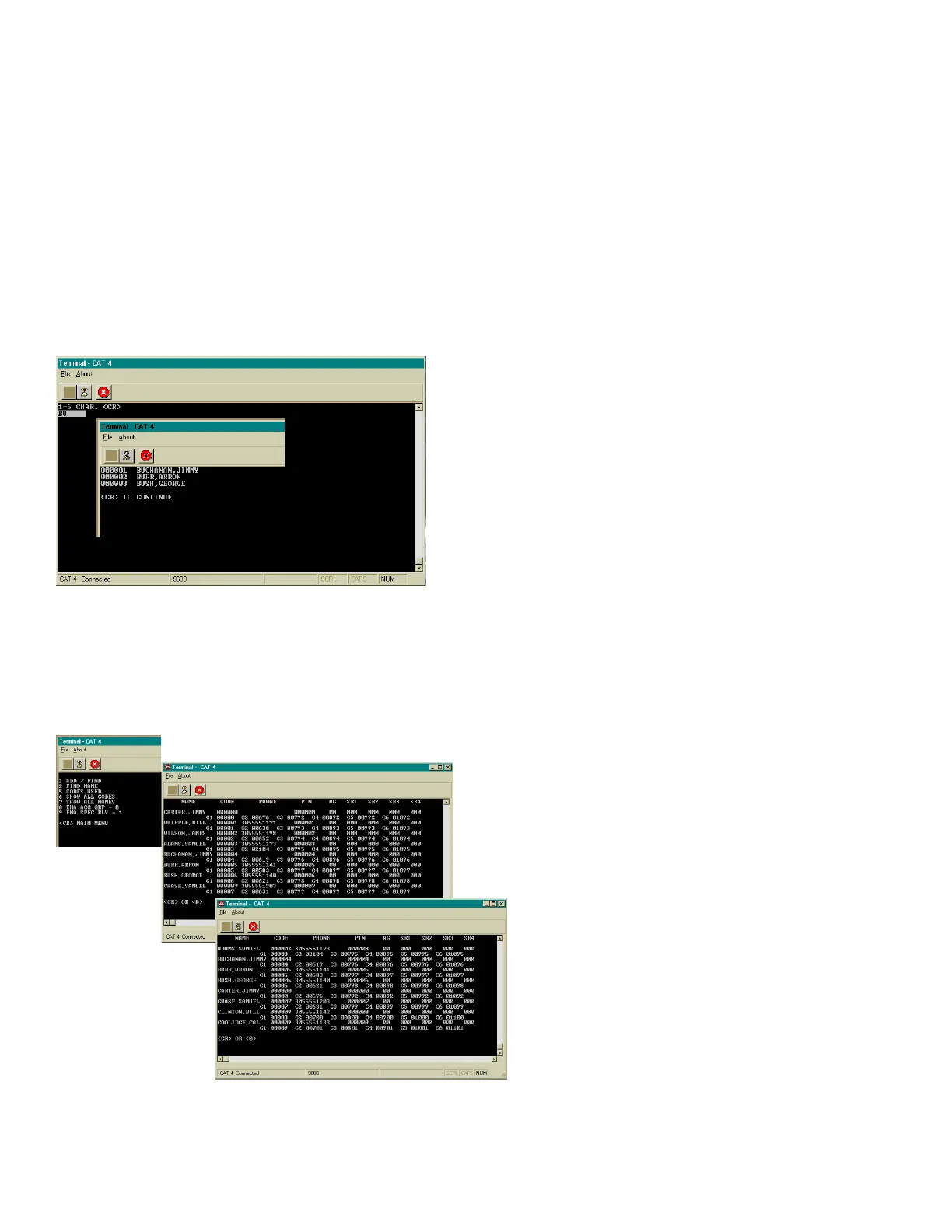
FIND NAME
To select the find name function, press "2" from the
Codes/Names menu. You will be prompted for 1 - 6
characters. Select characters in the same manner
that you programmed names into memory. When
you have entered all desired characters, press the
"Enter" key.
SHOW ALL CODES
Codes: Select this sub-menu from
the Codes/Names menu by pressing "8".
This selection will list code numbers and
all data associated with code numbers,
sorted by CODE NUMBER in ascending
order. It sends this data out to the
computer screen.
SHOW ALL NAMES
Names: Select this sub-menu from the
Codes/Names menu by pressing "9". This
selection will list code numbers and all
data associated with code numbers,
sorted by NAMES in ascending order. It
sends this data out to the computer
screen.
This message will display whatever code
number matches the letters selected. If there is more
than one name with similar letters, pressing the press
the "Enter" key will display additional code numbers
that meet the selection criteria.
If there is no match, you will be prompted to press "Enter" or * key from the terminal. Pressing
the "Enter" key will return to sub-menu 1 (See section on Codes / Names).
FIND CARD: Another selection in this sub-menu is find card reader number. The TEC system allows
one card number per code entry. These are five digit numbers used with the card reader interface. If
Facility Site code = 000, this selection may not display.
The card number that will be given to the name or group must be known. Enter this number
into memory. If you make mistakes while keying in the number, press the back arrow. This will
backspace over the mis-keyed digit. After entering the Card code number, press the "Enter" key to
place the Card code number into memory.
FIND CARD
(CAT Shown. TEC is similar.)


 To Next Page
 Loading...