A) Push the button “Menu” and then BACK/NEXT and ENTER to access
B) LOAD A XOVER: loads a crossover stored in the memory.
C) DESIGN A XOVER: configures the type of crossover, the input channel
control, and the stereo connection.
D) STORE A XOVER: memorizes all the
certain memory position. There are 10 positions available. The name of each
memory position can have up to 16 characters.
E) ERASE A XOVER: erases a memory position.
Push the “Menu” button and then BACK/
functions in the processor.
There are 4 security levels:
CHANGE ONLY, where the parameters can be accessed, but not be changed.
CHANGE+VIEW, where the parameters cannot be accessed nor changed. The
MUTE buttons are operational.
CHANGES+MUTES, where the parameters can be accessed but not changed.
The MUTE buttons are not operational.
EVERYTHING, where the parameters
and the MUTE buttons are not operational.
A) After the security level is selected, press ENTER.
Use the buttons BACK and NEXT to move the cursor and turn the parameters
button to select the character. Once the passw
A) Push the button “Menu” and then BACK/NEXT and ENTER to access
menu includes the following commands:
B) LOAD A XOVER: loads a crossover stored in the memory.
C) DESIGN A XOVER: configures the type of crossover, the input channel
control, and the stereo connection.
D) STORE A XOVER: memorizes all the
adjustments of a crossover in a
certain memory position. There are 10 positions available. The name of each
memory position can have up to 16 characters.
E) ERASE A XOVER: erases a memory position.
Push the “Menu” button and then BACK/
NEXT and ENTER to access the Sub
menu includes functions to block the access to other
functions in the processor.
There are 4 security levels:
CHANGE ONLY, where the parameters can be accessed, but not be changed.
CHANGE+VIEW, where the parameters cannot be accessed nor changed. The
MUTE buttons are operational.
CHANGES+MUTES, where the parameters can be accessed but not changed.
The MUTE buttons are not operational.
EVERYTHING, where the parameters
cannot be accessed, cannot be changed,
and the MUTE buttons are not operational.
A) After the security level is selected, press ENTER.
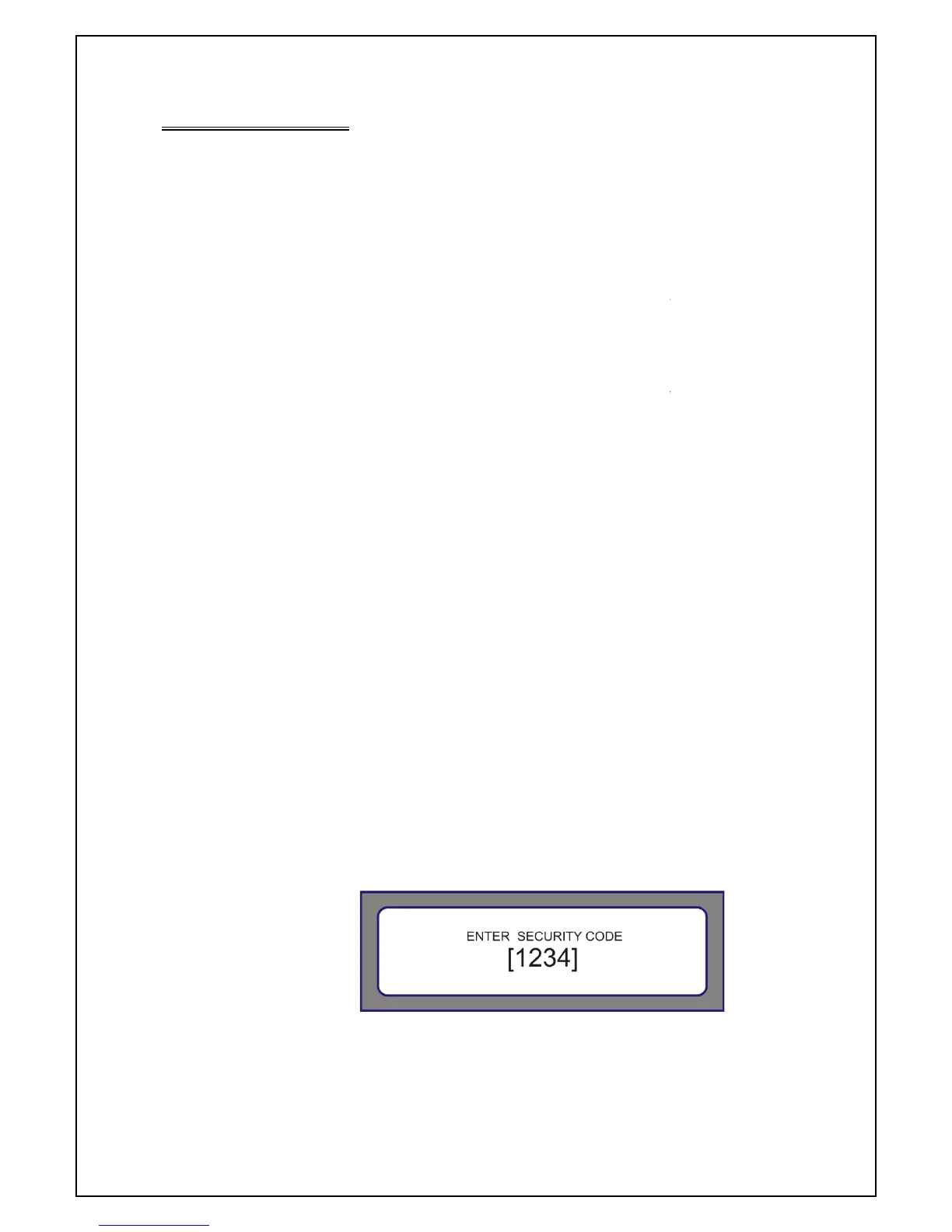
Use the buttons BACK and NEXT to move the cursor and turn the parameters
button to select the character. Once the passw
ord is correct, press ENTER.
A) Push the button “Menu” and then BACK/NEXT and ENTER to access
menu includes the following commands:
B) LOAD A XOVER: loads a crossover stored in the memory.
C) DESIGN A XOVER: configures the type of crossover, the input channel
adjustments of a crossover in a
certain memory position. There are 10 positions available. The name of each
NEXT and ENTER to access the Sub
menu includes functions to block the access to other
CHANGE ONLY, where the parameters can be accessed, but not be changed.
CHANGE+VIEW, where the parameters cannot be accessed nor changed. The
CHANGES+MUTES, where the parameters can be accessed but not changed.
cannot be accessed, cannot be changed,
Use the buttons BACK and NEXT to move the cursor and turn the parameters
ord is correct, press ENTER.


 To Next Page
 Loading...