44 SAE
fon
- operating instructions
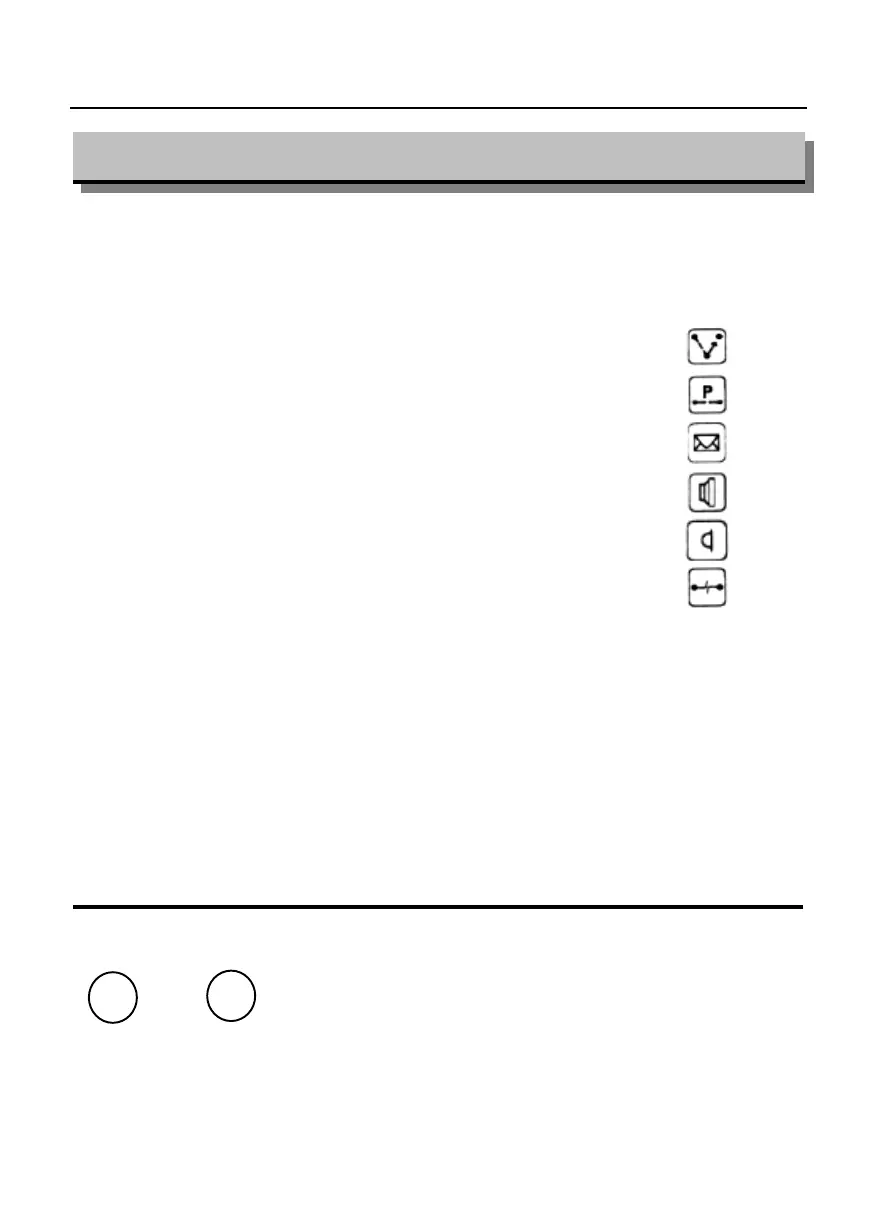
There are two personalized phone cards, initially programmed with the basic
telephone services:
KEY 1 KEY 11
recall
KEY 2 KEY 12
park
KEY 3 KEY 13
message
KEY 4 KEY 14
loudspeaker
KEY 5 KEY 15
microphone
KEY 6 KEY 16
clear forward
KEY 7
KEY 8
KEY 9
KEY 10
One side of the card is left empty to allow the telephone set to be programmed
with your personalized telephone set functions.
BEFORE YOU TELEPHONE
Personalized phone cards
How to change the loudspeaker volume
When using the loudspeaker it is necessary
press the volume adjustment keys in order to
increase or decrease the loudspeaker volume
until the desired volume has been achieved
and this level will be automatically memorized.
Three volume levels are selectable.
o
+
-



 To Next Page