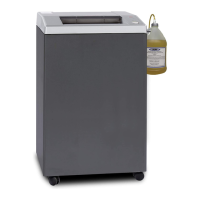
SEM Paper Shredders Operator Manual
SEM | www.semshred.com 5
Safety Devices and Other Features
Automatic Reverse Rotation
When too much paper is inserted, the cutter stops operating and automatically rotates
in reverse to discharge the jammed paper. Remove the jammed paper and reduce the
size of the stack, then restart the operation. The REVERSE button can also be used
manually.
Door Switch
If the door is open, the shredder will not operate. This can also be used as a quick or
emergency stop.
Safety Flap
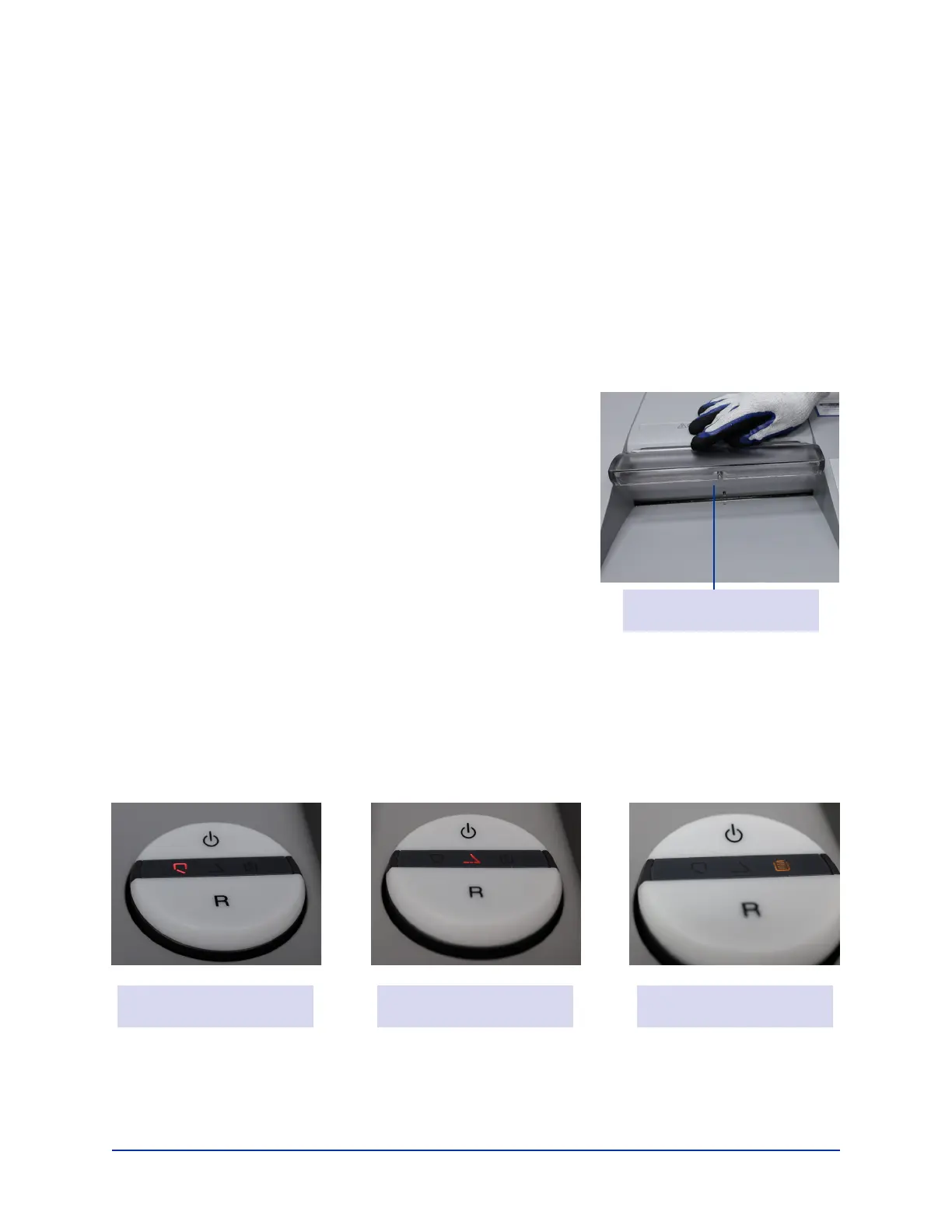
The safety ap will protect the operator and other items
from coming in contact with the shredder. If the safety
ap is opened for any reason, the shredder will stop.
Bin Full Indicator
When the waste bin is full of shredded paper, the BIN
FULL light comes on and the cutter stops operation.
Open the door, remove the waste bin, and empty paper
scraps. Replace the waste bin, close the door, and continue operation.
Automatic Power Shut-Off
If the shredder has not been operated for more than 30 minutes, the power will
automatically shut off.
Warning Lights
Safety Flap
Door Open Light Safety Flap Open Bin Full Light


 To Next Page