TS8000x Programming Guide www.semtech.com 15 of 16
Rev 0.9 Sep 2016 Semtech
Checklist 2: Aardvark Adapter and Text-Mode Script
Preparation
1. Obtain an Aardvark I2C/SPI Adapter kit from http://www.totalphase.com/
2. At www.semtech.com, keyword search for TS80000. Under Docs & Resources, click “TS8000x
Programming using text-mode script” to download TS80002_Programming.zip to your PC.
3. Under the Tools and Firmware tab, download image file 160815a_TX_LOW_POWER_TS51223_enc.
4. Extract the files within TS80002_Programming.zip with subdirectories maintained.
5. Navigate to \TS80002_Programming\fw_flash_Semtech_v1.0\Aardvark USB Driver.
6. Unzip TotalPhaseUSB-v2.12.exe from TotalPhaseUSB-v2.12.zip.
7. Run TotalPhaseUSB-v2.12.exe and follow the prompts to install the Aardvark USB driver.
Programming Sequence
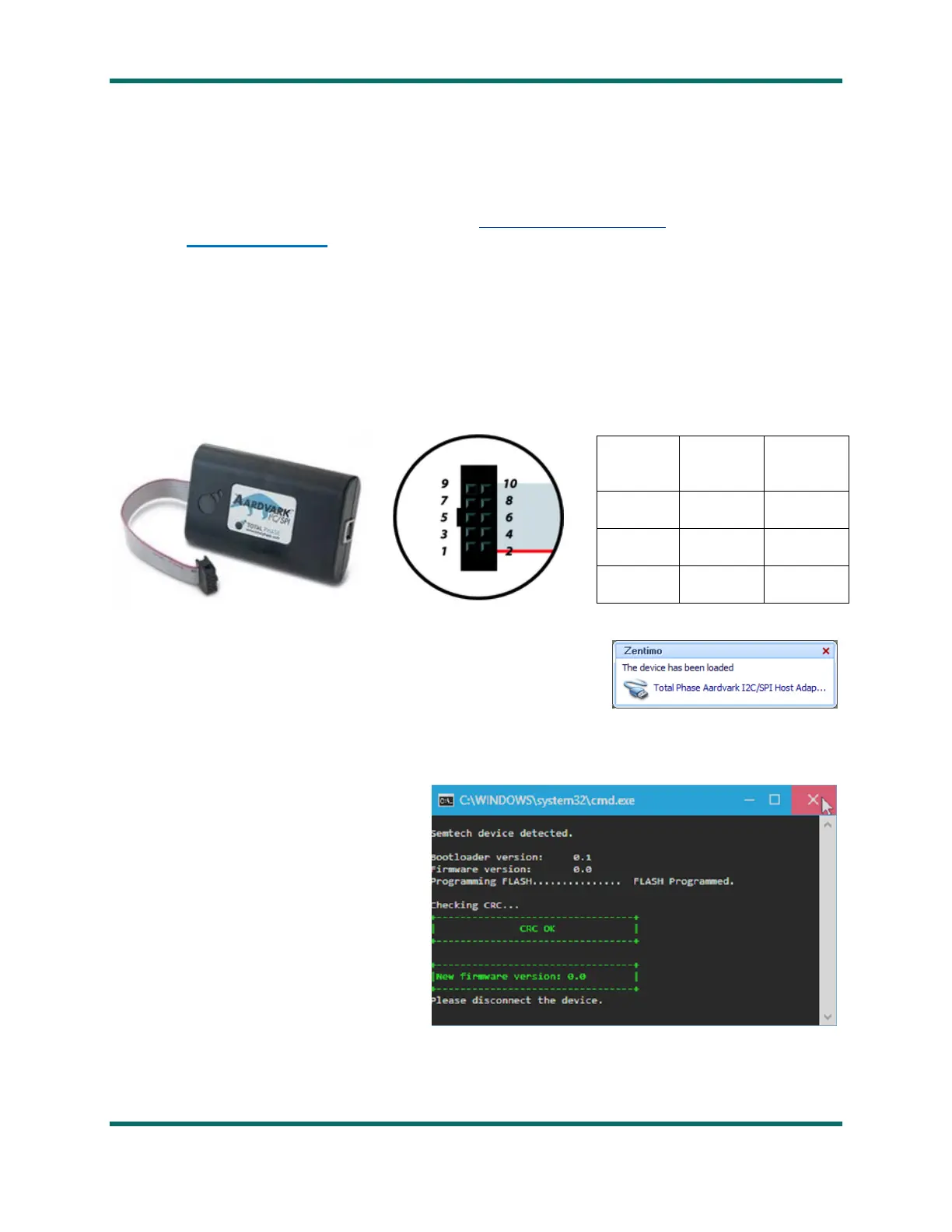
1. Connect three Aardvark ribbon cable pins to the TS8000x target board:
2. On the TS8000x target board, short the Debug pin to GND.
3. Connect the Aardvark I2C/SPI Adapter to the PC with a USB
cable.
Verify the “Total Phase Aardvark…” driver loads as per the
image to the right:
4. Apply power to the TS8000x target board
5. In TS8000x Flashing\TS80002_Programming\Executable, click on programming.bat. (The batch file
specifies 160815a_TX_LOW_POWER_TS51223_enc.BIN as the firmware image which must be
in the same directory).
6. A window similar to the one shown
to the right should open. When the
final line “Please disconnect the
device” is displayed, the installation
is complete.
7. Close the window, power down the Aardvark and the target board, and remove the cables.



 To Next Page