50S Motorcycle Bluetooth
®
Communication System with Mesh Intercom™ | 14
3 GETTING STARTED
3.2.2 Sena Device Manager
The Sena Device Manager allows you to upgrade firmware and
configure settings directly from your PC.
Sena Device Manager
• Download the Sena Device Manager at sena.com.
NOTICE
• This User Guide (Version 2.0.0 or higher) explains how to
operate the 50S with firmware version 2.0.0 or higher.
• For operating the 50S with a firmware version lower than 2.0.0,
refer to the 50S User Guide that is available when you connect
the 50S to the Sena Motorcycles App.
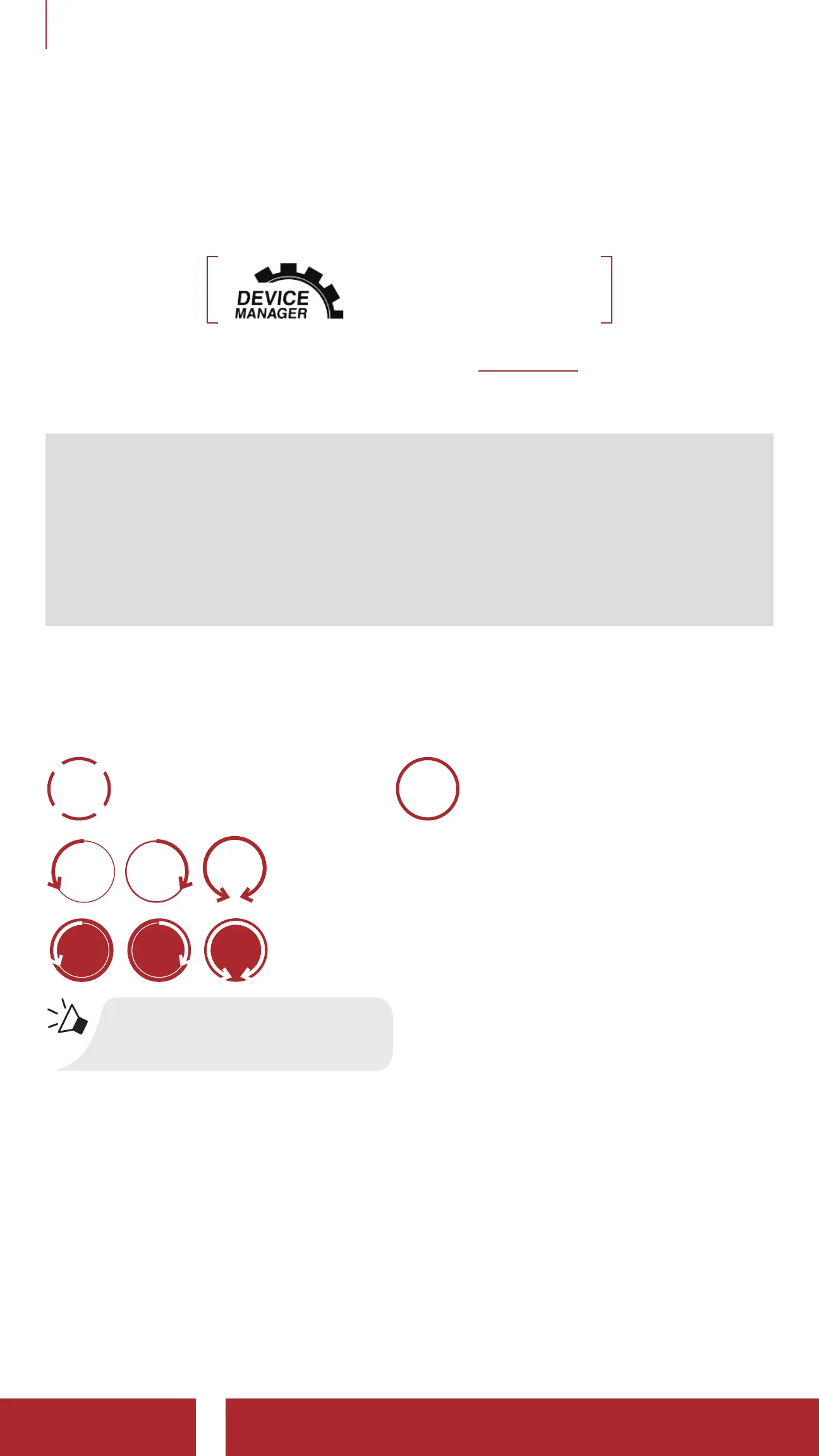
3.3 Legend
1x
TAP
Tap Button/Jog Dial the
specified number of times
3s
HOLD
Press and Hold Button/Jog Dial
for the specified amount of time
ROTATE
L
ROTATE
R
ROTATE
Rotate Jog Dial clockwise (right) or counterclockwise
(left).
ROTATE
L
ROTATE
R
ROTATE
Rotate while Pressing Jog Dial clockwise (right) or
counterclockwise (left).
“Hello”
Audible prompt



 To Next Page