50S Motorcycle Bluetooth
®
Communication System with Mesh Intercom™ | 21
4 PAIRING THE HEADSET WITH OTHER BLUETOOTH DEVICES
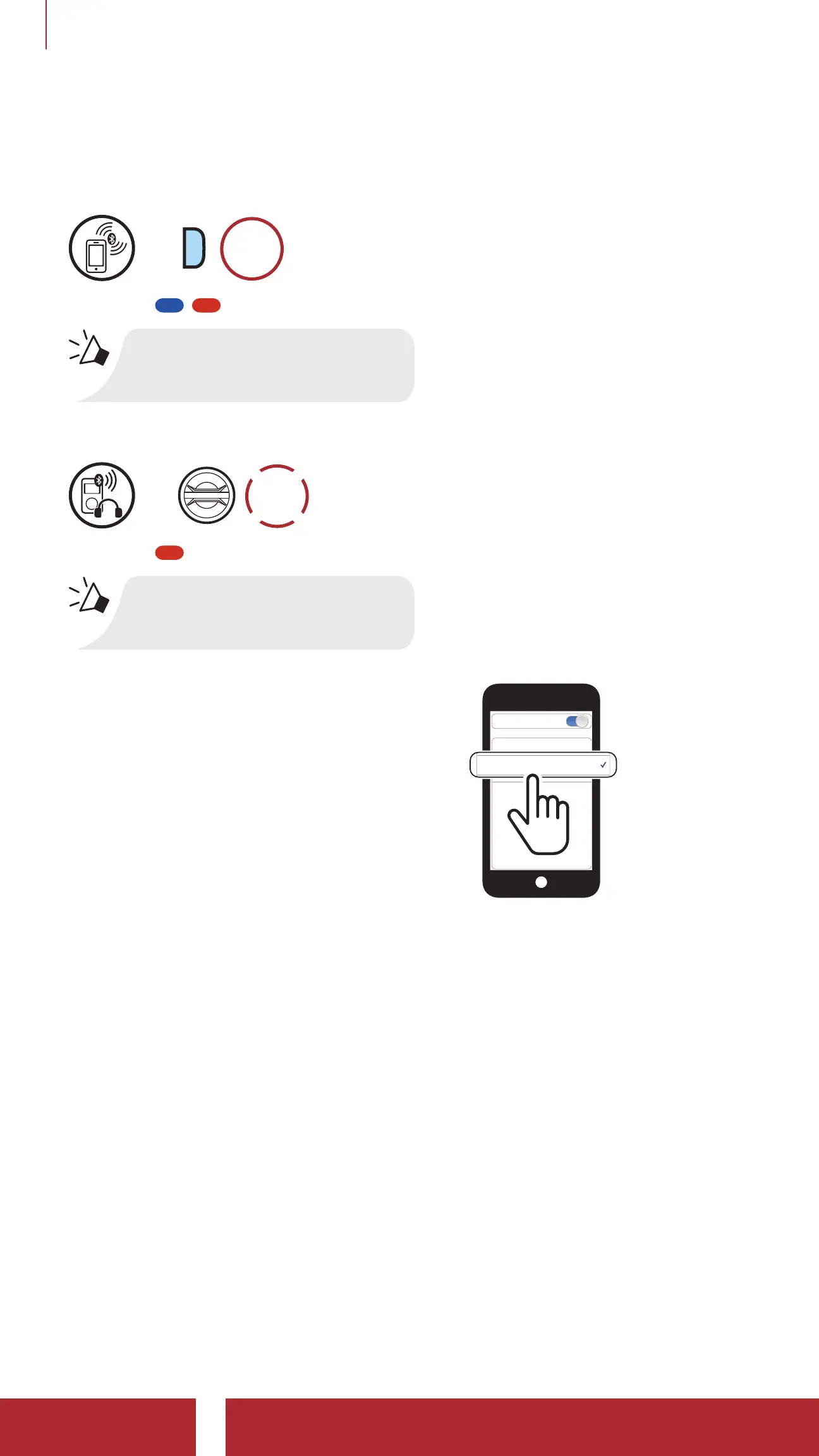
4.3.2 Media Selective Pairing - A2DP Profile
1. Press and hold the Phone Button for 5 seconds.
=
P
5s
HOLD
Blinking
“Phone pairing”
2. Tap the Jog Dial.
=
1x
TAP
Blinking
“Media selective pairing”
3. Select 50S in the list of Bluetooth
devices detected. If your mobile
phone asks for a PIN, enter 0000.
Device B
Pi
Bluetooth


 To Next Page
 Loading...








