50S Motorcycle Bluetooth
®
Communication System with Mesh Intercom™ | 55
12. GoPro VOICE COMMAND
Before using GoPro Voice Command, you will need to pair with a
compatible GoPro camera for the first time.
• Compatible camera model: HERO8 Black* and later
* HERO8 Black was released on Sep 24, 2019.
12.1 Connect GoPro Camera
1. Select the [Remote] menu on your GoPro camera to enter pairing
mode.
(Refer to the User’s manual of the GoPro camera you want to use.)
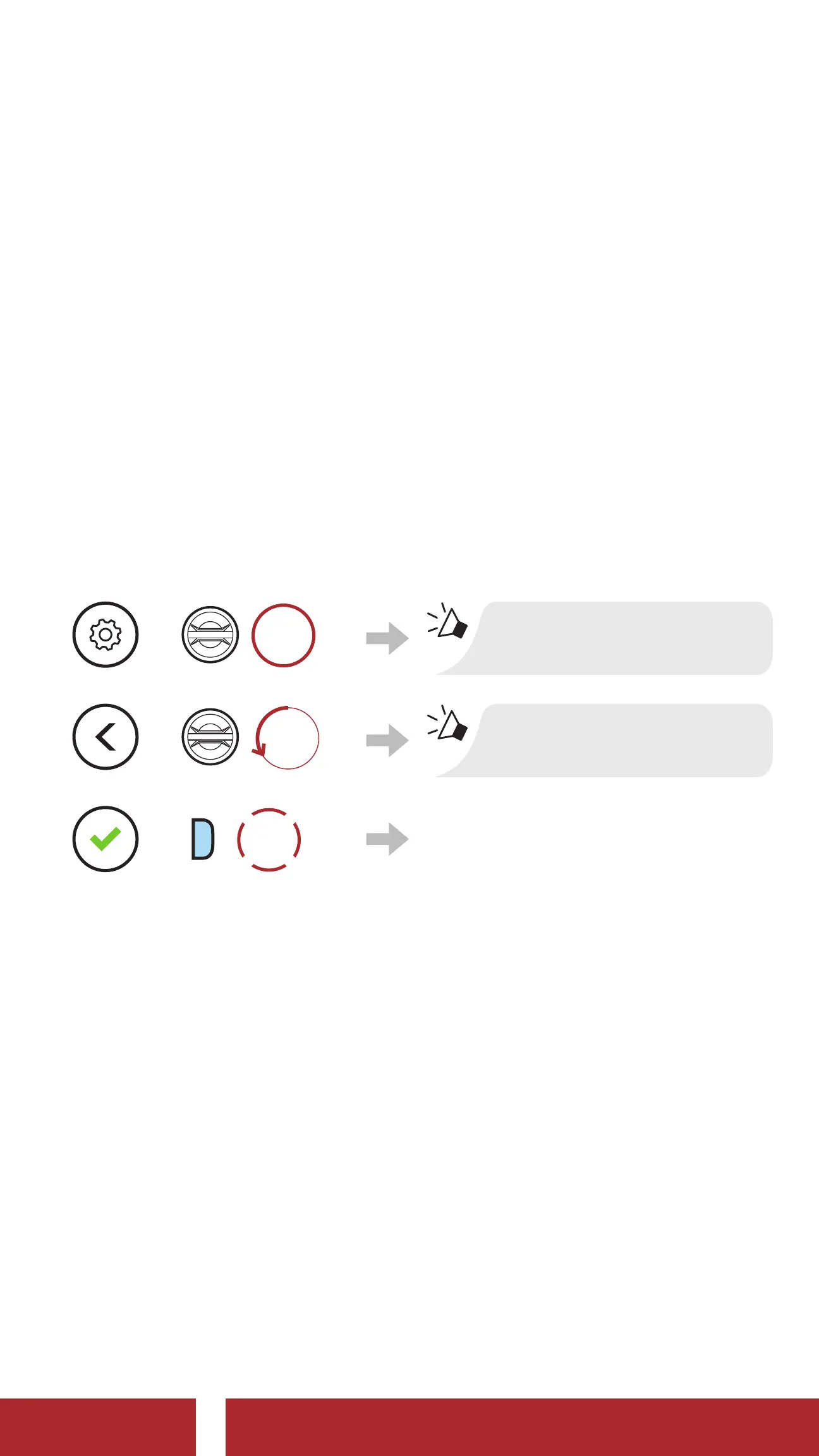
2. Execute GoPro Pairing in the Headset Configuration Menu.
=
10s
HOLD
“Configuration menu”
=
ROTATE
L
“GoPro Pairing”
=
P
1x
TAP
Enter into GoPro Pairing
mode.
3. The headset will automatically pair with your GoPro camera.
CHAPTER



 To Next Page