EasyManua.ls Logo

Sena 60S - Quick Reference

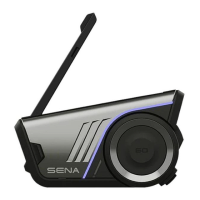
Sena 60S
49 pages
Print Icon
To Next Page IconTo Next Page
To Previous Page IconTo Previous Page
Loading...
2
MENU
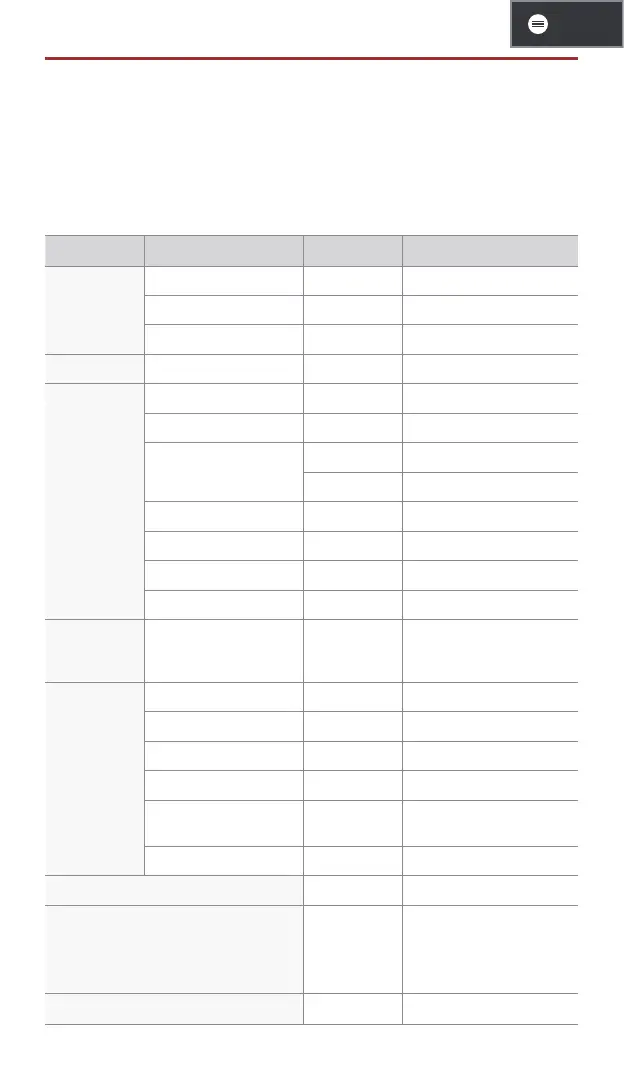
QUICK REFERENCE
p : Phone button j : Jog dial
m : Mesh Intercom button F : Flashlight button
Type Operation Button Duration
Basic
Operations
Power on
p & j
Press for 1 second
Power off
p & j
Single tap
Volume up/down
j
Rotate
Flashlight Flashlight on/off
F
Single tap
Phone
Phone pairing
p
Press for 5 seconds
Answer phone call
p or j
Single tap
End phone call
p
Single tap
j
Press for 2 seconds
Reject phone call
j
Press for 2 seconds
Speed dial
p
Double tap
Play/Pause music
j
Press for 1 second
Track forward/back
j
Rotate while pressing
Siri or
Google
Assistant
Activate Siri or Google
Assistant
p
Single tap
Mesh
Intercom
Mesh Intercom on/off
m
Single tap
Mute/unmute mic
m
Press for 1 second
Channel selection
m
Double tap
Mesh grouping
m
Press for 5 seconds
Mesh Reach-Out
request
m
Triple tap
Reset mesh
m
Press for 8 seconds
Conguration menu
j
Press for 10 seconds
Factory reset
p
Press for 10 seconds
To conrm
j
Single tap
To cancel
p
Single tap
Fault reset
p & j
Press for 10 seconds

Related product manuals