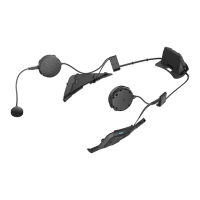
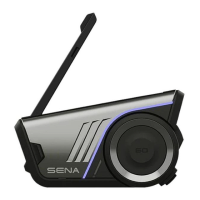
26
MENU
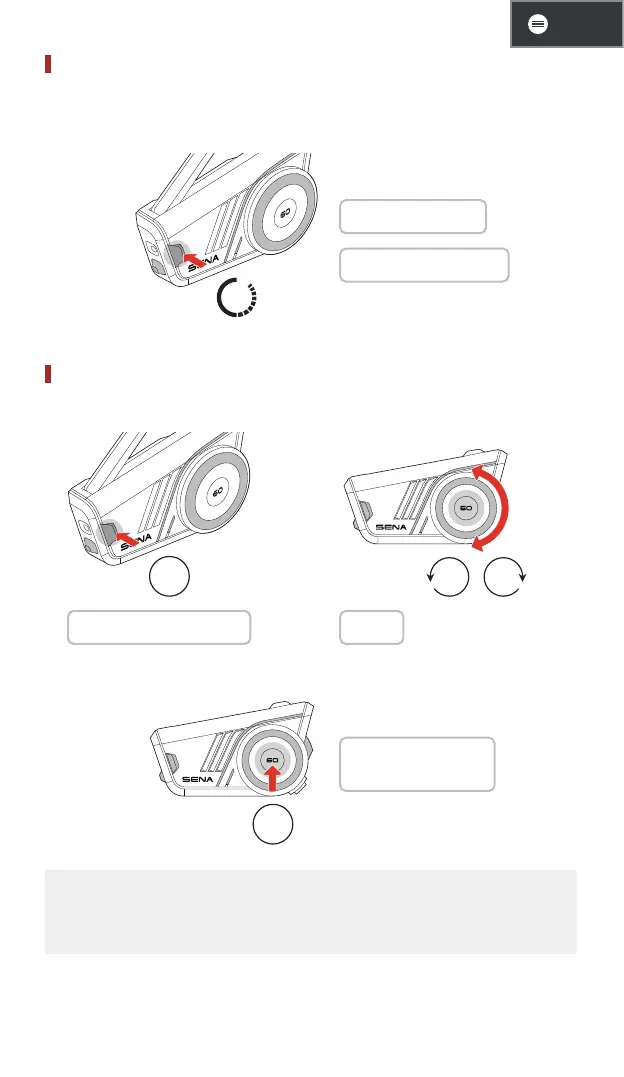
Mute/Unmute Mic
Press the Mesh Intercom button for 1 second to mute/unmute the
microphone during Mesh Intercom communication.
1s
1 Mute: "Mic off"
1 Unmute: "Mic on"
Channel Selection
1. Enter into the channel setting. 2. Navigate between channels.
2x
/
1 "Channel setting, 1" 1 "#"
3. Confirm and save the channel.
1x
1 "Channel is set,
channel #"
• The channel will be automatically saved if no buttons are pressed for
10 seconds on a specific channel.
• The channel will be saved even if the 60S is turned off.


 To Next Page