22
For Non-Sena Headsets
1
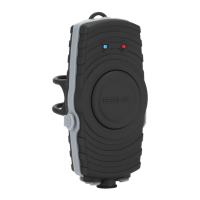
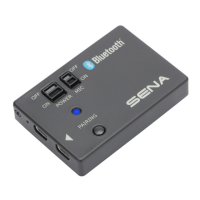
Press and hold the Pairing Button of the
Bluetooth Audio Pack for 5 seconds until
the LED ashes red and blue alternately.
2
Enter into the handsfree pairing mode
of the non-Sena headset. For details on
handsfree pairing, refer to the user’s guide
of the corresponding headset.
3
When the LED ashes blue, the pairing is
completed. Then you will hear the voice
prompt saying “GoPro Pack connected”
from the connected corresponding
headset.
If the Bluetooth Audio Pack is disconnected
from the paired headset suddenly even
within the connection range, press the
Pairing Button once to reconnect to each
other.
Start Recording
The Bluetooth Audio Pack will remain paired
with the headsets and the audio channel
is open after the rst pairing process is
completed. While the audio channel remains
open, your voice or intercom conversation
keeps being transferred to the GoPro®. Then
start recording on the GoPro®, and your voice
will be added to the video.
When you connect the GoPro® to the
Bluetooth Audio Pack with the Audio
Connector, the internal stereo microphones
of the GoPro® are disabled and the internal
stereo microphones of the Bluetooth Audio
Pack operate as that of the GoPro®.


 To Next Page