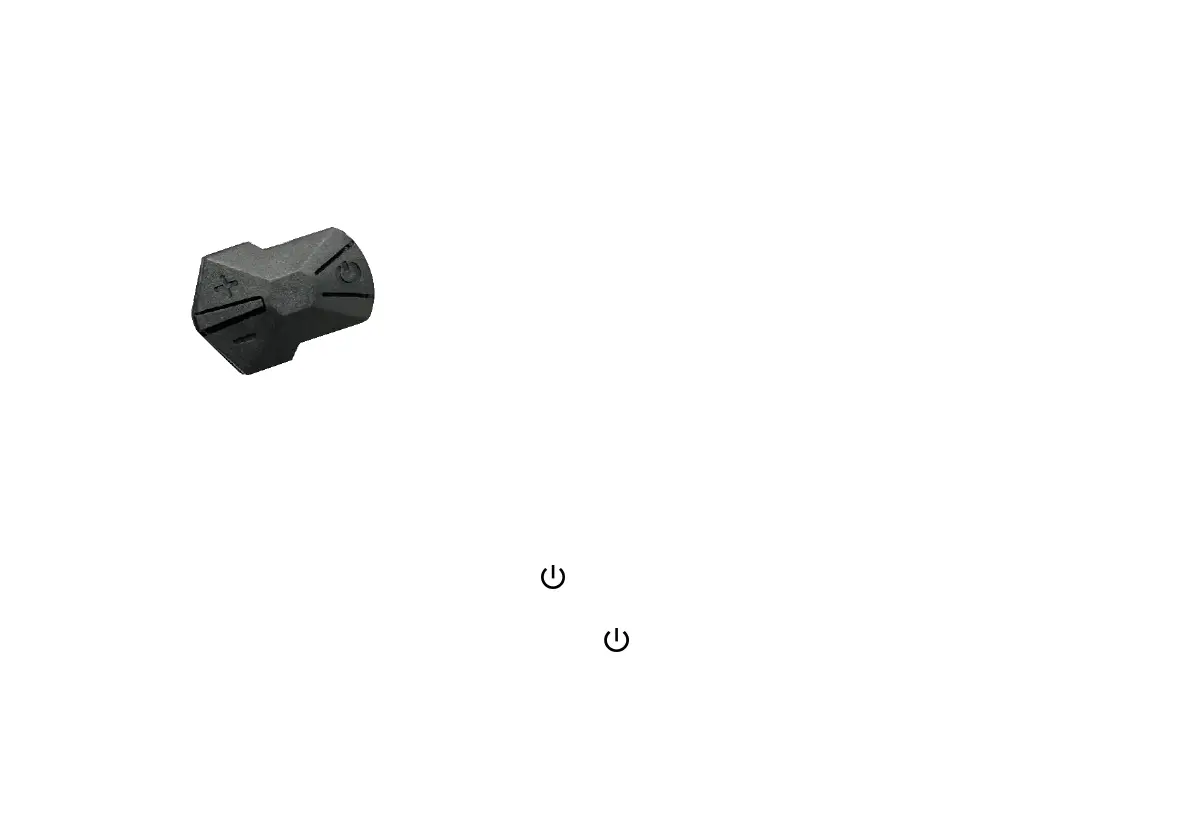
Button introduction
:
The specific combination of buttons:
Use Introduction button operation is divided into short press and long press.
Specific operation explanation:
I
、
Switch LCD (please turn the battery key to the "on" section first)
1.At the off state, press and hold the button to turn the display on;
2.At the power-on state, press and hold the button to turn it off.



 To Next Page