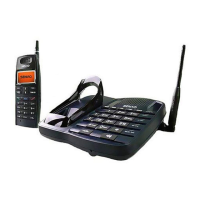
Operation for SKYPE (SN-358 SKYPE ONLY)
A. Installation:
SN-358 SKYPE supports legacy PSTN calls and SKYPE calls. To make the SKYPE
calls, you have to connect the SN-358 SKYPE with your PC/NB by attached USB
cable in advance. Follow the below figure to install the SN-358 SKYPE.
Also your PC/NB must be turned on and the SKYPE must be activated.
* Before using SKYPE, you have to install the software first.
1.Insert the SN-358 SKYPE installation CD-ROM in your PC/NB.
Re: Before install the software, the USB cable must connect the
SN-358 SKYPE with your PC/NB first.
PC
32



 To Next Page