Instruction Manual DS Series Senator Industrial Air Compressors
2024-10-11 © Glenco Air & Power Pty Ltd 60
Parameter Set Value Description
Volt V 255 Use onl
the s
ecified set value.
! In 0000000000 Use onl
the s
ecified set value.
Ex Module 00 Use only the specified set value.
Dry Control OFF Use only the specified set value.
Test Mod OFF Use only the specified set value.
A2.4.4 Toll Parameter Screens
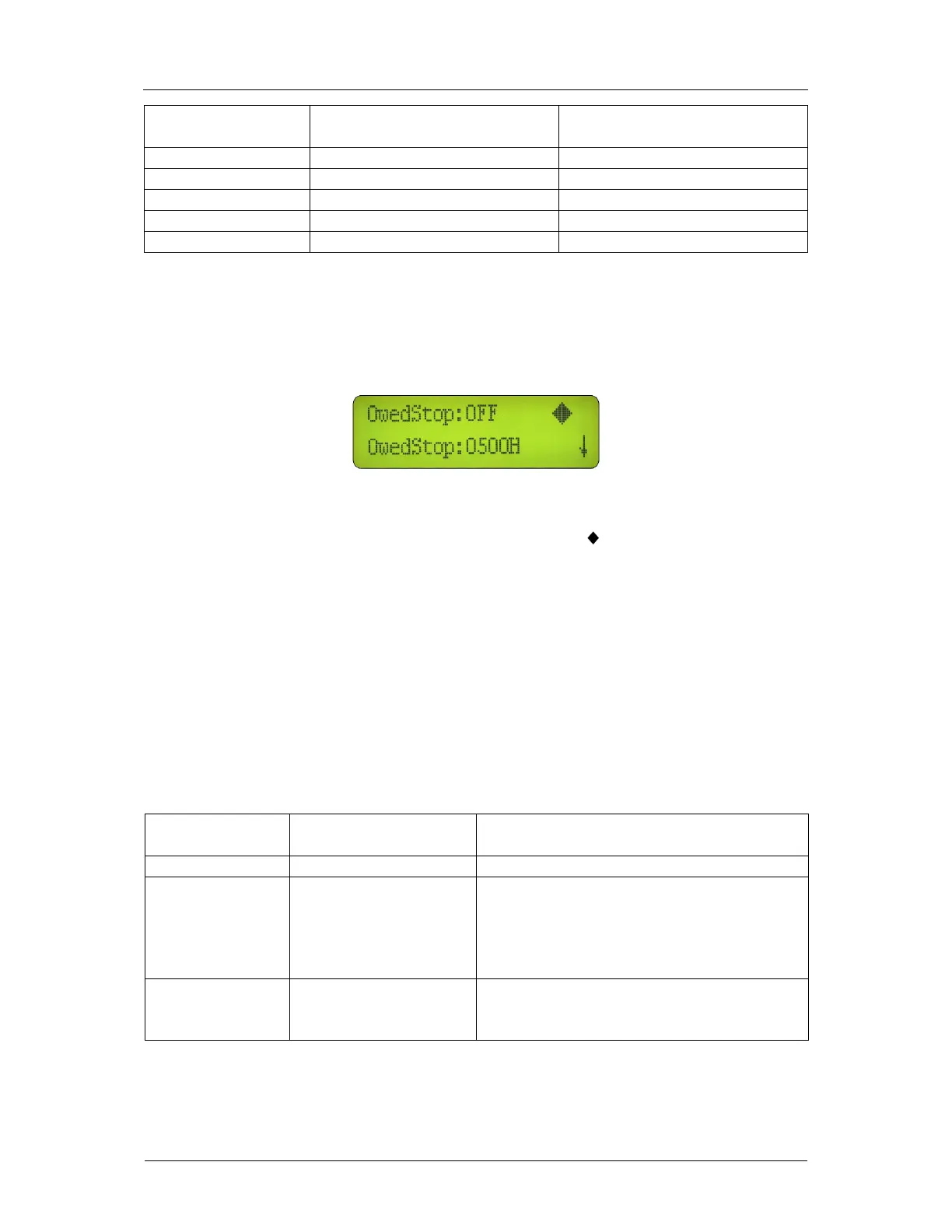
After keying-in the Toll password on the password input screen, the first of two toll parameter
screens will appear as shown in Figure A11.
Figure A11: Toll Parameter Menu Screen No. 1 of 2
Use the Up and Down buttons to position the diamond symbol ‘ ’ beside one of the parameters
and then press the Shift button to enter that selection. If necessary, the parameter value can be
changed by using the Up, Down and Shift buttons. Finally, the change can be locked-in by using
the Set button.
The Up and Down buttons can also be used to scroll through both of the toll parameter screens.
The toll parameters have been pre-programmed in accordance with Table A11 and should NOT
be changed without reference to the manufacturer. It is uncommon that any of the toll
parameters would need to be changed during the life of the air compressor set after dispatch
from the manufacturer.
Table A11: Toll Parameters
Parameter Set Value Function
Owed Sto
OFF Controls the
reset run time limit function.
Owed Stop Time 1000 h Preset run time limit. If the Owed Stop
parameter is set to ‘ON’, the compressor
will not operate after this limit has been
exceeded The set value range is 500 ~
9999 h.
Clear Err History Press the Set button to clear the error log
and reset the run time counter for the preset
run time limit function.


 To Next Page