
 Need help?
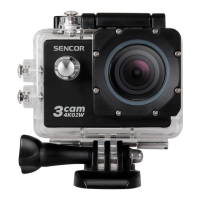
Do you have a question about the Sencor 3cam 4k02w and is the answer not in the manual?
General safety guidelines and precautions for using the SENCOR 3CAM 4K02W camera.
Step-by-step guide for inserting and removing the microSD card.
Instructions for installing and removing the camera's battery.
How to charge the battery and turn the camera on and off.
How to connect via USB and use storage, PC camera, or charging modes.
Instructions for setting up Wi-Fi control with a mobile device and the X-DV APP.
Overview of how to access and adjust various camera settings for optimal use.
 General
| Brand | Sencor |
|---|---|
| Model | 3cam 4k02w |
| Category | Digital Camera |
| Language | English |

 To Next Page