EasyManua.ls Logo

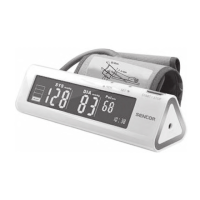
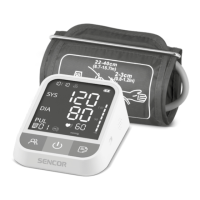
Sencor SBP 901 - Understanding the Blood Pressure Display

Sencor SBP 901
14 pages
Print Icon
To Next Page IconTo Next Page
To Previous Page IconTo Previous Page
Loading...
Digital
Blood
Pressure
Monitor
with
Cuff
SBP
901
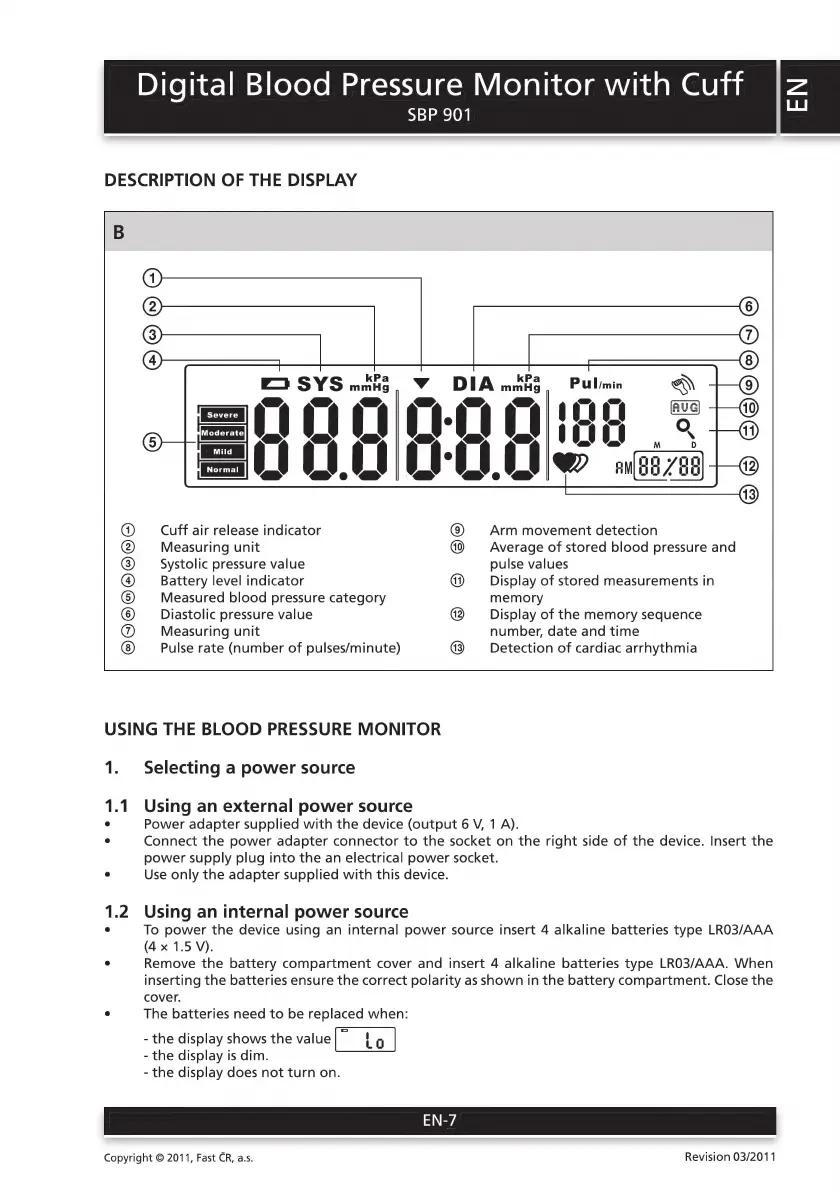
DESCRIPTION
OF
THE
DISPLAY
Zo
SYS
Ra
vyv
DIA
Ha
Pulmin
I > <
\
Se, SP.
еә, aD,
га
10
a0
01:95
“LIC!
IRI
I
е
Cuff
air
release
indicator
Arm
movement
detection
Measuring
unit
Average
of
stored
blood
pressure
and
Systolic
pressure
value
pulse
values
Battery
level
indicator
Display
of
stored
measurements
in
Measured
blood
pressure
category
memory
Diastolic
pressure
value
Display
of
the
memory
sequence
Measuring
unit
number,
date
and
time
Pulse
rate
(number
of
pulses/minute)
Detection
of
cardiac
arrhythmia
е)
бо)
С)убе)(е)
бо)
С)
бе)
(5)
С)
(е) (е)
Се)
бо)
6)
С)
USING
THE
BLOOD
PRESSURE
MONITOR
1.
Selecting
a
power
source
1.1
Using
an
external
power
source
°
Power
adapter
supplied
with
the
device
(output
6
V,
1
A).
°
Connect
the
power
adapter
connector
to
the
socket
on
the
right
side
of
the
device.
Insert
the
power
supply
plug
into
the
an
electrical
power
socket.
°
Use
only
the
adapter
supplied
with
this
device.
1.2
Using
an
internal
power
source
°
To
power
the
device
using
an
internal
power
source
insert
4
alkaline
batteries
type
LR03/AAA
(4
x
1.5
V).
°
Remove
the
battery
compartment
cover
and
insert
4
alkaline
batteries
type
LR03/AAA.
When
inserting
the
batteries
ensure
the
correct
polarity
as
shown
in
the
battery
compartment.
Close
the
cover.
°
The
batteries
need
to
be
replaced
when:
-
the
display
shows
the
value
C
to
|
-
the
display
is
dim.
-
the
display
does
not
turn
on.
Copyright
©
2011,
Fast
CR,
a.s.
Revision
03/2011

Related product manuals