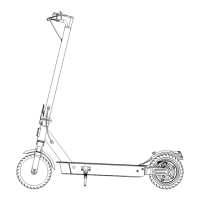
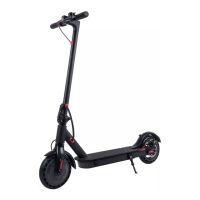
Charging
EN
Copyright © 2020, Fast ČR, a. s.
Revision 08/2020
EN 7
Sencor Scooter One EN CZ SK PL HU.indb 7 16.08.2020 21:05:24
5. Turn on the SCOOTER TWO LONG RANGE 2021
4. Charging
Check if the battery is fully charged before starting your ride. Turn on the control
panel and check the battery level.
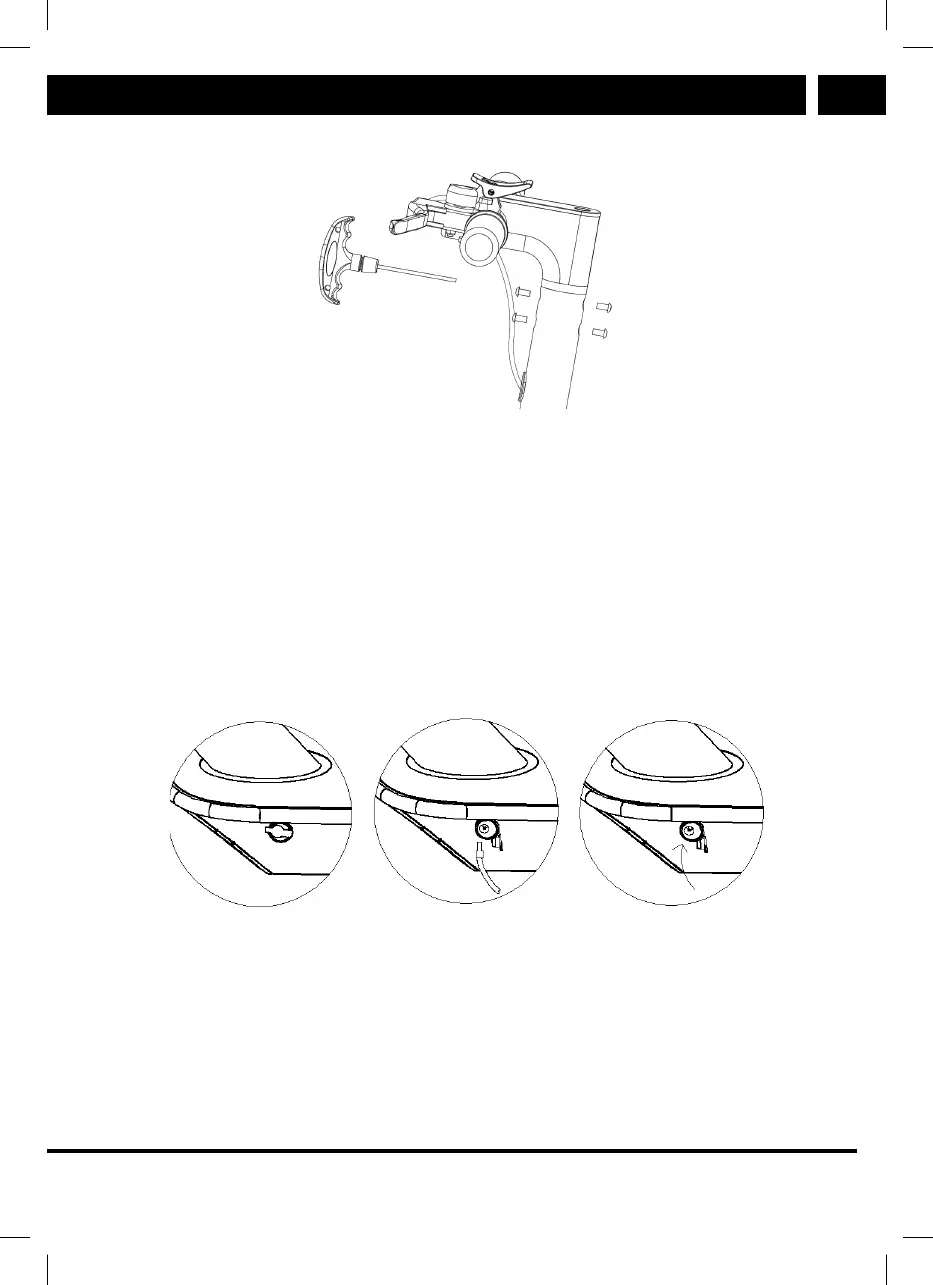
The charging is performed with the supplied charging adapter. First remove the
rubber cap of the charging connector in the SCOOTER TWO LONG RANGE 2021 and
connect the charging adapter. Then connect the adapter to your power outlet. When
the charging process is fi nished and the charging adapter is disconnected, cover the
charging connector opening again with the rubber cap. Regularly check if the protec-
tive cap covers the charging connector whenever the charging does not take place.
Sencor Scooter One EN CZ SK PL HU.indb 7 16.08.2020 21:05:24
The charging indicator is located on the charging adapter and shows 2 statuses as
follows:
1. Red LED: Indicates the battery charging process
2. Green LED: Indicates the battery is fully charged


 To Next Page