EN - 4
3. Operation instruction
● Power On/Off
In the status of power off, push power button to on, then long press to turn on the player
In the status of power on, long press to turn off, then push power button to off.
● Lock/Hold:
Press
and at the same time to lock the player, press them again to unlock the player.
● Basic Operation
In main menu interface, press / or +/- to select option, press to enter. Long press to
get back to main menu interface.
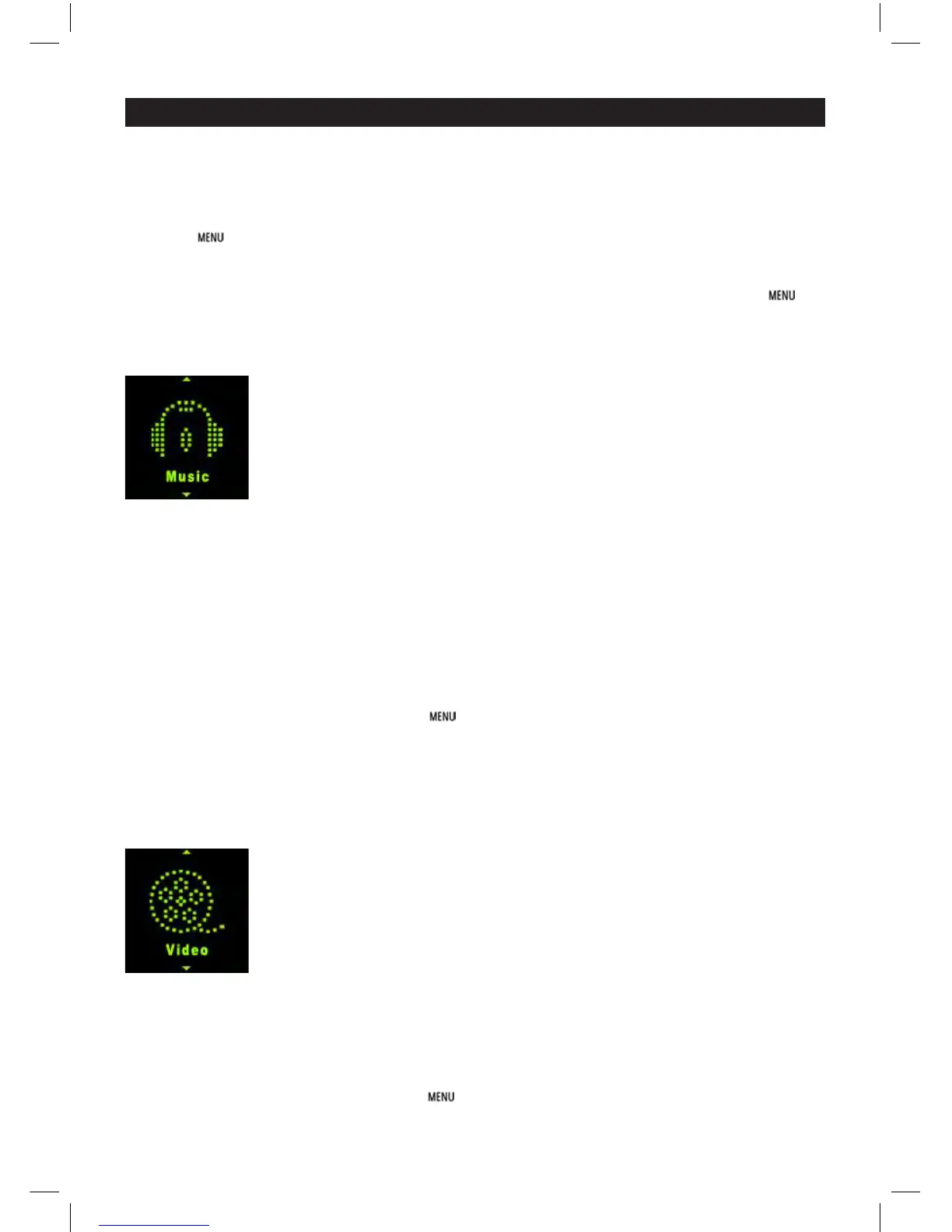
3.1 Music
In Main interface, short press / or +/- to select Music menu, then short press to enter music
play interface.
Play/Pause: short press to play or pause the music playing.
Last/next: short press or to get to last music or next music.
Fast backword/Fast forward: long press or to fast backwards or forwards the music.
Volume: press + or - to adjust volume up or down.
A-B repeat: long press volume + button to set repeat start point A, long press again to set repeat
end point B. Then player will repeat the segment. The third time long press will cancel A-B repeat
and resume normal playback.
Lyric show: To show the lyric, the lyric fi le (eg. Abcde.lrc) should be in same name as music fi le (eg.
Abcde.mp3) and both fi les should be in the same folder.
Music fi le list: in playback interface, press button to get to folder/fi le list. Press / to select
music fi le, press button to play it.
Set EQ: please get to Settings > Music to set EQ. (reference to 3.8.1)
Set Play/Repeat mode: please get to Settings > Music to set Play mode. (reference to 3.8.1)
Remark: the player support audio formats of .mp3, .wma, .wav, .fl ac, .ape.
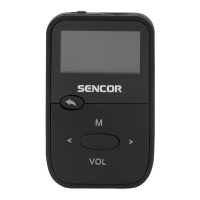
3.2 Video
In Main interface, short press / or +/- to select Video menu, then short press to enter video
fi le list. Press / to select video fi le, press button to enter video playback interface.
Play/Pause: short press to play or pause the video playing.
Last/next: short press or to get last or next video.
Fast backword/Fast forward: long press or to fast backwards or forwards the video.
Volume: press + or - to adjust volume up or down.
Video fi le list: in playback interface, press button to get to folder/fi le list. Press / to select
video fi le, press button to play it.


 To Next Page