EN - 5
Remark: the player support video formats of .avi. Resolution should be 128x128. Please use video
converting tool in gift CD to convert the video to which this player support (reference to point 5).
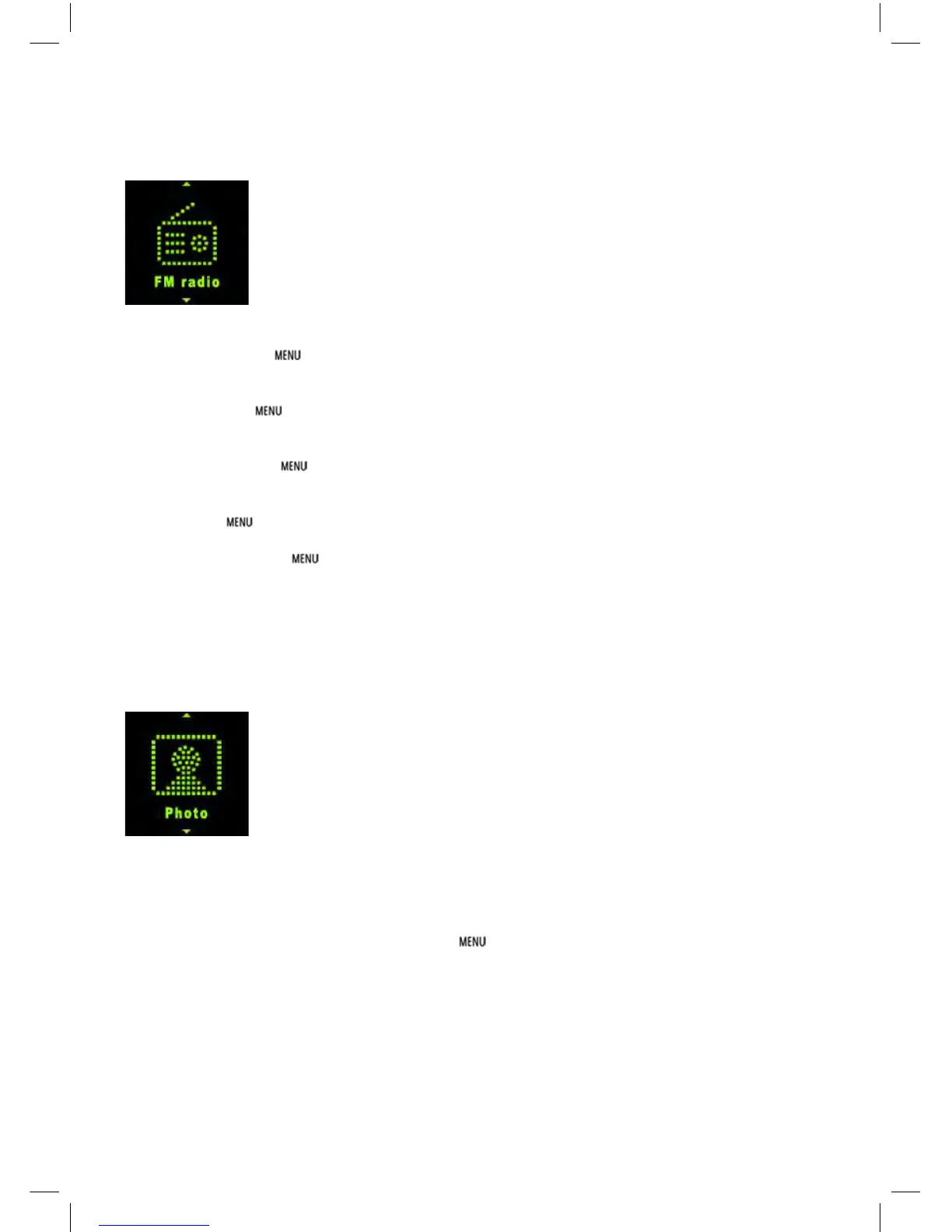
3.3 FM Radio
In Main interface, short press / or +/- to select FM Radio menu, then short press to enter FM
radio interface.
Manual Scan: press to show options, press / to select Manual then press button. Short
press or to select frequency manually. Long press or player will auto scan and stop till it fi nd
channel.
Auto Scan: press to show options, press / to select Auto then press button. Then the
player will scan channels and set the found channels to Preset one by one. After auto scan, it’ll get to
the fi rst preset channel. Press or to get to preset channels one by one.
Save Channel: press to show options, short press / to select Memory then press
button. Then press / to select position to save. Press will pop a warning, select Yes and
press to confi rm saving channel, or select No and press to cancel saving channel.
Preset: press to show options, short press / to select Preset then press button. Press
/ to get to preset channel one by one.
Delete Channel: press to show options, short press / to select Delete then press
button. Then press / to select to be deleted channel. Press will pop up a warning, select Yes
and press to confi rm deleting channel, or select No and press to cancel deleting channel.
Volume: press + or - to adjust volume up or down.
Remark: Earphone should connect to player as an antenna. Otherwise the player can not receive
channels.
3.4 Photo
In Main interface, short press / or +/- to select Photo menu, then short press button to enter
picture list. Press / to select picture fi le, press button to view the picture.
Last/next: short press or to display last or next picture.
Auto Browse: short press an arrow symbol shows on corner of display, the play will display
pictures one by one automatically. (Auto Browse gap time setting reference to point 3.8.5)
Photo fi le list: in photo display interface, press button to get to folder/fi le list. Press / to
select photo fi le, press button to display it.


 To Next Page
 Loading...