EN-8
EN
Hand and Stand Mixer with a Rotating Bowl
SHM 5330
08/2019
Copyright © 2019, Fast ČR, a.s.
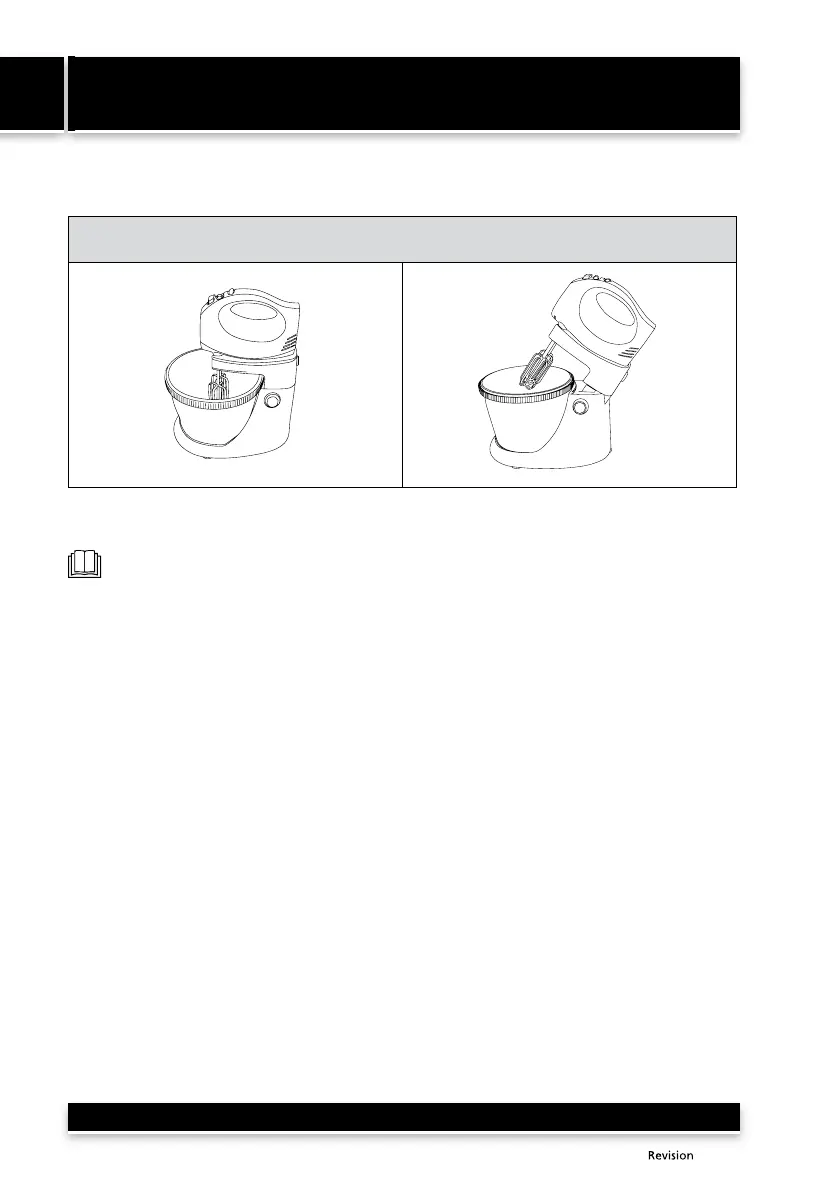
3. After you have finished mixing, turn off the motor unit 7 by sliding switch 2 to position 0.
Disconnect the power cord from the el. power socket. Press button 0 and tilt out the arm 9.
B
Press button 8 to release the lock of the motor unit 7 and with the other hand remove the motor
unit 7. To release the attachments press button 3 and remove the attachments.
Note:
If switch 2 is in position 1-5, the button 3 is blocked for safety reasons and the attachments
cannot be released.
SELECTING ATTACHMENTS AND SPEEDS
Beater attachments
• These are used to prepare batter dough, mashed potatoes, whipped cream, whipped egg whites
and creams. Do not use the beater attachments to mix yeast dough.
Kneading attachments
• These are used for kneading yeast dough and dough for noodles, for mixing minced meat, spreads
and puff dough.
Selecting a speed
Level 1
• suitable as the starting speed for mixing a larger amount of ingredients or dry ingredients.
Level 2
• suitable for processing liquid ingredients and for mixing salad dressings.
Level 3
• suitable for mixing ingredient when preparing cakes, biscuits and bread.
Level 4
• suitable for whipping up butter or sugar when preparing sweets, desserts, etc.
Level 5
• suitable for whipping eggs, sauces, creams, etc.
TURBO pulse button
•
The TURBO pulse button is equivalent to speed level 5 and is used for a short increase to maximum speed.



 To Next Page