EN 19
EN
Revision 09/2016Copyright © 2016, Fast ČR, a. s.
Installation
5. Installation
Satellite dish setup for DVB-S broadcasting
SOURCE tDVB-S tMENU tCHANNEL tAdvanced Tuning
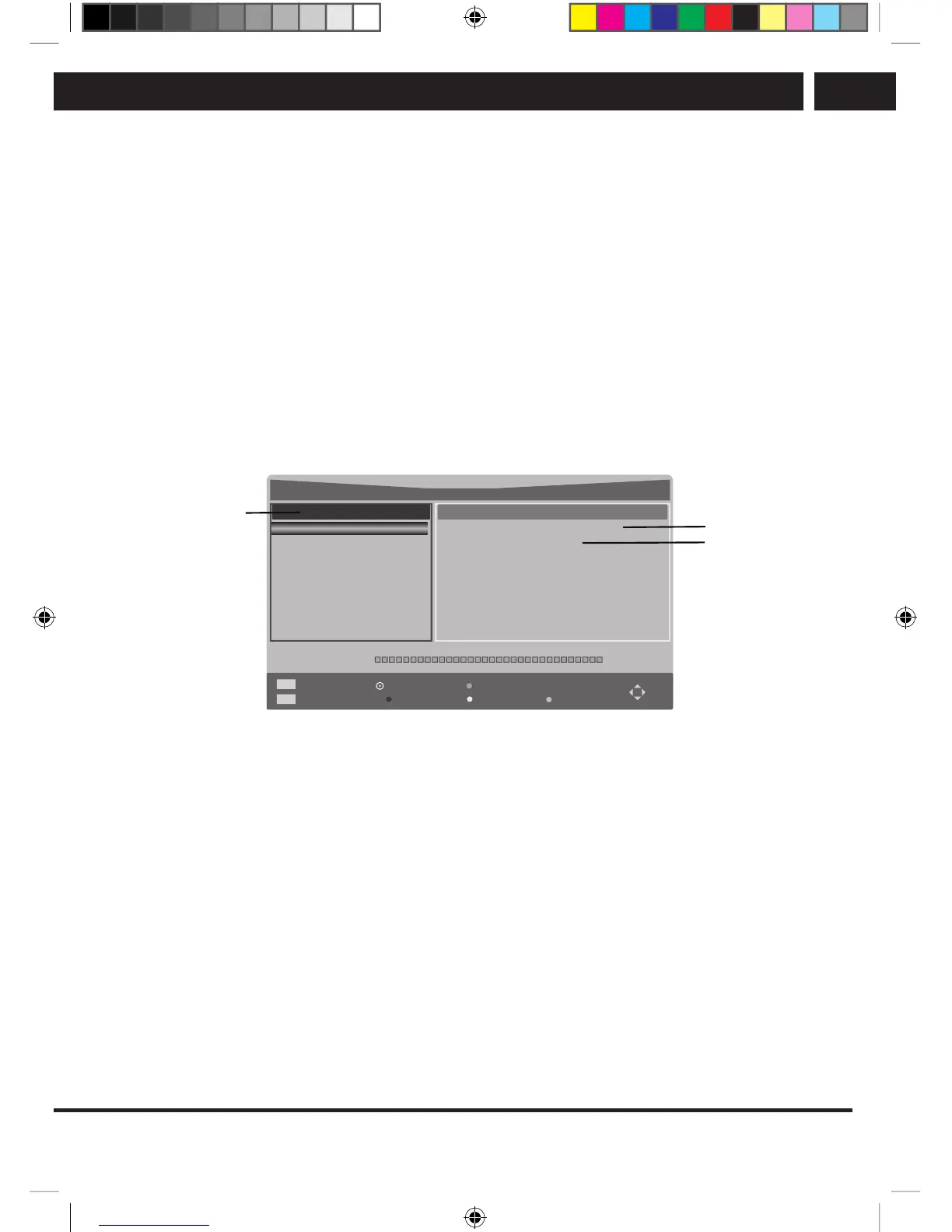
Satellite dish setup (step 1–3, see fig. 1)
The satellite dish setup must be configured for each desired satellite before performing the
channel search.
Satellite – select satellite for this TV.
LNB Type – make sure the type matches your LNB.
LNB Power – switching the LNB power supply on or off.
22KHz – choose 22kHz for enabling/disabling the 22K switch. Auto-mode for enabling
and disabling the 22 kHz switch depending on the LNB type.
DiSEqC1.0/1.1 – select the DiSEqC mode for the chosen LNB converter.
Satellite
Ku_HOTBRD 6,7,A,B
LNB Type
LNB Power
22KHz
DiSEqC1.0
DiSEqC1.1
09750/10600
19V
Auto
None
None
Quality
002. 019.2 E Ku_ASTRA 1H,1KR,1...
003. 028.2 E Ku_ASTRA 2A,2B,2D
004. 023.5 E Ku_ASTRA 1E,1G,3A
005. 353.0 E Ku_NILESAT 101,10
006. 007.0 E Ku_EUTELSAT W3A
007. 010.0E Ku_EUTELSAT W1
008. 026.0E Ku_BADR-2,3,4/EURO
001. 013.0 E Ku_HOTDRD 6,7,A,B
Dish Setup
EPG
EXIT
Transponder
EXIT
OK Select
Add
Edit
Delete
Scan
step 1
step 2
step 3
Fig. 1
step 1 Highlight the Satellite and press ENTER to navigate to the list of satellites and
select one.
step 2 Highlight the LNB Setting and press ENTER to navigate to the LNB setup.
step 3 Make sure the 22kHz and DiSEqC1.0/1.1 switches match the selected satellite.
After following the procedure above, press the blue button and the channels will begin to
tune.
Advanced DVB-S tuning (requires technical data from your reception provider)
When you enter the list of the transponders by pressing the EPG button and do not
select (ENTER) any transponder (just highlighting is not enough), the tuning process will
proceed for all items in the list. If you only choose one transponder of asingle satellite,
the programs found will be added to the end of the existing list. If you choose more than
one transponder, your existing list will be deleted and only the newly found transponder
and satellite programs, selected to be searched, will be stored.
SLE SLE 2464TCS + SLE 3258TCS EN+CZ+SK+HU+PL.indb 19 08.09.2016 0:57:28



 To Next Page