VP400 Series Video Pro Form7343A Operation Manual
28
Regulate
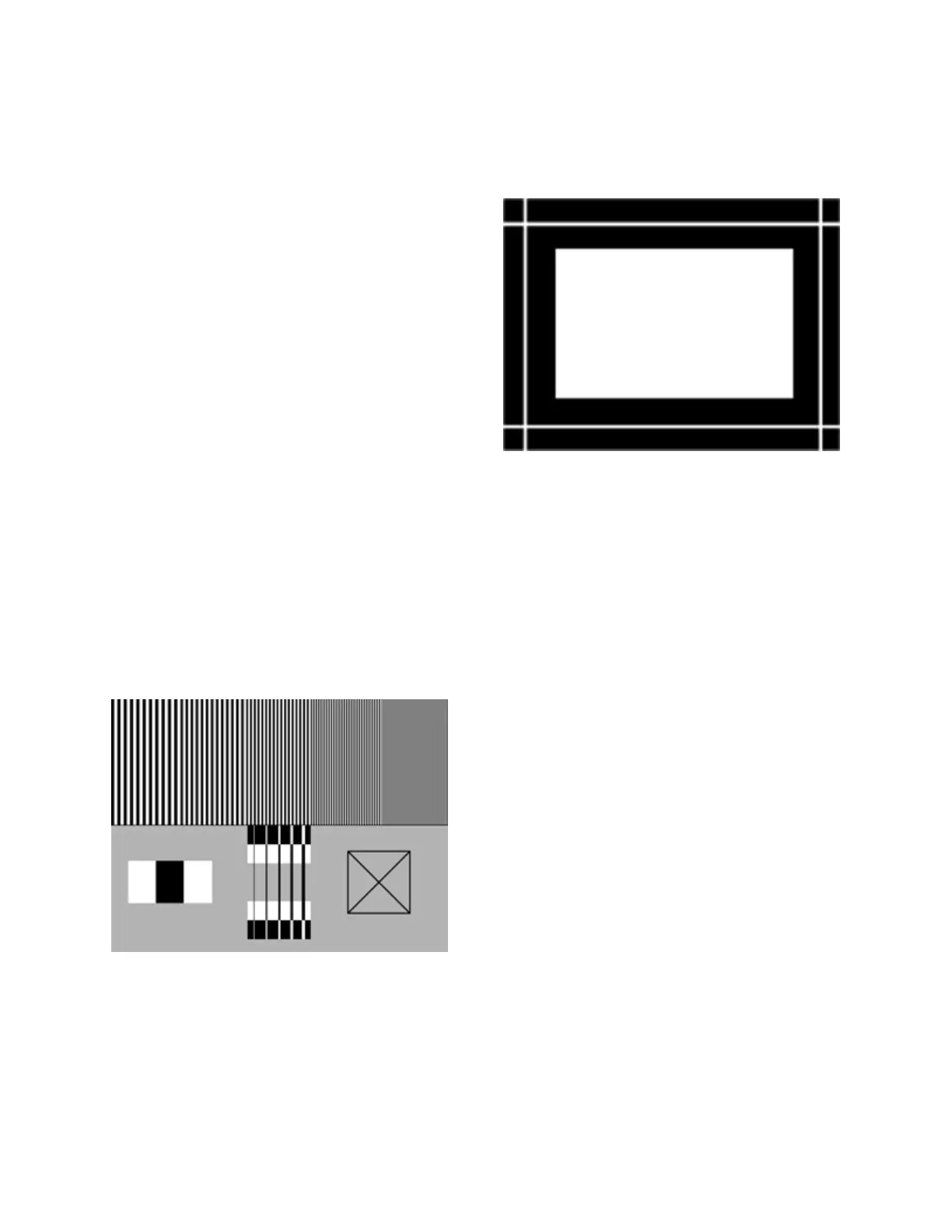
Pattern Description:
A single pixel white border surrounds an interior picture area which alternates between full white
and full black.
Pattern Usage:
The Regulate pattern checks the regulation of
CRT high-voltage and deflection power supply
circuits. The pattern alternately produces
maximum and minimum CRT beam current.
Ideally, these current extremes should not cause
the picture size to change. This can be judged by
placing a thumbnail next to one of the border lines
to see the amount of displacement (avoids optical
effects from the alternating pattern). To a typical
viewer, a one to two pixel shift is not noticeable in
most picture material.
Sharpness
Pattern Description:
The Sharpness pattern consists of a top and bottom section. The top section consists of a
multiburst bar sweep pattern with increasing frequency bars from left to right. The bottom
section includes 3 blocks on the left which alternate from white to black. A box to the right
contains diagonal lines from corner to corner. A bottom center section alternates black and white
boxes with 5 vertical lines of increasing width passing through each box. The lines are white on
the black boxes and black on the white boxes.
Pattern Usage:
Use to align contrast, picture, aperture, and scan-
velocity modulation (SVM) adjustments on
displays. These and other similar controls
artificially enhance picture transitions between
black and white. Ideal alignment settings would
result in the bottom center vertical lines being
straight along the edges, or the same width when
passing through the black and white boxes. SVM
performance commonly widens the black lines
compared to the white. Excessive contrast control
settings can also degrade the picture by causing
white edges to become unclear or bloom into the
black area.
A compromise is required when setting these
controls on most displays. The best enhance-
ment of transitions between black and white is
desired without artificially creating transition
artifact. Set scan velocity so it has little
impact on the width of the black lines
compared to the white lines when viewing the
bottom center section. Set contrast, picture or
other enhancement controls below the point
where leading or trailing edges are observed
on the lines in the bottom section. If the top
multiburst section becomes too dull or unclear
as you decrease resolution, you may have to
increase the control for the best compromise.



 To Next Page