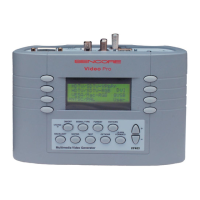
VP400 Series Video Pro Form7343A Operation Manual
31
Applications
A multi-media monitor displays video signals from many different sources. The video signal
may originate from an antenna, cable system set-top-box, satellite receiver, ATSC receiver/
decoder, VCR, DVD player, digital video recorder (DVR), video game or computer. The
Sencore VP403 substitutes for all these signal sources providing a test signal for all testing,
alignment or troubleshooting applications.
The Application section of this manual shows how to use the VP403 to substitute for a variety of
signal interface formats that exist in today’s multi-media video environment.
Display Inputs
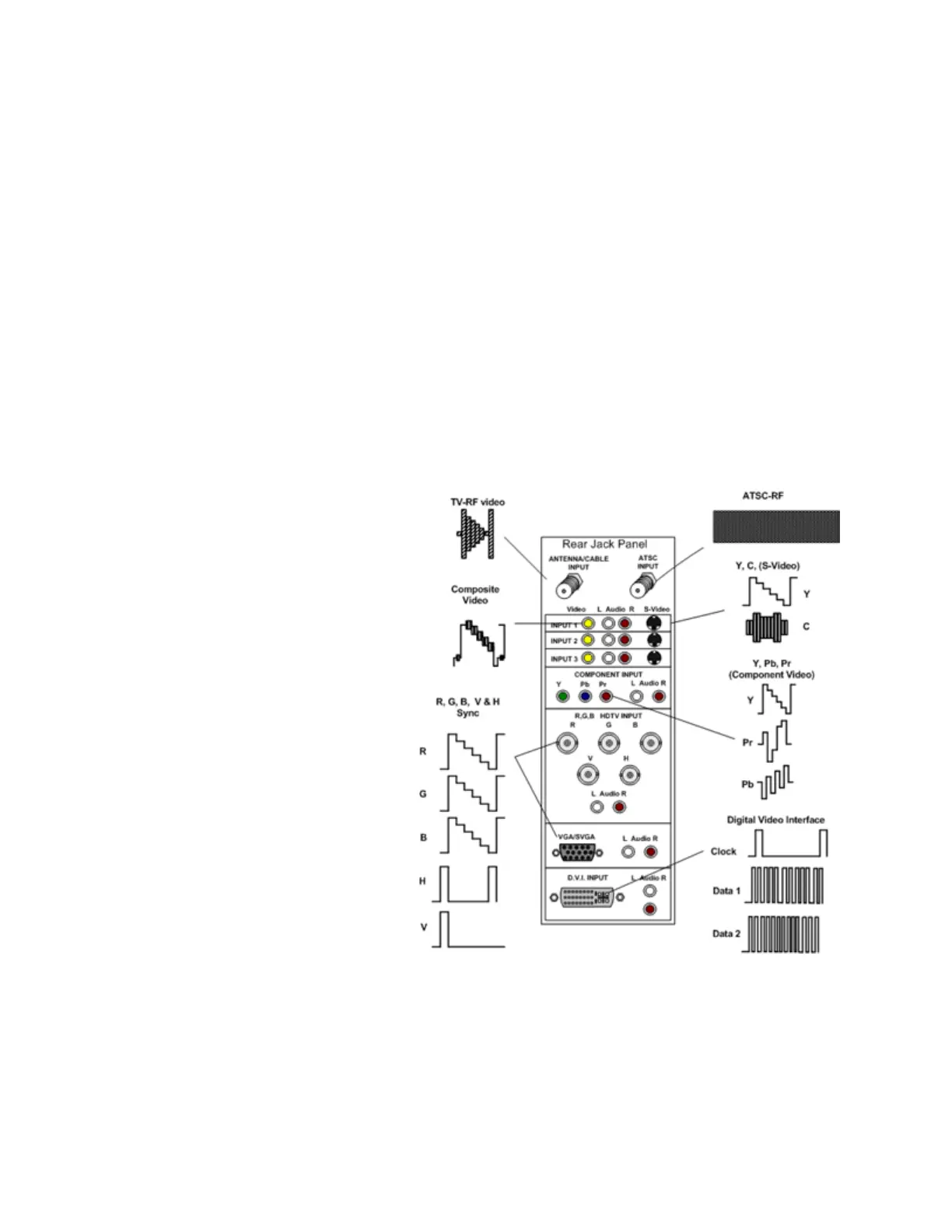
Video signals may be interfaced to a multi-media display using several different video signal
types including:
1) TV-RF Video,
2) Composite Video,
3) Y/C video or S-Video,
4) Component Video (YPbPr),
5) RGB video (RGBHV),
6) Digital Video Interface (DVI),
7) ATSC – RF 8VSB.
A multi-media display contains input
signal jacks to accept these various
signal types and processing circuits to
decode and display the video signal.



 To Next Page