VP400 Series Video Pro Form7343A Operation Manual
47
Color Control
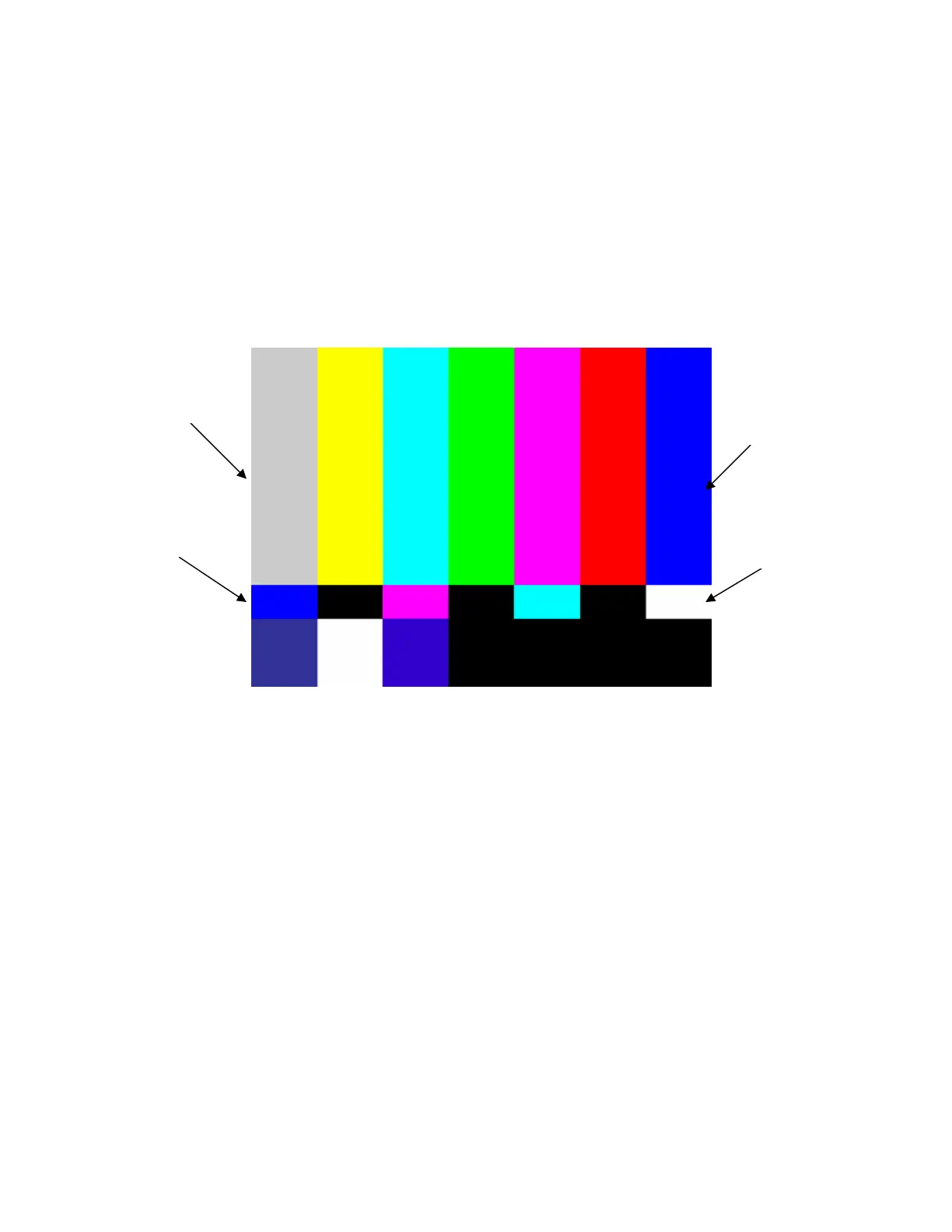
Adjust the color control by comparing the intensity of the large top outside blue and white bars
with the intensity of the small bars below them. Adjust the color control to make these bars
appear the same light level, as viewed through a blue filter. To double-check the color control
adjustment, remove the blue filter and look at the yellow and red bars. These bars should appear
very colorful without any signs of blooming into the adjacent bars.
Large Outside Bar
Small Center Bar
Large Outside Bar
Small Center Bar



 To Next Page