EasyManua.ls Logo

Senix BLVE12-M - User Manual

Senix BLVE12-M
15 pages
Print Icon
To Next Page IconTo Next Page
Loading...
8458-A072012001-001
12 Amp Motor
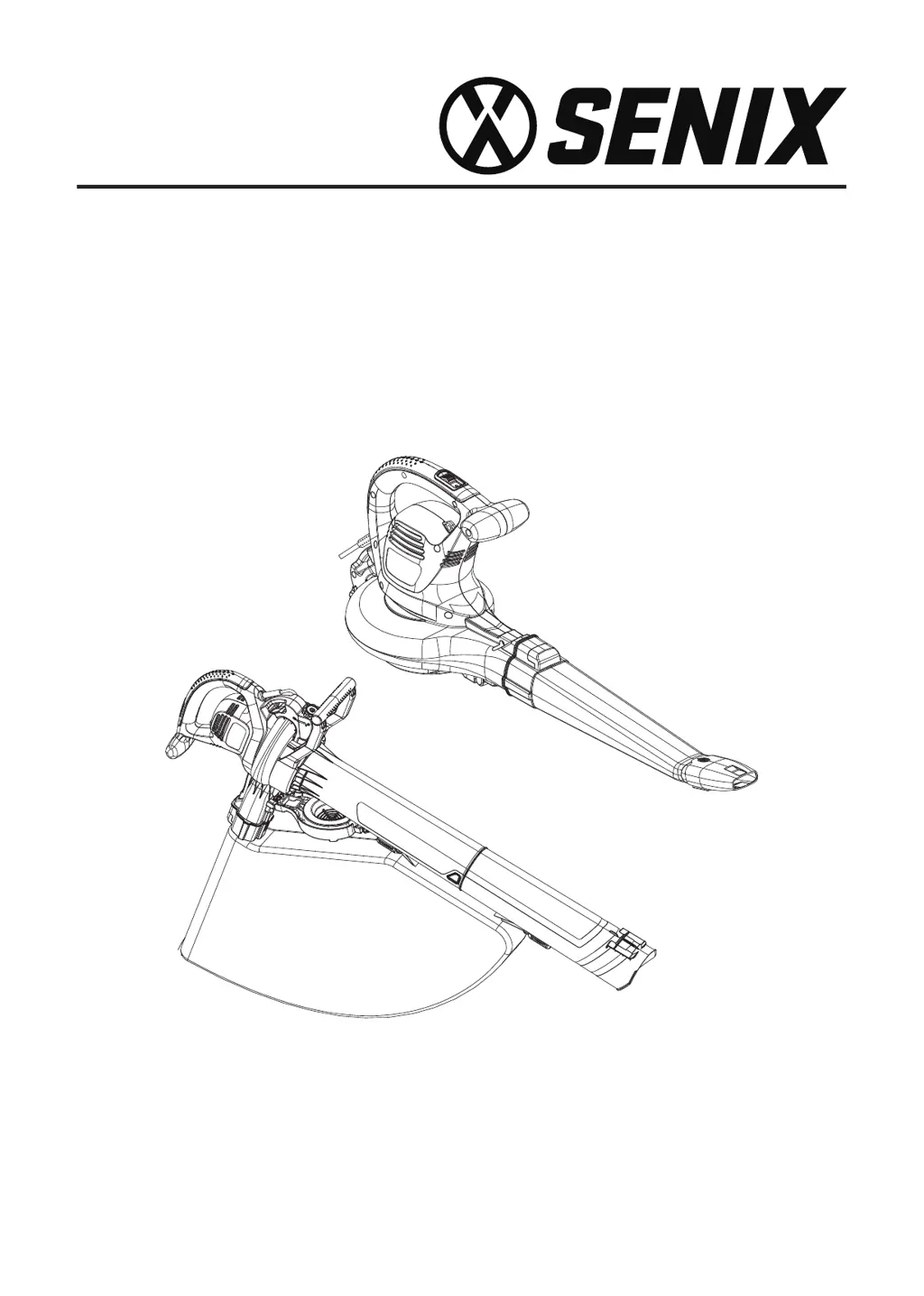
Electric Blower Vacuum
For customer support, please call 1-800-261-3981 or send email to:
Service@senixtools.com
SAVE THIS MANUAL FOR FUTURE REFERENCE.
Operator’s manual
Model : BLVE12-M

Questions and Answers

  • K
    Kristina MatthewsJul 28, 2025
    Why my Senix Blower will not start?
    • R
      Ryan WilliamsJul 29, 2025
      If your Senix Blower won't start, first ensure it's properly plugged into an electrical outlet. Then, check that the power/speed switch isn't in the OFF (0) position; slide it to the ON (1) position. Also, make sure the vac tubes are correctly installed and that the intake gate/cover is fully closed and locked. Finally, check your house circuit breaker panel and reset it if necessary.
  • A
    Andrea WagnerAug 5, 2025
    What to do if my Senix BLVE12-M will not blow or mulch?
    • U
      ulewisAug 5, 2025
      If your Senix Blower isn't blowing or mulching, the bag might be full, so try emptying it. A blocked tube or impeller could also be the cause; clear any blockages. Check if the bag is dirty and clean it, or if it's torn, replace it. Ensure the bag is zipped up and that the unit is plugged into an outlet or extension cord.
  • Q
    qcameronAug 12, 2025
    What to do if my Senix Blower won't start?
    • M
      Michael LuceroAug 12, 2025
      If your Senix Blower isn't starting, here are a few things to check: * Make sure the unit is plugged securely into an electrical outlet. * Verify the power/speed switch isn't in the OFF (0) position; slide it to the ON (1) position. * Ensure the vac tubes are correctly installed, allowing the switch to engage. * Confirm the intake gate/cover is fully closed and locked. * Check your house circuit breaker panel and reset it if necessary.
  • J
    Jeremiah WatsonAug 20, 2025
    Why is my Senix Blower not blowing or mulching?
    • W
      wilsondouglasAug 20, 2025
      If your Senix Blower isn't blowing or mulching, the issue could be due to several reasons: * The bag might be full, so empty it. * There could be a blockage in the tube or impeller; clear any obstructions. * The bag might be dirty, so clean it. * If the bag is torn, replace it. * Ensure the bag is zipped up properly. * Check that the unit is plugged into an outlet or extension cord.

Summary

Safety Symbols

Specifications

General Safety Rules

Work Area Safety

Maintain a clean, well-lit work area and avoid explosive atmospheres.

Electrical Safety

Ensure proper grounding, avoid wet conditions, and do not abuse the cord.

Personal Safety

Stay alert, use protective equipment, and maintain proper footing.

Power Tool Use and Care

Use the correct tool, maintain it, and store it safely.

Service

Have the tool serviced by qualified personnel using identical parts.

Specific Safety Rules

Vibration and Noise Reduction

Emergency

Residual Risks

Electrical Safety

Extension Cords

Component Location

Assembly

Assemble as a Blower

Steps to connect the blower tube and nozzle for blower function.

Assemble as a Vacuum;Mulcher

Steps to connect vacuum tubes and bag for vacuum/mulcher function.

Operation

Connecting to a Power Source

Instructions for securing and plugging in the extension cord.

Starting and Stopping

Procedures for turning the unit on and off.

Air Vents

Blower Mode

Vacuum;Mulcher Mode

Clearing a Blocked Tube;Impeller

Maintenance

Cleaning

Instructions for cleaning the unit and its components.

Storage

Guidelines for safely storing the blower/vacuum/mulcher.

Parts

Troubleshooting

Warranty

Limited Two-Year Warranty

Details of the product's two-year limited warranty.

Additional Limitations

Further constraints and legal disclaimers related to the warranty.

Senix BLVE12-M Specifications

General IconGeneral
BrandSenix
ModelBLVE12-M
CategoryBlower
LanguageEnglish

Related product manuals