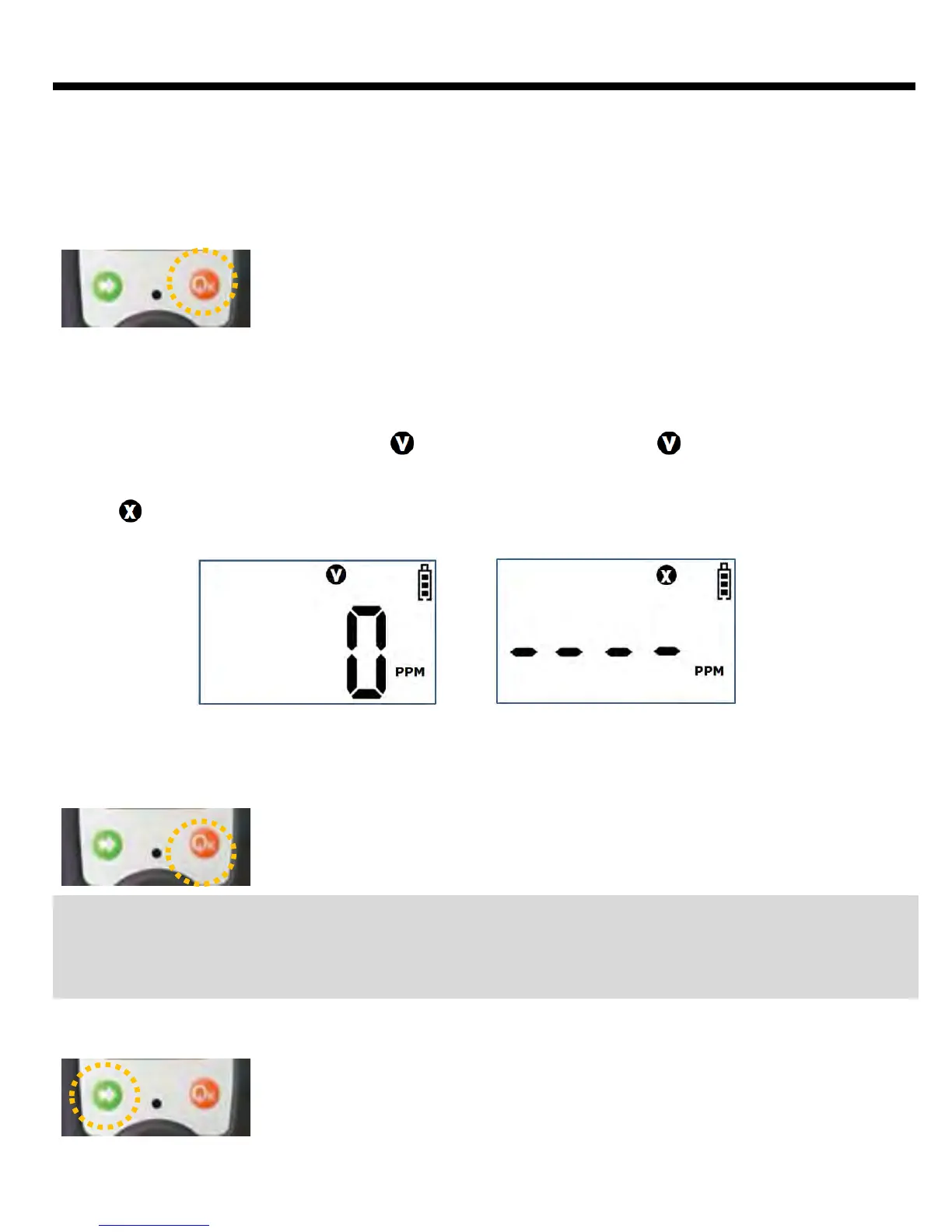
Press Power key for 3 seconds, and power is turned on displaying 3, 2,
and 1 in order on the monitor. (Power won’t turned on, if pressing the
Power key is stopped before 3 seconds)
Afterwards during the instrument is being stabilized, the countdown of 10. 9, 8,…………..2, 1
appears on the screen, and the program is converted to Gas Detection Mode with alarm sound
and vibration
Instrument Power-On
When the instrument is stabilized after the display of the above set values, it converts to Gas
Detection Mode displaying the mark . At normal status, the mark disappears after blinking
5 times, and the concentration of the gas detected of the moment is indicated. In the event that
stabilization of the instrument fails, it would not convert to Gas Detection Mode, blinking the
mark with the alarm sound. In this case, calibration of the sensor or aftercare of the
instrument is required.
Press Power key for 5 seconds, and power is turned off displaying 5, 4, 3,
2 and 1 in order on the monitor with and the alarm sound.
Instrument Power-Off
Caution: Appropriate calibration of the instrument is always required prior to the operation at
work sites. Make sure if the instrument makes the proper detection response to the pertinent
gas and if the region of the gas detection is not blocked with foreign materials that interfere
with the gas detection.
LCD Back Light
At the state of Gas Detection Mode indicating the concentration of
gases simultaneously, LED Backlight is turned on by the short press on
Arrow key, that enables the operator to view the measured value even
at dark atmosphere. It is turned off by pressing again once more.
Backlight will be automatically turned off after 30 seconds unless the
button works.
Pass Fail
Start of Operation
5



 To Next Page