Using the headphones
ACCENTUM | 19
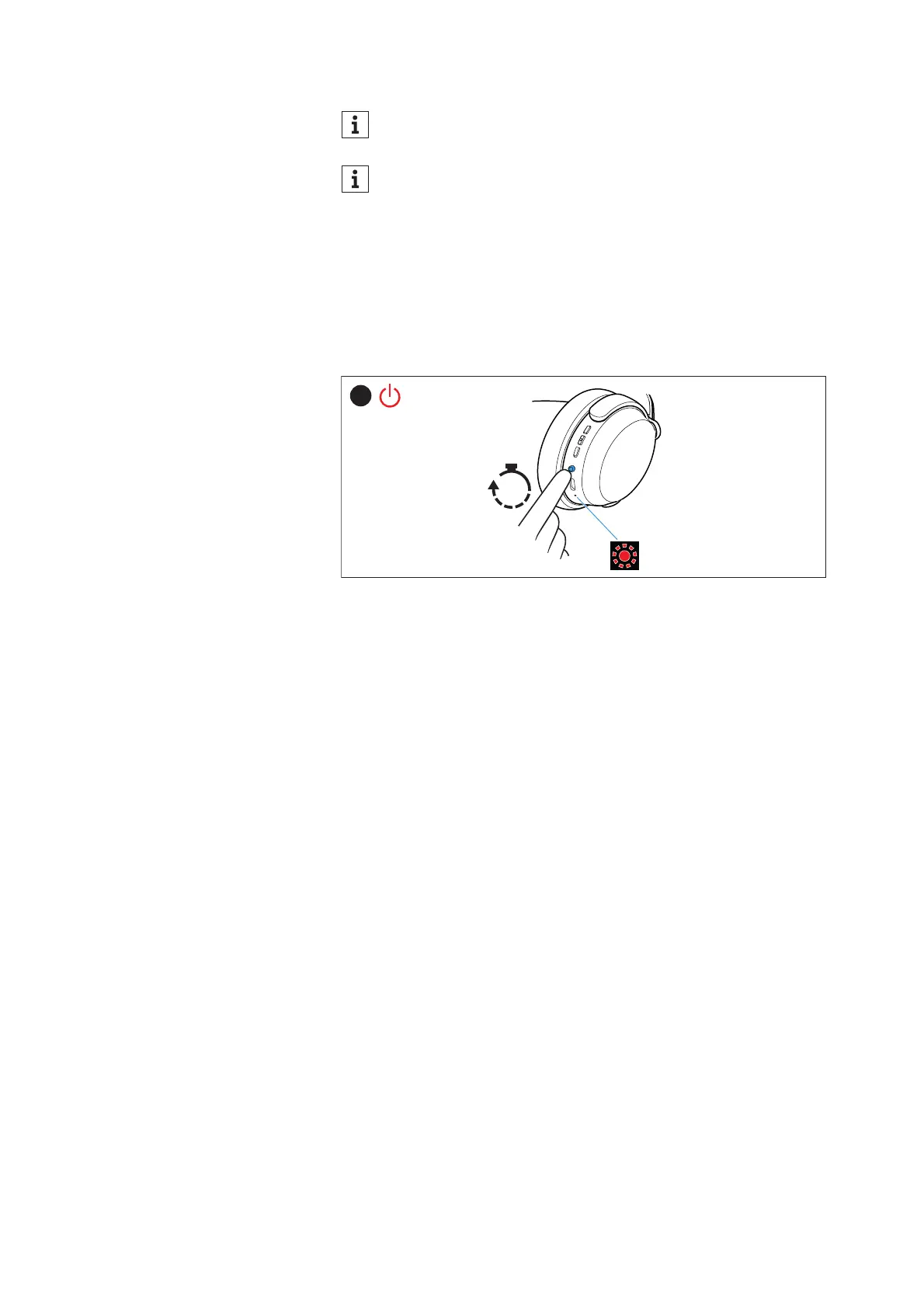
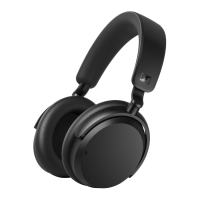
Switching the headphones off
▷ Press the main button for 3 seconds.
You hear a sound signal. The LED flashes red 3x. The headphones
switch off.
Make sure that Bluetooth is already activated on your Blue-
tooth device when switching on the headphones.
If Bluetooth is activated and the headphones cannot find a
paired Bluetooth device within a few minutes, you hear the
voice prompt “No connection”. The LED flashes red 3x. The
headphones switch to standby mode.









 To Next Page