Using the headphones
26 | ACCENTUM
Listening to music using the headphones
You can listen to music when the headphones and your audio source
are connected via Bluetooth (>
14) or via USB (> 32).
Controlling music playback
The following music functions are only available when the head-
phones and the device are connected via Bluetooth or USB. Some
smartphones or music players may not support all functions.
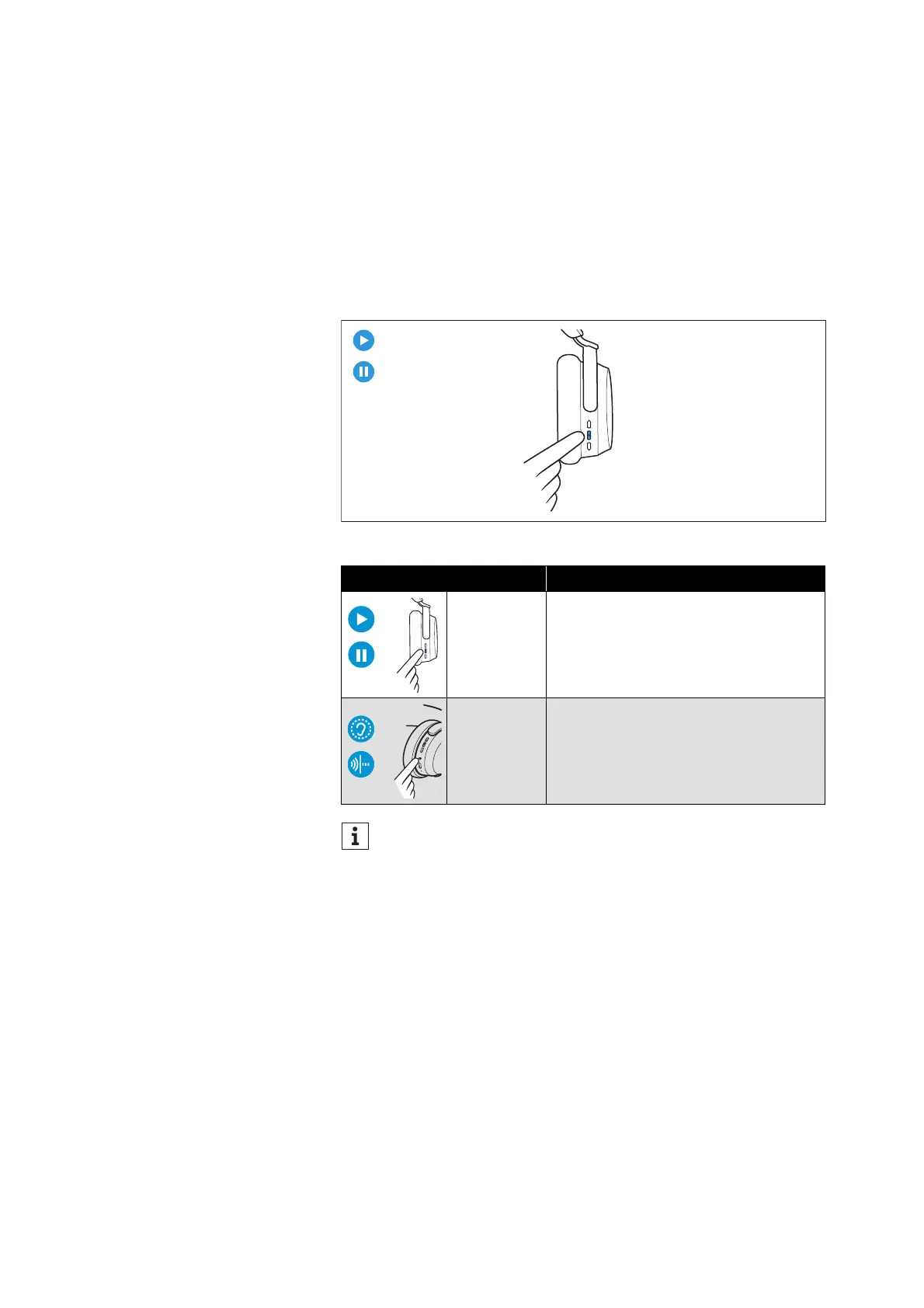
▷ Use the music and call control button and the main button:
Button Function
Press 1x Plays or pauses music
Press 2x
Pauses music and switches to idle
mode
If music playback does not start:
• Check if the playback pause is activated in the Transpar-
ency Mode (> 25) and deactivate the function if necessary.
• Start the music playback app on your Bluetooth device.








 To Next Page