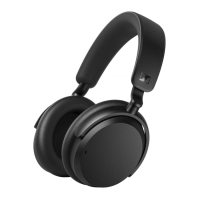
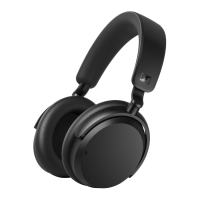
Product overview
8 | ACCENTUM
Overview of the controls
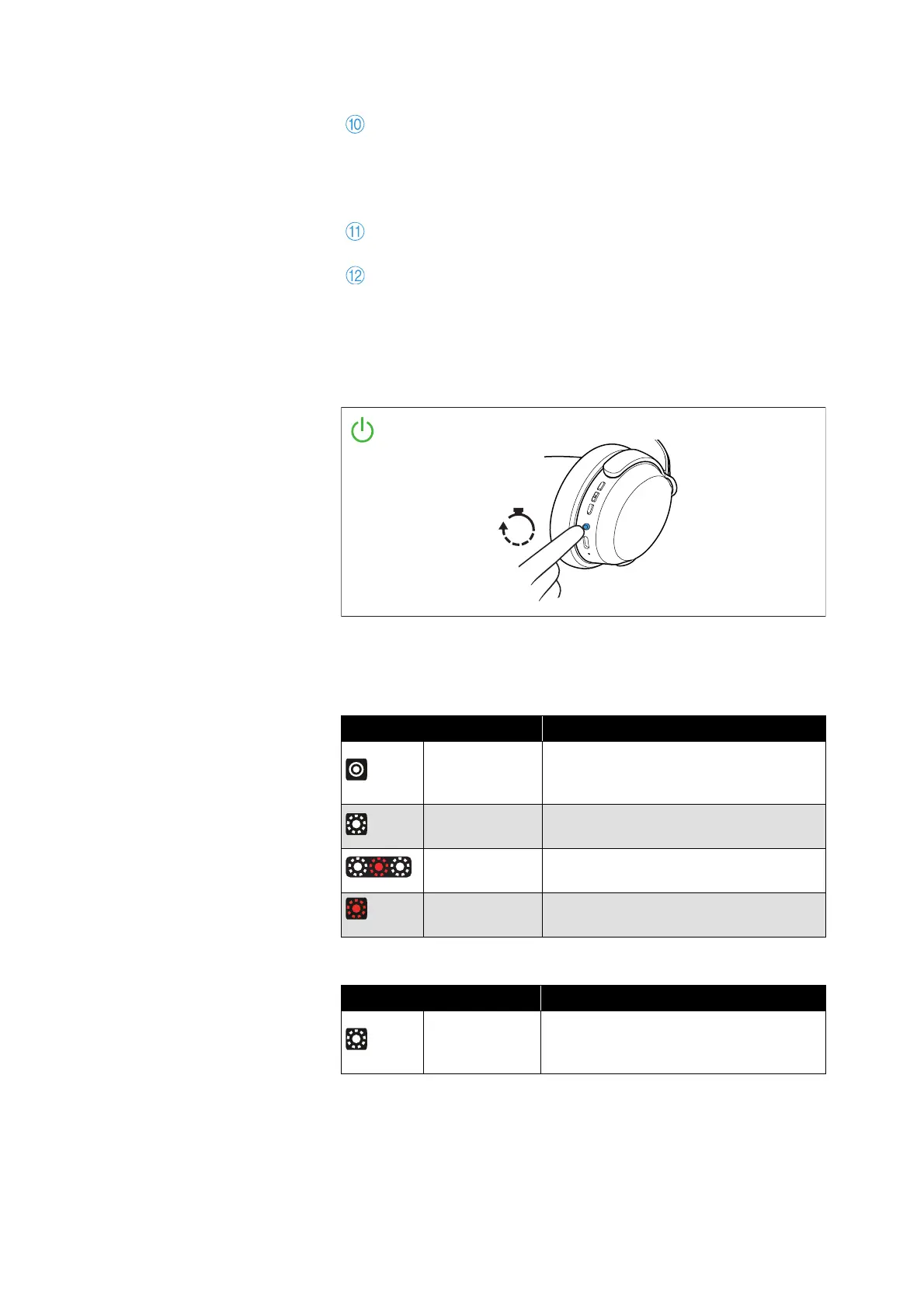
Switch-on of the headphones
• Press the main button for 3 seconds
Overview of the LED display
During operation
During phone calls
Main button
• On/off button
• Voice assistant button
• Pairing button: pressing for 5 seconds activates the
Bluetooth pairing mode
Marking for the right ear (R) and for the left ear (L)
(inside the ear cups)
Microphones for the active noise cancellation ANC;
2x directed outward, 2x directed inward (not visible)
LED Meaning/headphones...
white
lights up for
5
seconds
... switch on
white
flashes 3x
... are connected to a device via Blue-
tooth
white-red
flashes
... are in Bluetooth pairing mode
red
flashes 3x
... switch off
LED Meaning
white
flashes 10x
repeatedly
Incoming call
3x
10x








 To Next Page