34 | All-Day Clear All-Day Clear | 35
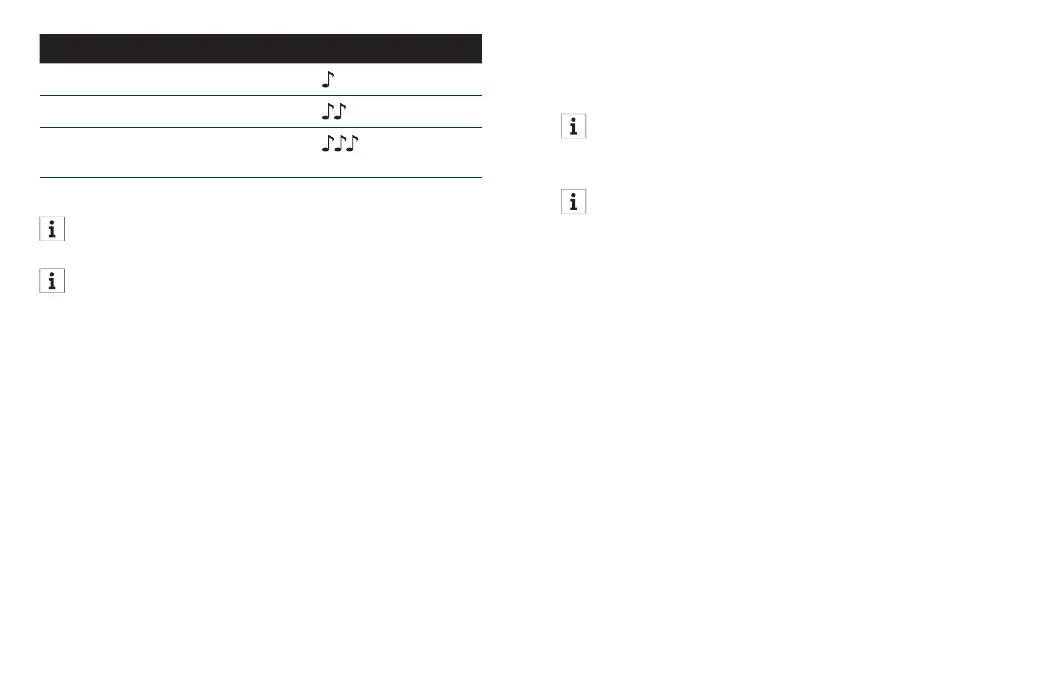
Sound mode setting Beeps
Automatic (Default) 1 beep
Live Music 2 beeps
TV Connector
(available, if connected)
3 beeps
You can also change sound modes using the
All-Day Clear App sound control.
If connected to a TV Connector, you must
select the TV Connector sound mode to hear
the audio through your hearing aids.
Accepting incoming calls
Quickly press the upper or lower part of the push
button (> 2 seconds) on either hearing aid to
answer the incoming call.
Rejecting incoming calls
Press the upper or lower part of the push button
on either hearing aid (< 2 seconds) to reject the
phone call.
Ending a call
Press the upper or lower part of the push button
on either hearing aid (< 2 seconds) to end the call.
You can also manage phone calls as you
normally would with your smartphone. You will
hear the audio through your hearing aids.
If you experience feedback (or whistling) while
using a landline phone, slightly tilt the phone
away from your ear.














 To Next Page