103
Using the “Conference Manager” software
왘 Click the button.
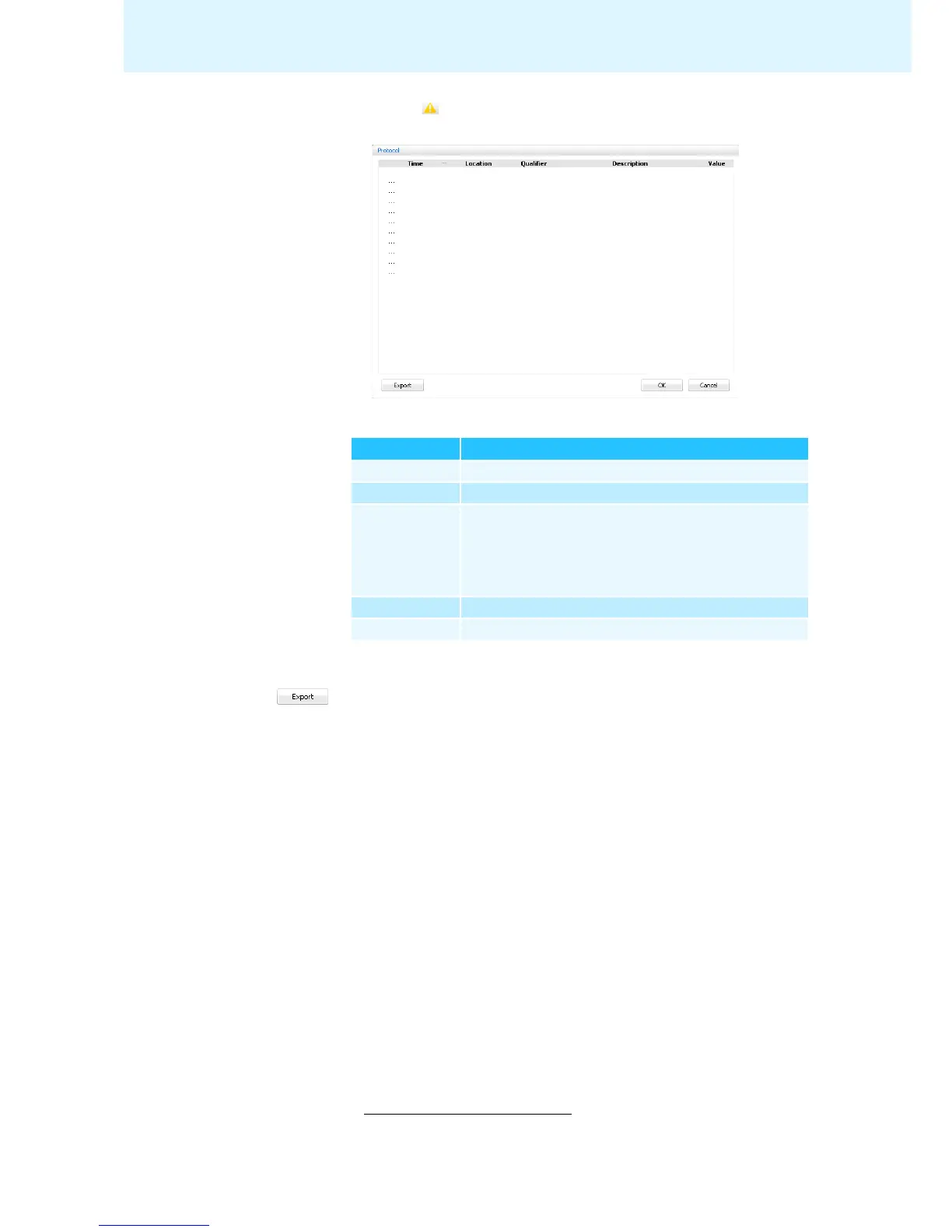
The “Protocol” window appears.
Changes and warnings are listed in chronological order:
Exporting the log
*
왘 Click the “Export” button.
The “Save as ...” window appears.
왘 Enter a file name.
왘 Save the file to the desired location.
왘 Click “OK”.
The log is exported as a text file (“*.txt”).
Column Meaning/Function
“Time” Time
“Location” Location of error (central unit, conference unit)
“Qualifier” Message qualifier:
•“Info”
•“Warning“
•“Error”
•“Critical Error
”
“Description” Error description
“Value” Optional additional value (e.g. error code)
* only if you are using the Windows version of the software



 To Next Page