Configuring the conference system via the central unit
42
Adjusting further settings – “Settings”
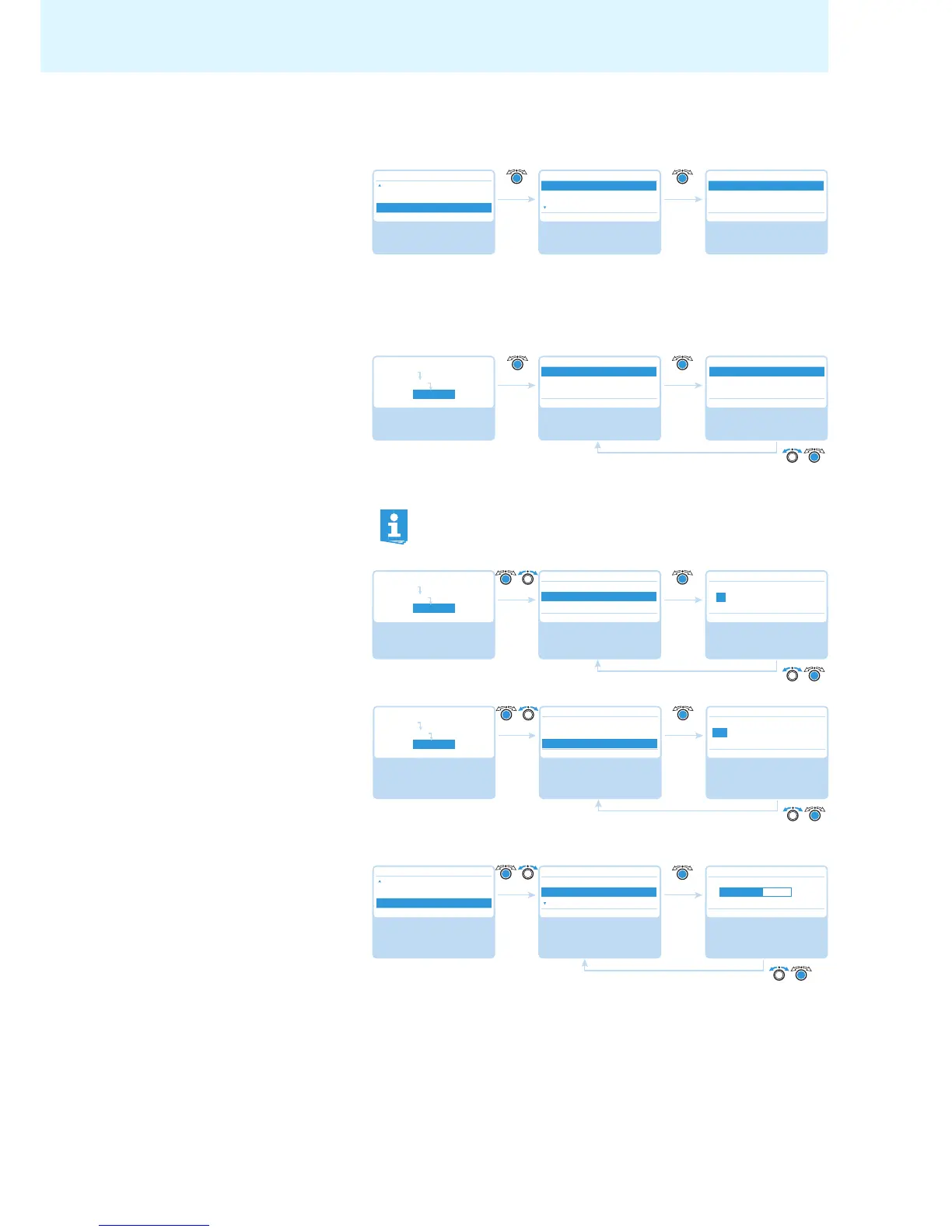
Adjusting network settings – “Network” submenu
The “Network” submenu allows you to set the IP address allocation mode, the IP
address and the subnet mask.
For detailed information on network settings, refer to the chapter “Preparing the
Windows version of the software for use” on page 50.
Setting the IP address allocation
mod
e
– “IP Address Mode”
Possible settings: “Static IP” and “Dynamic IP”
Setting a static IP address –
“IP Address”
Setting a static subnet mask –
“Subnet Mask”
Adjusting the contrast of the display panel – “Contrast”
You can adjust the contrast of the display panel in 15 steps.
By selecting “Static IP”, you gain access to the “IP Address” and “Subnet
Mask” submenus (see the following sections).



 To Next Page