Configuring the conference system via the central unit
24
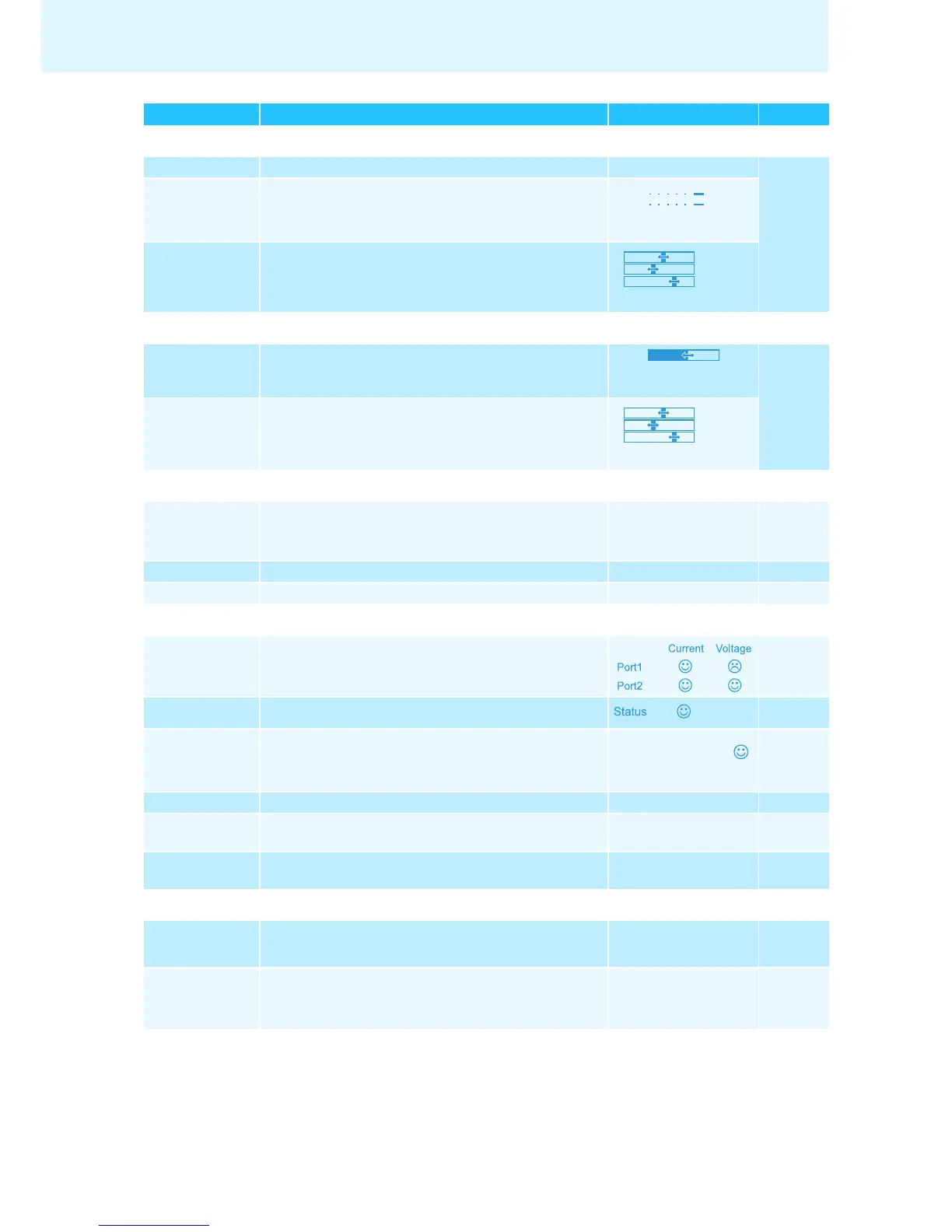
“XLR In” menu
“XLR In Status” Activates/deactivates the IN audio input “On“/“Off” 31
“XLR In
Sensitivity”
Adjusts the sensitivity of the XLR input
“−18.0 dBu” ...
“+18.0 dBu”
“XLR In Equalizer” Adjusts the tone color of the XLR input
“−12 dB” ... “+12 dB”
“Floor/Loudspeakers” menu
“Floor/
Loudspeakers
Volume”
Adjusts the floor channel volume (“Floor/Loudspeakers”)
“00” ... “32”
32
“Floor/
Loudspeakers
Equalizer”
Adjusts the tone color of the floor channel
“−12 dB” ... “+12 dB”
“System” menu
“Ports” Displays the type and number of the conference units
connected to Port I and Port II
37
“Diagnostics” Calls up the “Diagnostics” submenu – 38
“Versions” Calls up the “Versions” submenu – 41
“Diagnostics” menu
“System Load” Provides information on the current and voltage supply 38
“Temperature” Provides information on the temperature status 39
“Bus Statistics” Provides information on the status of data transmission/
errors
39
“Start Self-Test” Performs a self-test on the conference system “On“/“Off” 40
“Reset Break
Indication”
Resets the error counter (“Break Count”) in the
“Bus Statistic” menu item
“Yes“/“No” 40
“Reset Error
Indication”
Resets the display for data bus errors (“Error Indication”) in
the “Bus Statistic” menu item
“Yes“/“No” 40
“Versions” menu
“Hardware Version
Info”
Displays the hardware version 41
“Software Version
Info”
Displays the software version 41
Display Function of the menu item Option/display Page
+02 dB
–03 dB
+05 dB
+02 dB
–03 dB
+05 dB



 To Next Page