Configuring the conference system via the central unit
38
System analysis – “Diagnostics” submenu
The “Diagnostics” menu item provides information on the status of the current and
voltage supply, on the status of data transmission and on interruptions due to
faulty cables or cable connections.
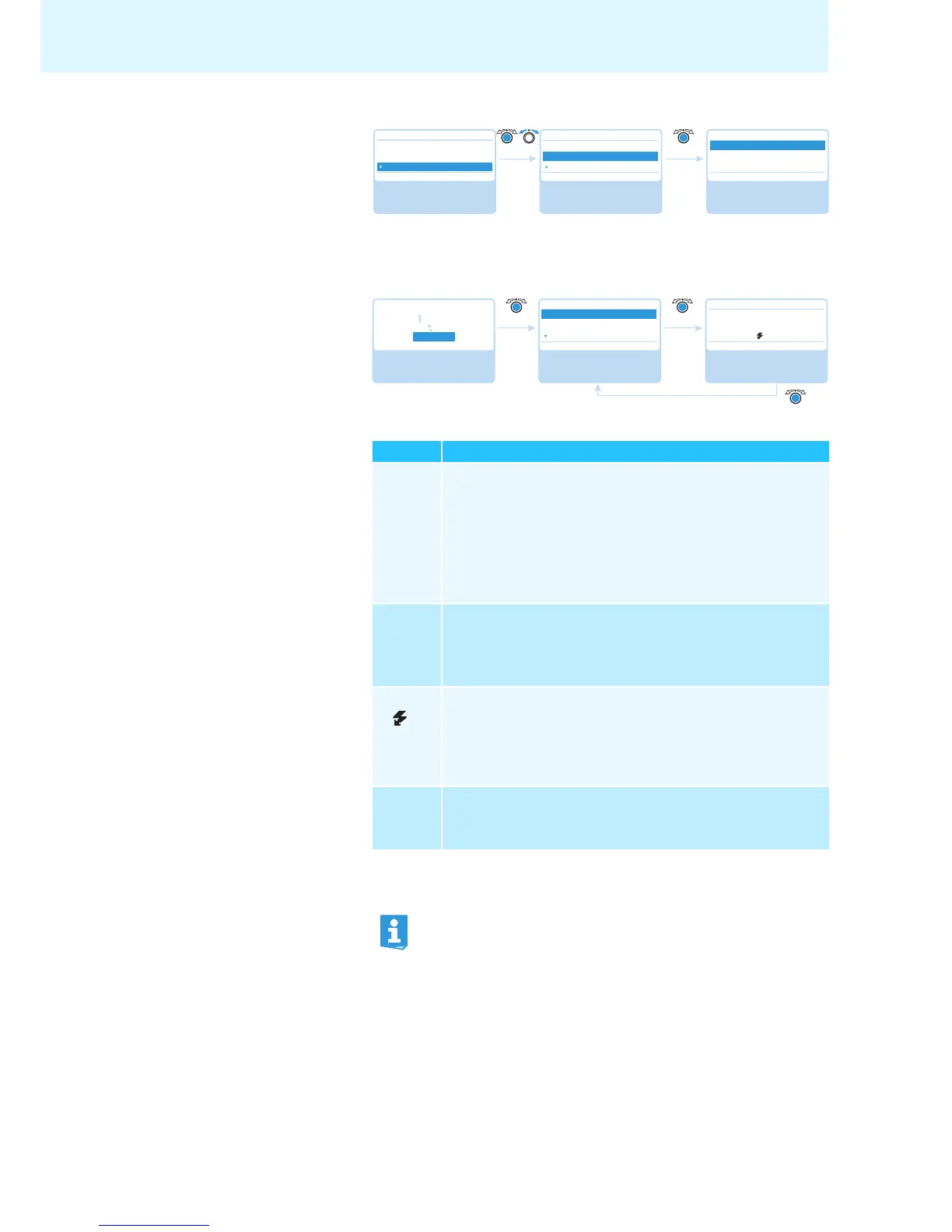
Displaying status information on the
current and
voltage supply –
“System Load”
Both ports can be subjected to undervol
tages, overcurrents and short-circuits:
If an error icon appears (see page 34), check your conference system for the errors
mentioned above.
Possible steps for error elimination:
• Eliminate the errors separately for each port.
• Calculate the maximum length of the cable string (see page 13) and, if neces-
sary, reduce the cable length.
• Reduce the number of conference units to 15-20
max. per cable string.
Display Meaning and causes
Current
An overcurrent in the central unit can be caused by
• metal parts (e.g. paper clips) that bridge the contacts of the plug
connections
• faulty conference units
• faulty system cables
• too long system cables
• too many conference units connected to one port
Voltage
An undervoltage can be caused by
• faulty conference units
• too long system cables
• too many conference units connected to one port
Current A short-circuit in the central unit can be caused by e.g.
• metal parts (e.g. paper clips) that bridge the contacts of the plug
connections
• faulty system cables
• wrong cables (e.g. crossover cables)
Voltage
--
The port is deactivated due to e.g.
• no conference units connected
• a short-circuit
If an error is detected at startup of the central unit, first eliminate the
error and then perform a manual self-test (see page 40) in order to check
if the error still occurs.
If an error has only occured during operation and has already been elim-
inated, this is automatically detected by the central unit.



 To Next Page