47
Running a conference
Granting speaking privileges
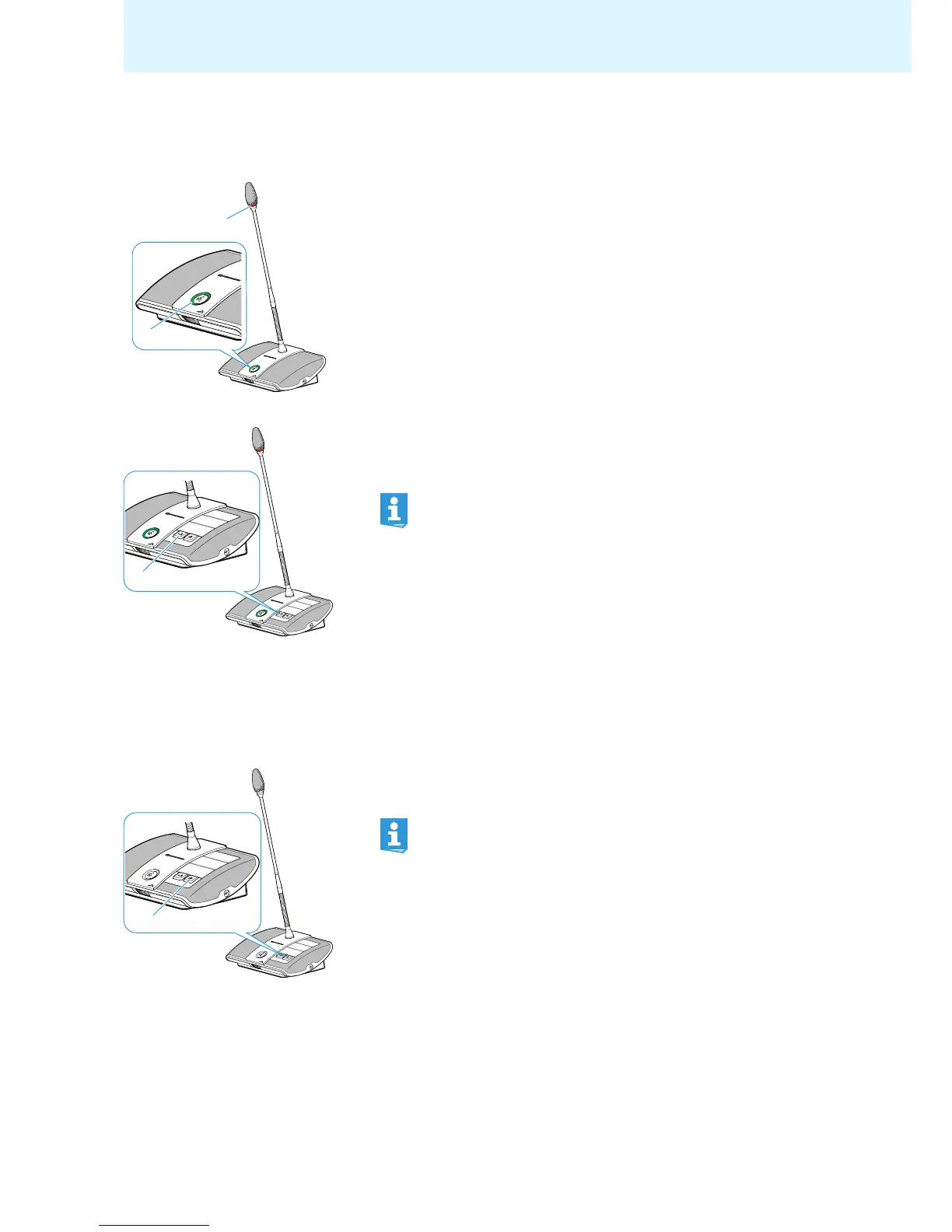
If – in “Request” mode – a participant presses the mic
rophone key on his or her
delegate unit, he or she makes a request to speak. All participants who have made
a request to speak will join a request-to-speak list.
Depending on the setting adjusted in the operating menu (see page 30):
• the microphone LED flashes green and the signal light ring flashes red or
• only the microphone LED flashes green.
To grant speaking privileges to the next participant from the request-to-speak list:
왘 Press the NEXT key .
The next participant from the request-to-speak list is granted speaking privi-
leges.
Ending a conference or withdrawing speaking privileges (cancel function)
Depending on the setting adjusted in the operating menu (see page 30):
• All LEDs go off and the delegate units ar
e deactivated. A request-to-speak list,
if available, is cleared.
• All currently active delegate units are deactivat
ed. All requests to speak are
retained.
왘 Briefly press the priority key .
The conference system behaves as set.
If you are using the “Conference Manager” software, you can also
grant speaking privileges with a mouse click (see page 99).
If you are using the “Conference Manager” software, you can also
deactivate all delegate units with a mouse click (see page 95).



 To Next Page