51
Using the “Conference Manager” software
Installing the “Conference Manager” software
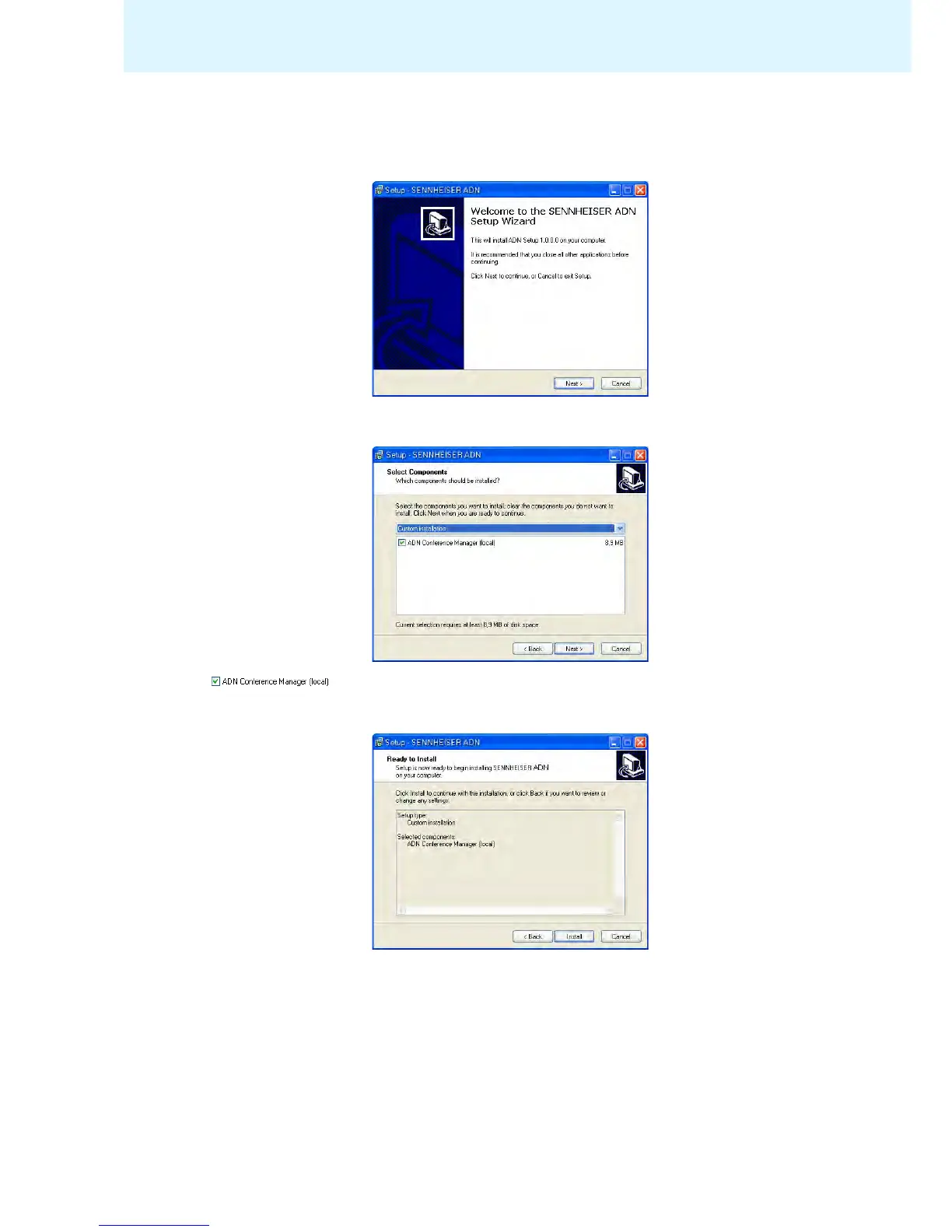
왘 Start the “ADNSetup.exe” file in the “Conference Manager” folder on the
enclosed CD ROM.
A c
onfirmation prompt appears:
왘 Click the “Next” button.
A selection window appears:
왘 Make sure that the “ADN Conference Manager (local)” check box is ticked.
왘 Click the “Next” button.
A summary of the installation settings is displayed:
왘 Confirm this summary by clicking the “Install” button.
The installation starts.
왘 Follow the instructions of the Installation Wizard.



 To Next Page